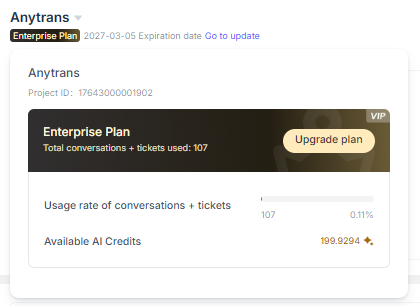
Create a Project
Create an EngageLab Account
Go to the EngageLab sign-up page, enter your email address and password, and then click "Create Account".
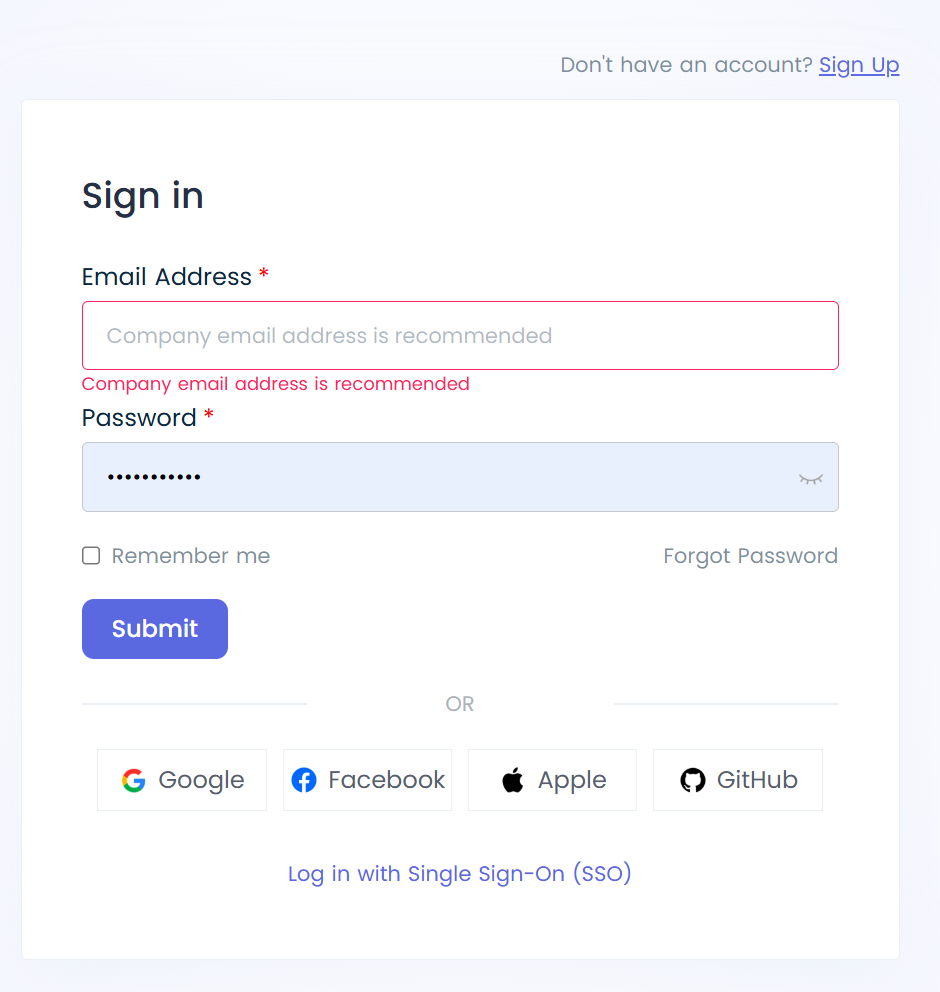
After entering the email verification code, fill in the organization name and website name, and select the organization's time zone.
Note: Once the time zone is selected, it cannot be changed.
Create a Project
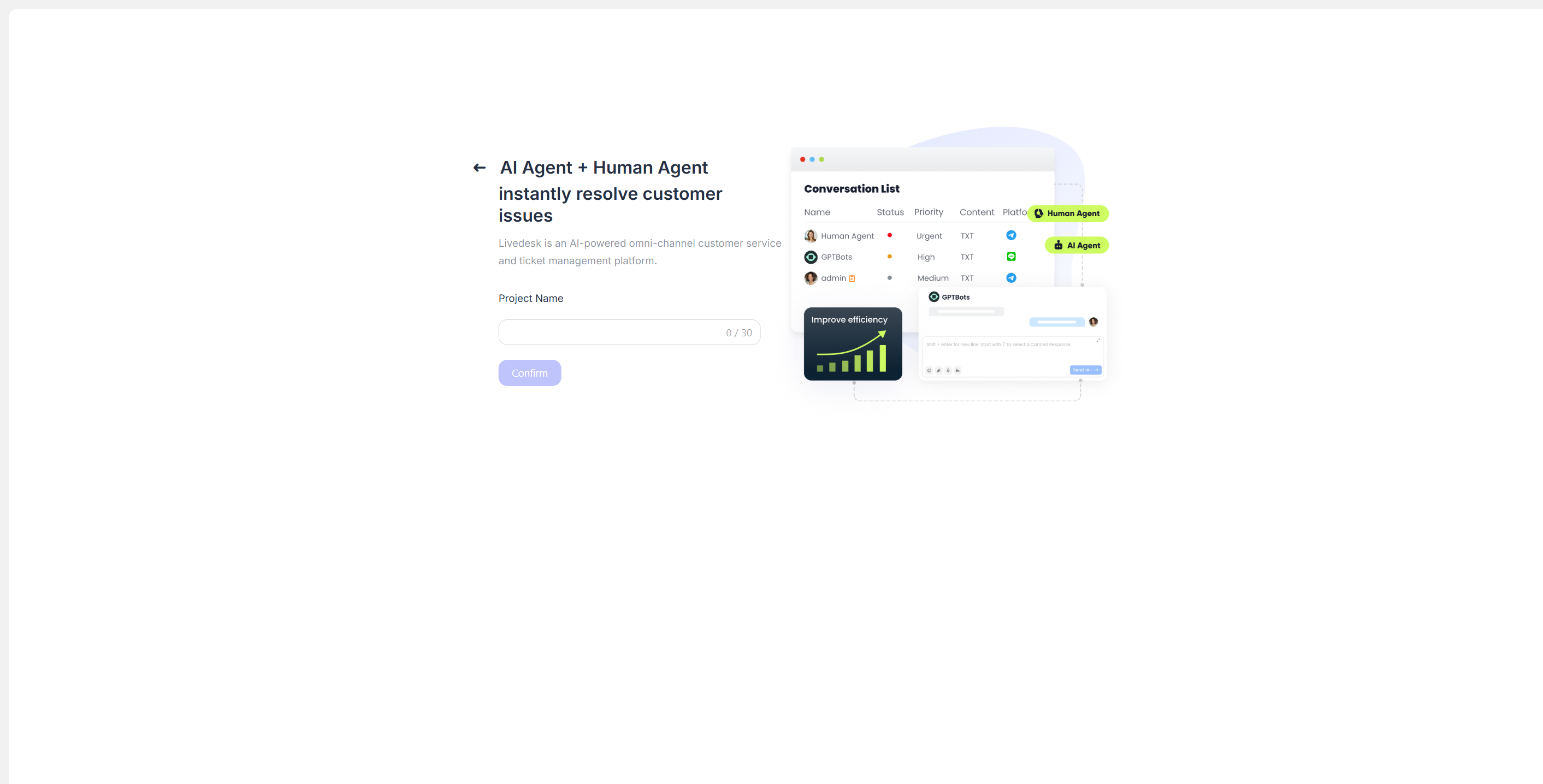
After logging in to the Service Center, select LiveDesk. Once you enter, you will need to create a project by simply entering the project name.
After creating the project, you will be taken to the LiveDesk console overview page. Newly activated projects receive a 30-day free plan benefit. During this period, you can try various LiveDesk features, with a quota of 1,000 conversations, and you will also receive 100 AI credits.