


Activate Service
First time creating an EngageLab account?
If you are using EngageLab for the first time, you need to complete registration and create an organization before officially using the Silent Auth product.
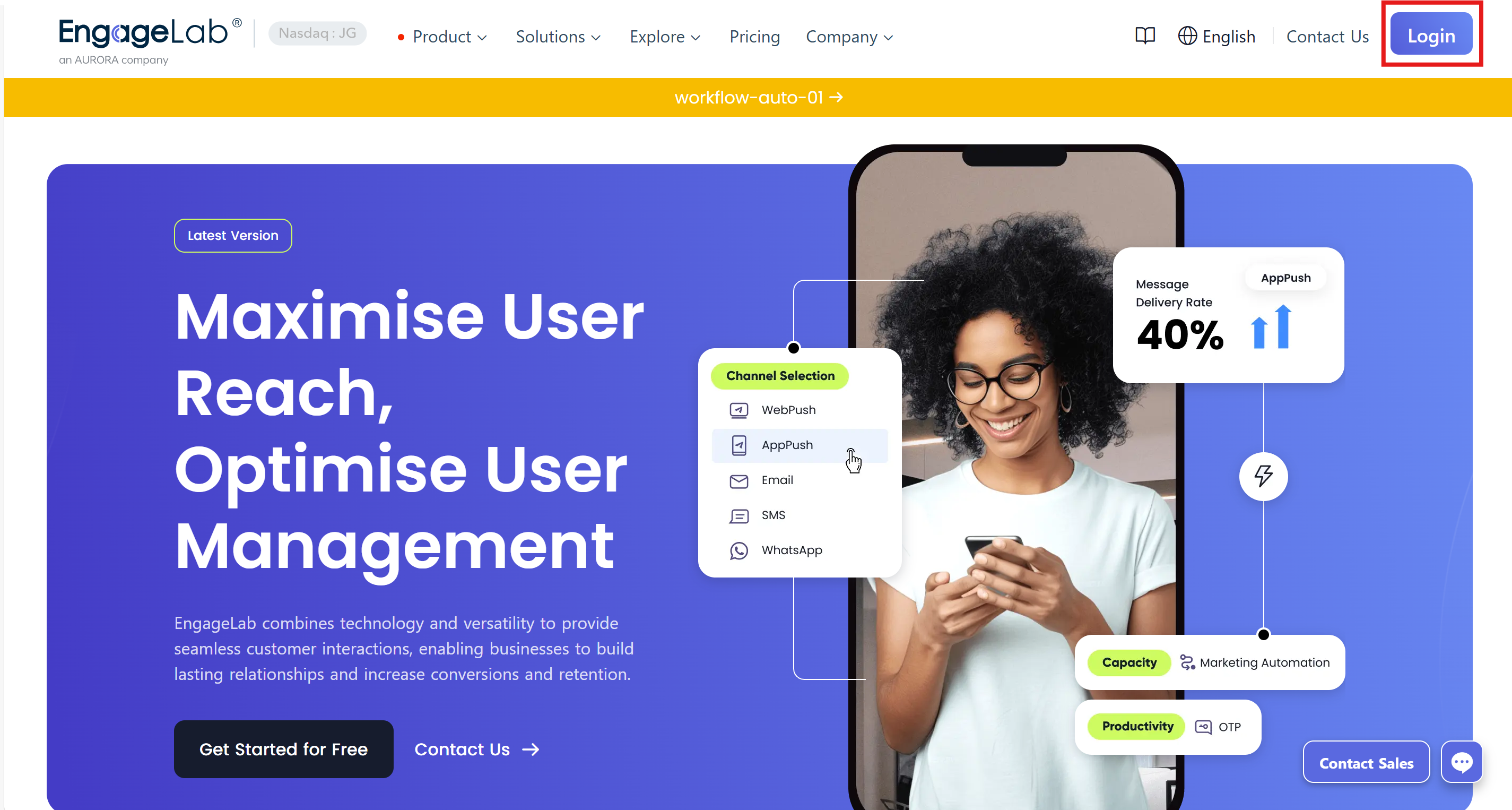
Visit the EngageLab homepage, and click the "Login" button in the top right corner.
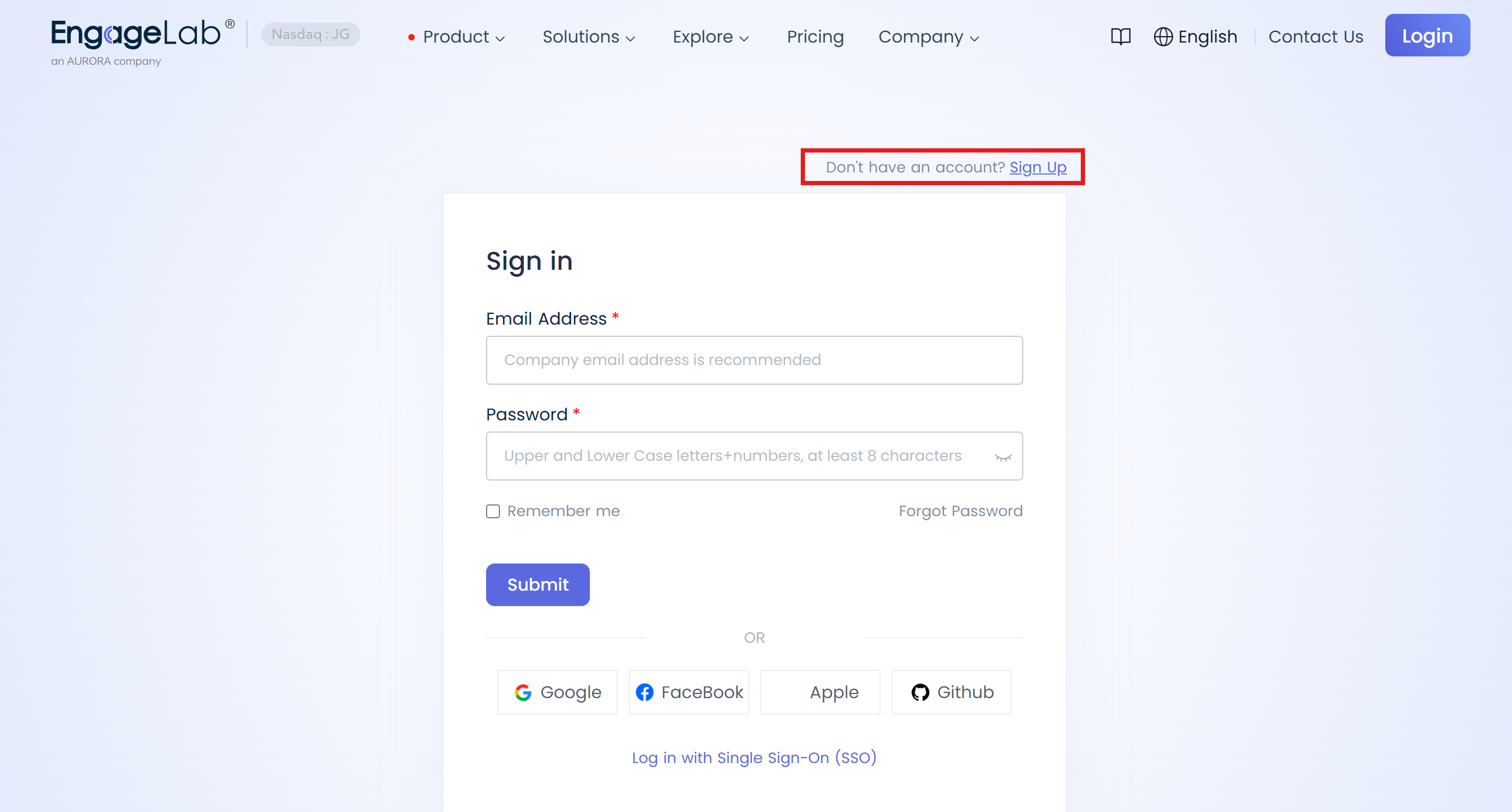
On the login page, select "Go to Register" to enter the registration process. For detailed registration steps, please refer to: Signup and Login Guide.
After completing the registration, the system will guide you to create your first organization. Please fill in the organization name, website information, and select a time zone.
What is the purpose of an organization? Please refer to Organization Management.
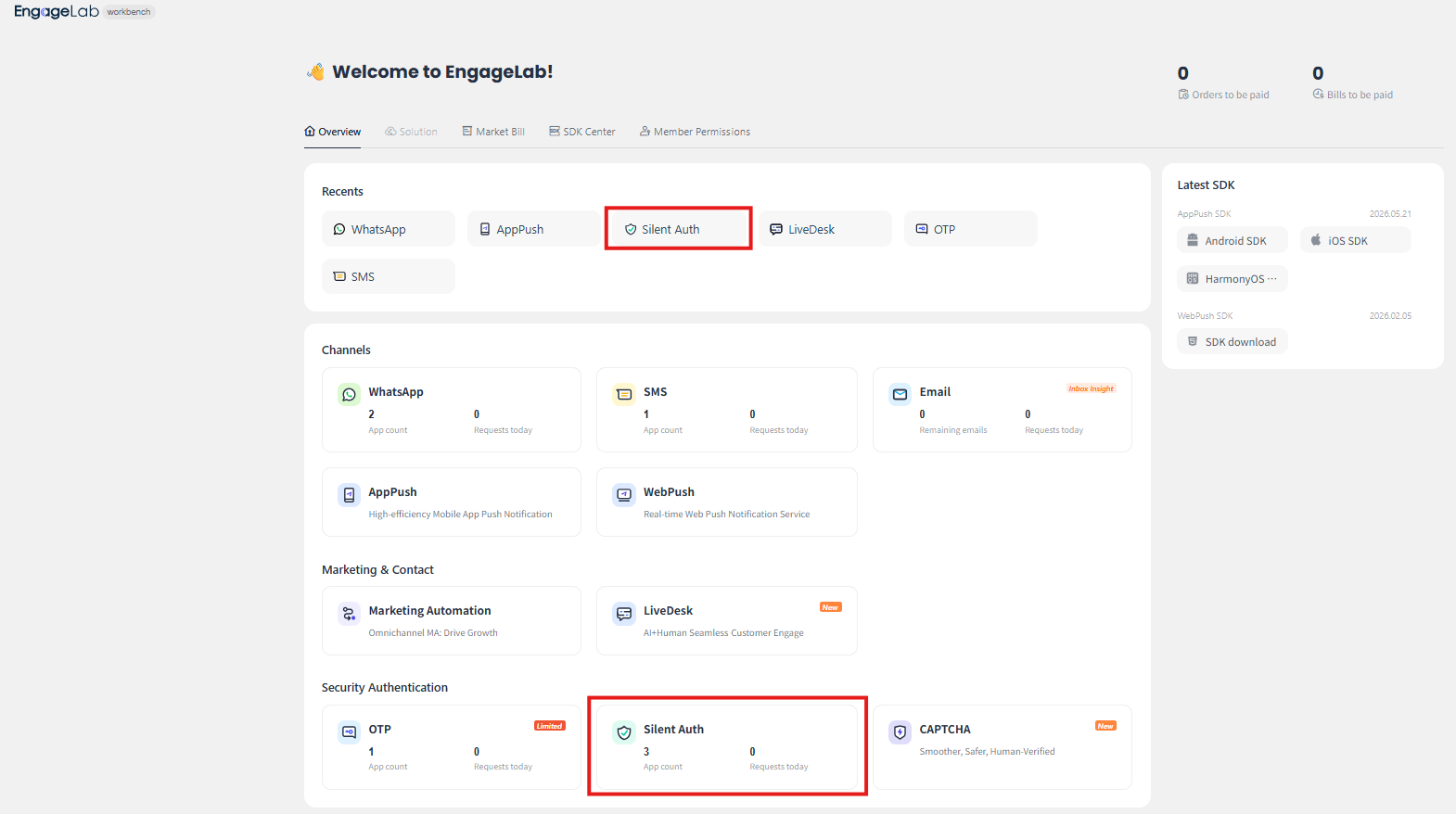
Once the organization is successfully created, the console homepage will be displayed. Find Silent Auth under the Security Authentication section and click it to start using the service.
Already have an EngageLab account?
If you already have an EngageLab account, you can access the Silent Auth service directly from the console homepage:
Log in to the EngageLab console.
On the homepage, locate the Security Authentication section and click the Silent Auth card.
- On first use, fill in the application name to create an application. The application name must be unique, and it is recommended to use your business name or project name.
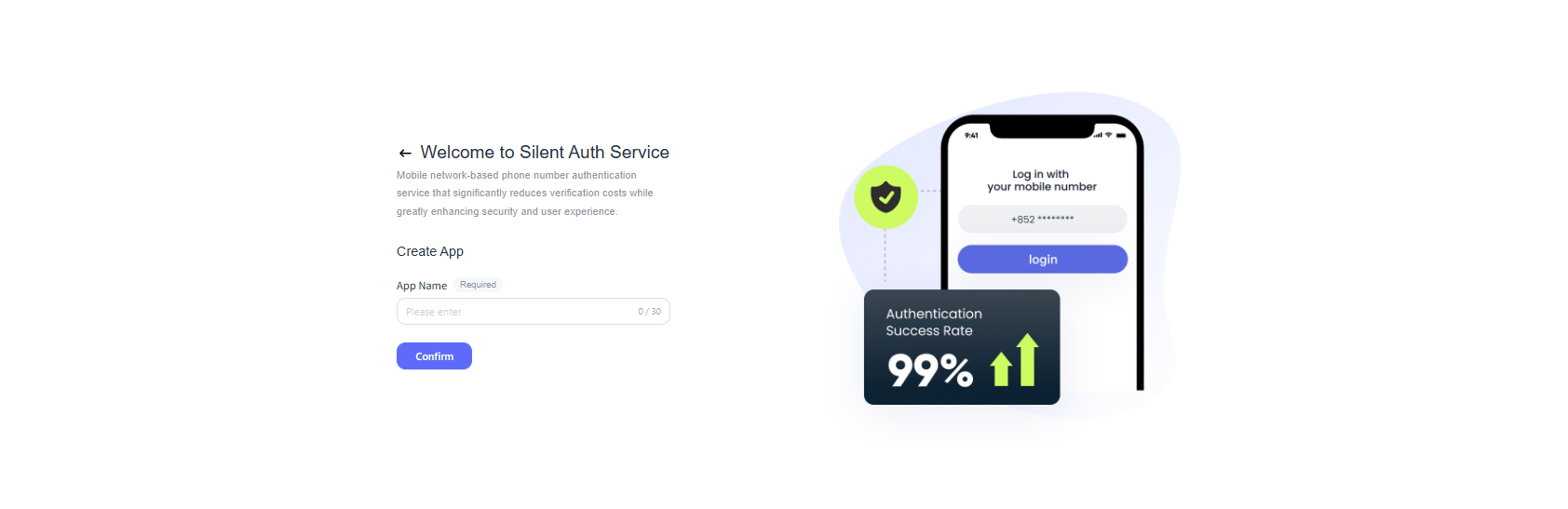
The application name can be modified after creation. You can change the application name in the Application List.
Access the Service
After setup, you can access the Silent Auth service in the following ways:
- On the console homepage, locate the Security Authentication section and click the Silent Auth card to enter.
- You can also click Silent Auth in the Recents module at the top of the homepage for quick access.
Overview
When you first enter the Silent Auth service, the system will automatically redirect you to the [Overview] guide page. On the overview page, you can get a clear view of the full process status of the Silent Auth service and obtain operational guides and precautions for each step.
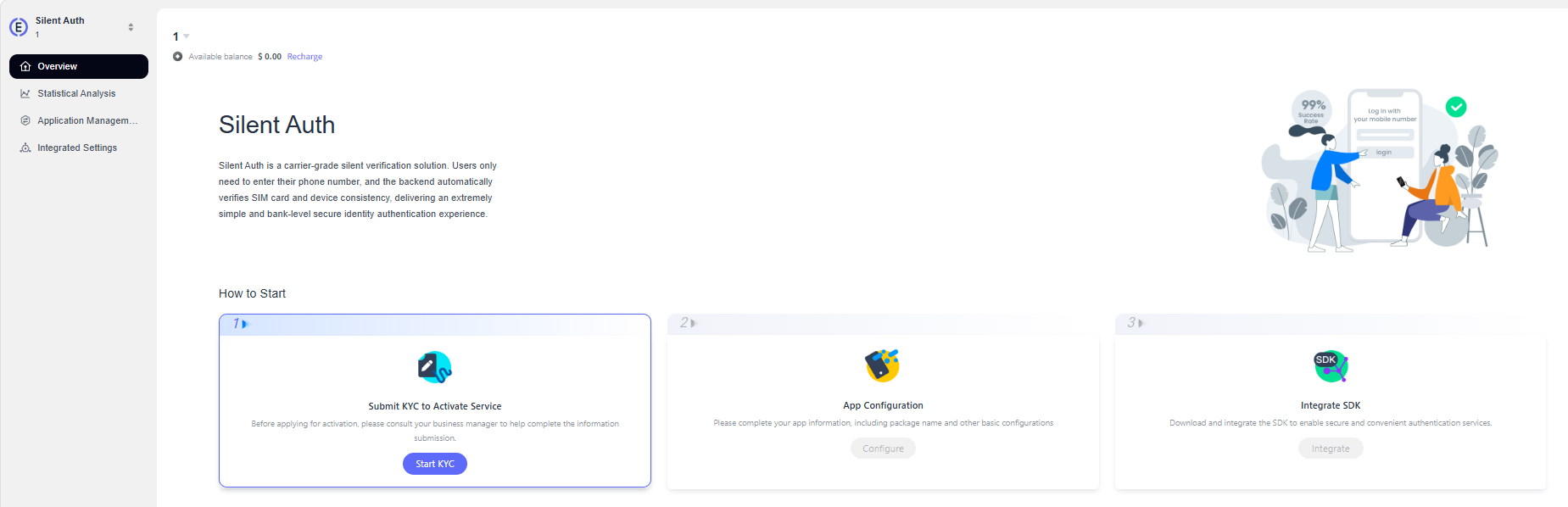
Note: To officially use the EngageLab Silent Auth service, you must first complete the service activation process. Please refer to the Overview and follow the steps provided on the page.
