


Alert Settings
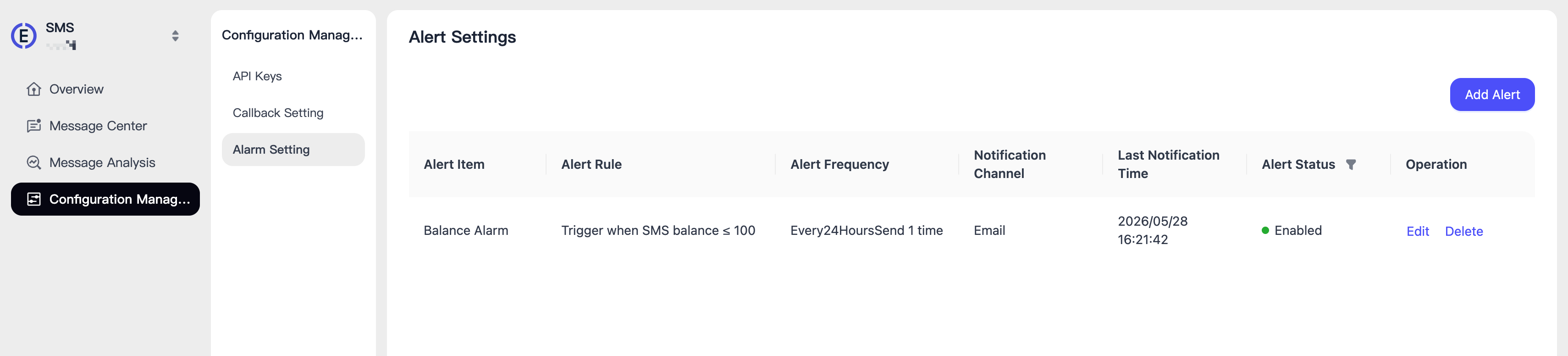
Here you can configure alerts for insufficient balance. When the balance is insufficient, the system will notify you via Email or Telegram so that you can top up promptly to ensure normal business operations.
Create an Alert
Go to [Alert Settings] to create an alert.
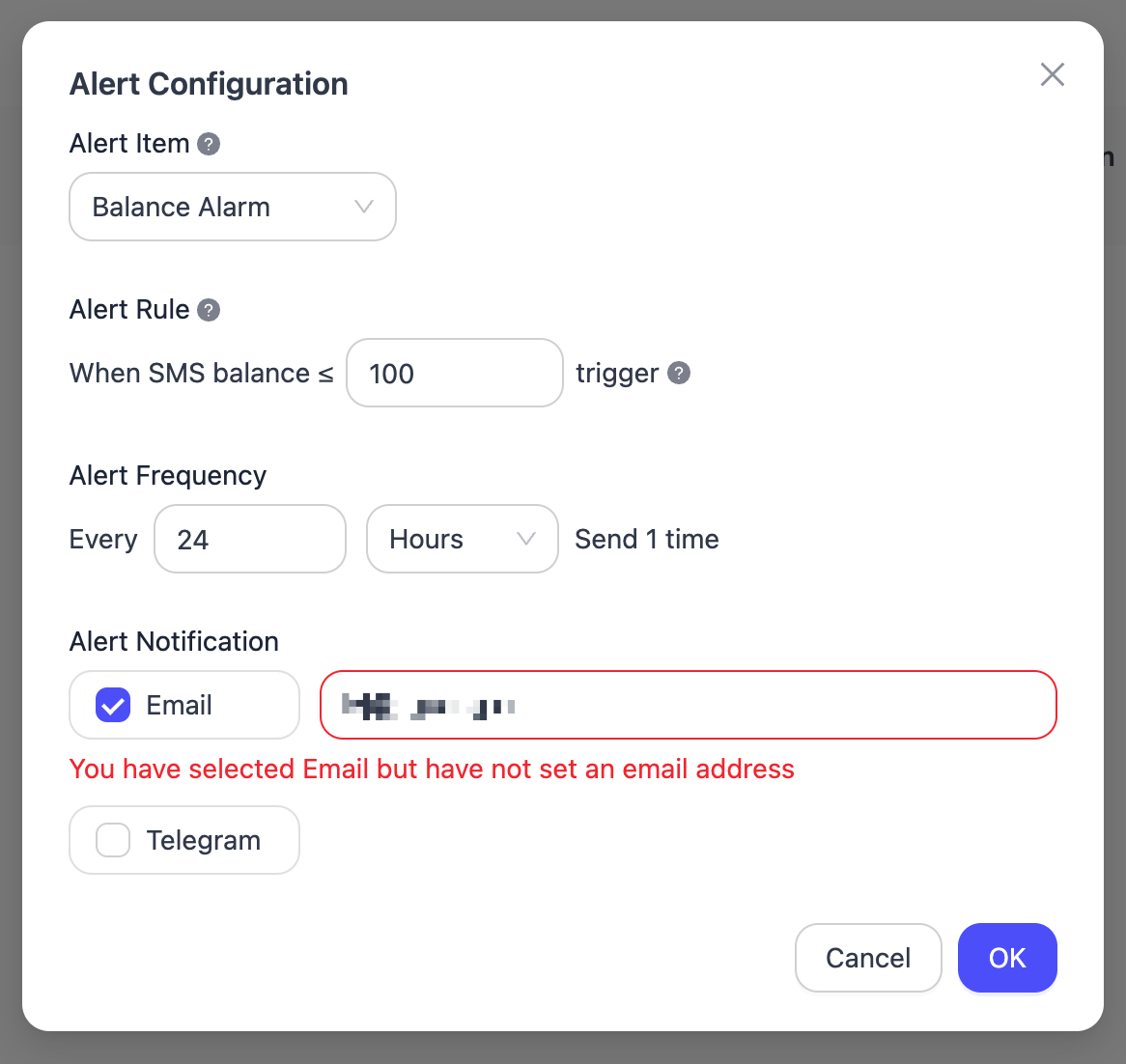
Fill in the information and submit it to complete the configuration.
- Balance Alert Threshold
- Alert Frequency: can be set by hour or minute
- Notification Channel: Email or Telegram
Enable/Disable Alerts
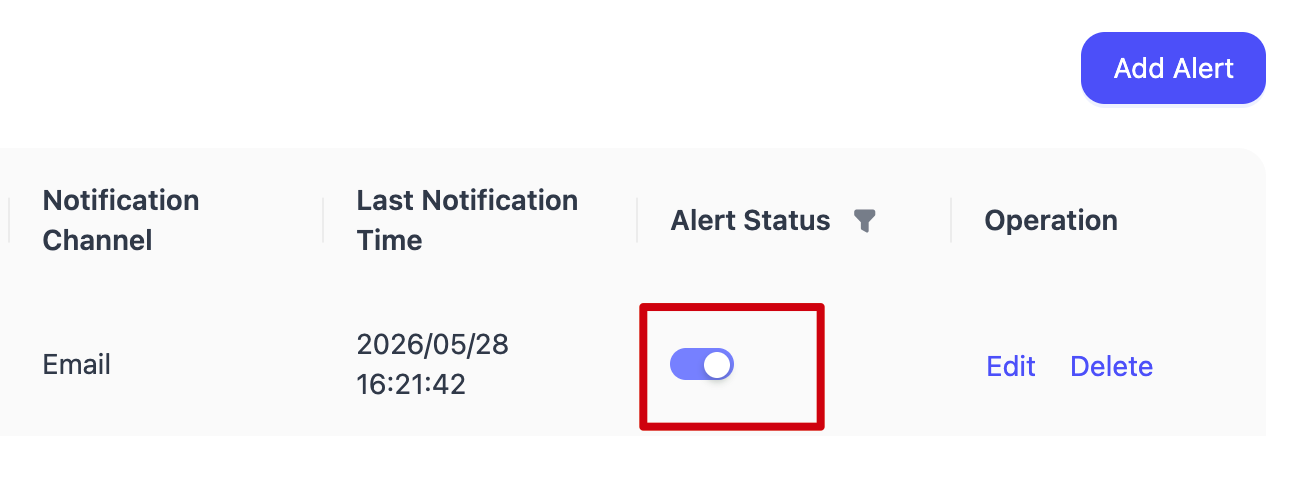
You can also enable or disable the alert at any time.
