


Signature Management
Signature Management is the core module in EngageLab SMS for centrally managing all SMS signatures. Here you can efficiently create, edit, delete, track statuses, and jump to template associations, comprehensively ensuring the compliance and efficient operation of your SMS business.
Create a Signature
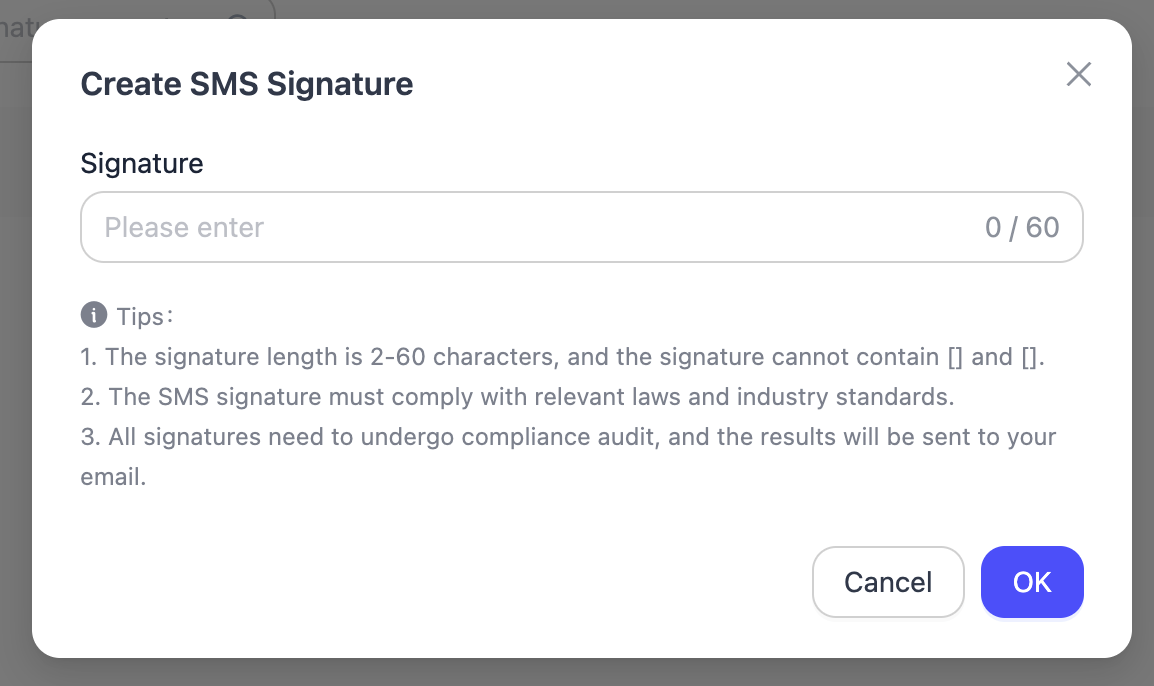
Fill in the signature to complete its creation. After creation, it will be reviewed by the EngageLab operations team, and once approved, the signature can be used.
Signatures can be used in templates as a prefix or suffix to demonstrate the compliance of your SMS.
Edit a Signature
After editing a signature, the signature will be reviewed again, and it can only be used after approval.
FAQ
Q: Cannot delete/edit a signature?
A: If the signature is currently being used by a pending send task, the system will prevent deletion or editing operations. Please first cancel all pending send tasks using this signature in the history records, then proceed to edit or delete.
