


Overview
EngageLab OTP Service: Ensuring Security and Efficiency Through Advanced Technology
The EngageLab OTP service uses advanced API technology to handle the generation, delivery, verification, and fraud monitoring of One-Time Passwords (OTPs) across channels such as SMS, WhatsApp, Zalo, Viber, Voice, and Email, ensuring user identity security and efficient verification processes.
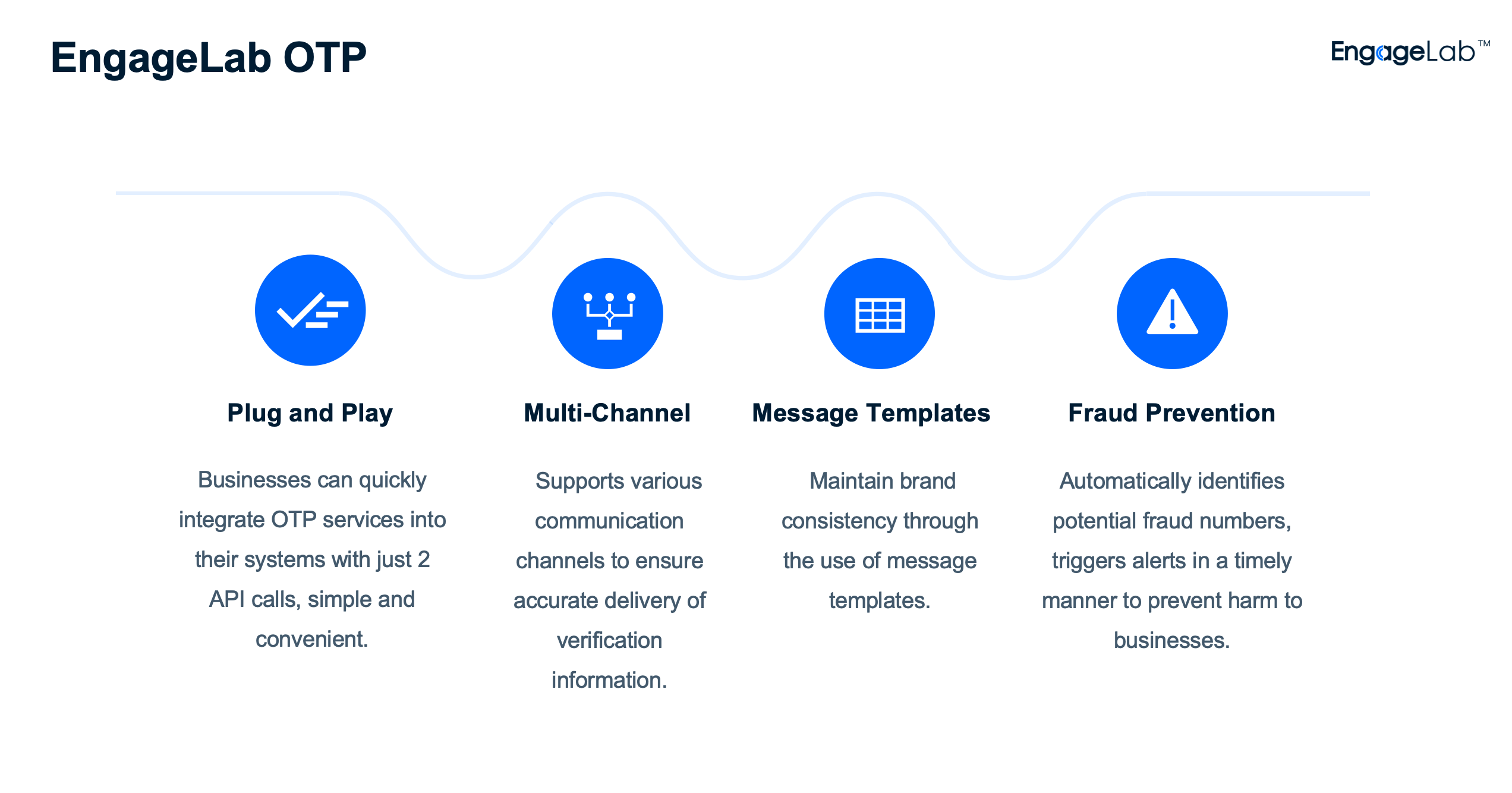
Why Choose EngageLab OTP Service?
1. Built-in Number Pool, No Extra Registration Required
The EngageLab OTP service provides a built-in WhatsApp number pool, eliminating the need for additional business account registration. This simplifies the WhatsApp OTP delivery process.
2. Multi-channel Intelligent Fallback
In addition to sending OTPs via single channels like SMS, WhatsApp, Zalo, Viber, Voice, and Email, you can configure OTP fallback strategies in the EngageLab OTP console. This ensures that if an OTP fails to deliver via one channel, it is automatically sent to the user through another channel, thereby improving the OTP delivery rate.
3. Comprehensive Data Analytics Reports
The EngageLab OTP service provides rich data analytics reports, enabling you to monitor OTP delivery, conversion, and distribution across all regions and channels. Based on these reports, you can gain deep insights into user behavior, helping you strategically adjust your business plans.
4. Enhanced Security Mechanisms
The EngageLab OTP service ensures maximum system security by identifying and responding to fraud threats, restricting verification frequency and geographic access, utilizing AI detectors, and cross-referencing phone numbers.
5. Guaranteed Service Reliability
EngageLab OTP offers multiple failover channels to prevent service disruption. This guarantees service reliability, ensuring smooth channel switching and achieving zero downtime.
6. Out-of-the-Box and Easy Integration
The EngageLab OTP service provides simple and easy-to-use APIs that can be quickly integrated into your system with minimal development effort.
