


Top-up
The EngageLab OTP service uses a pay-as-you-go model. We recommend topping up your account balance before using the service in a production environment to ensure uninterrupted sending.
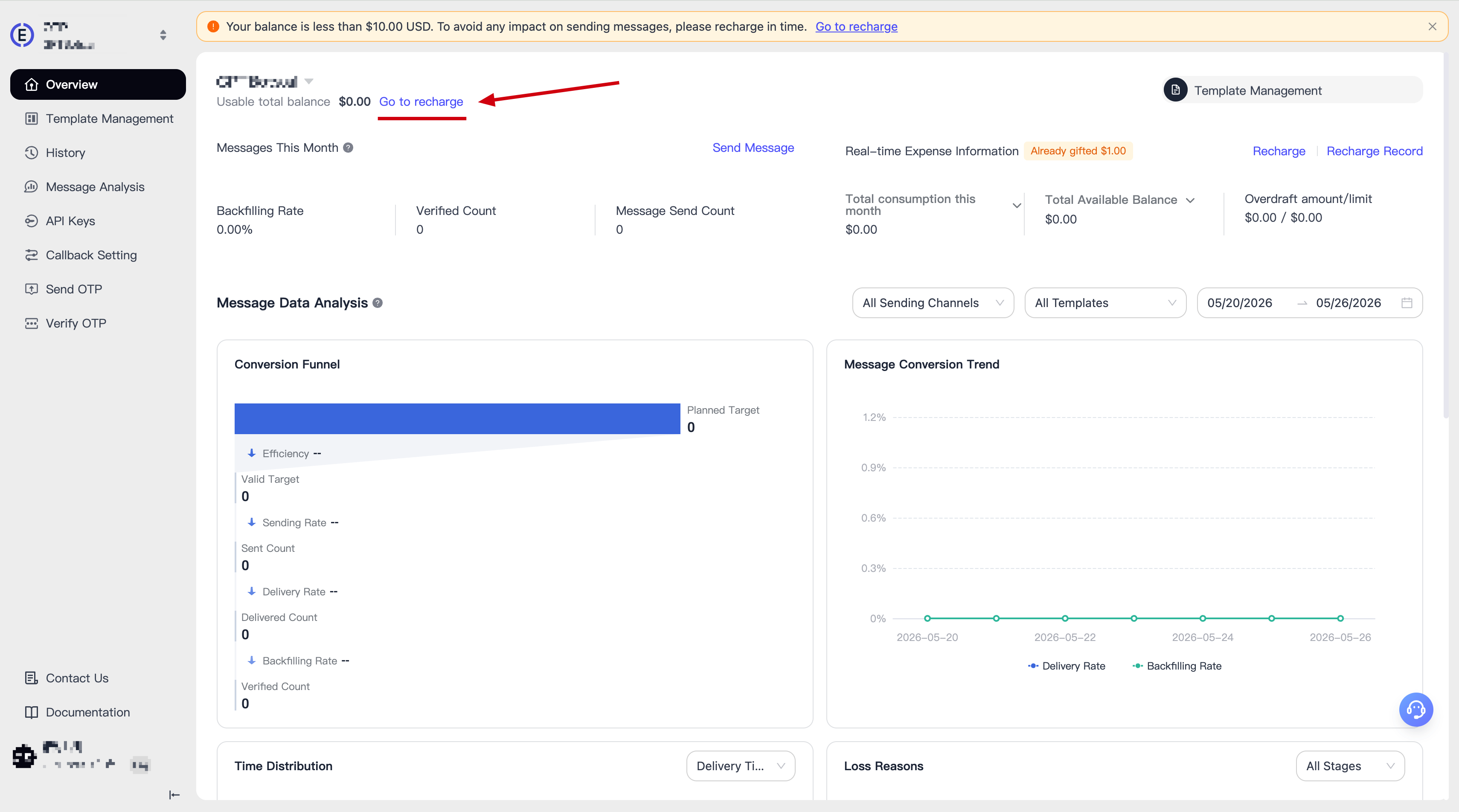
Enter the OTP sub-console and find the top-up entrance on the homepage.
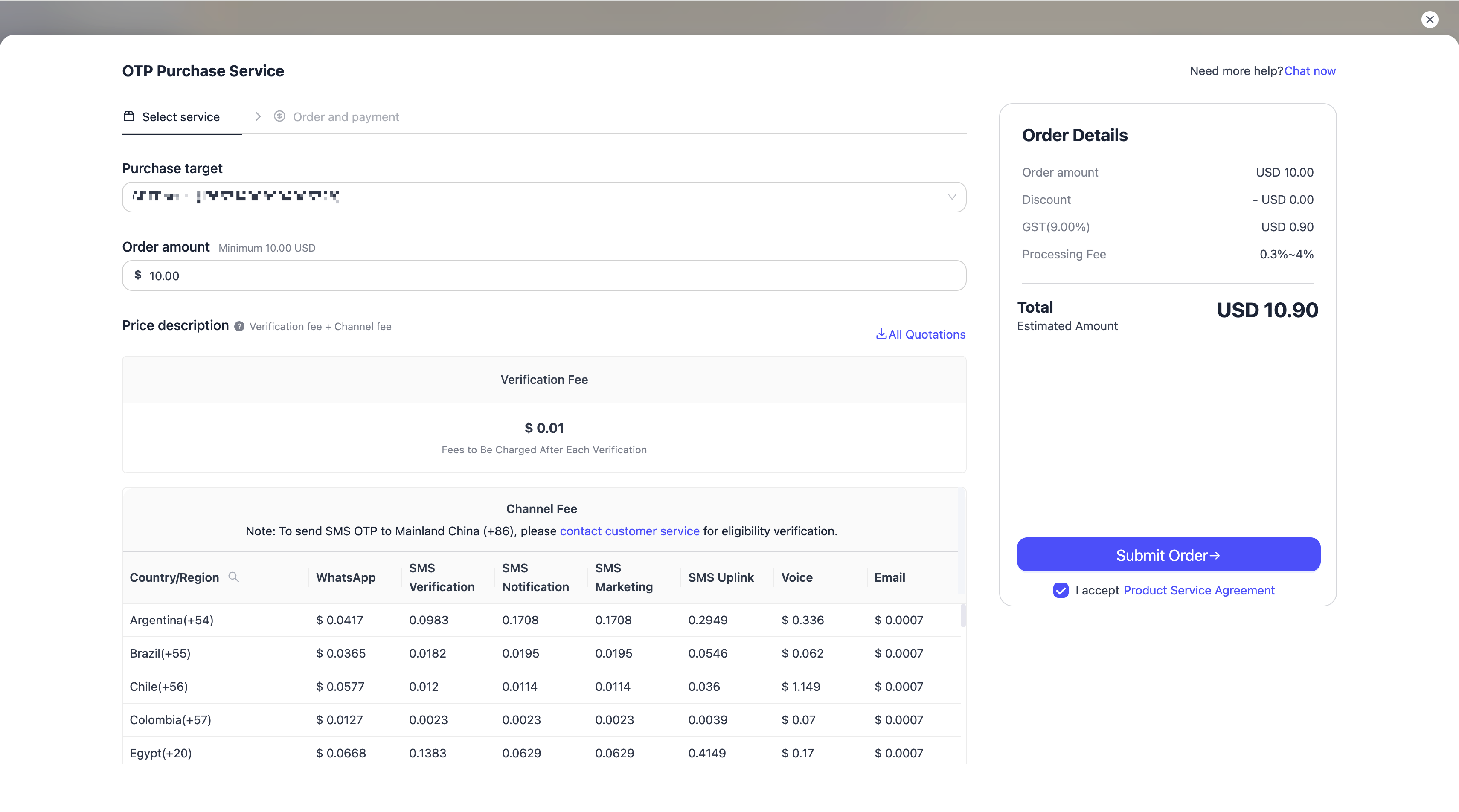
In the top-up interface, select the application you want to top up, submit the order, and proceed with the top-up process.
On this page, you can also view the official pricing for each OTP channel across different countries/regions.
