Jacob Morrow
Updated: 2026-09-04
Picking a bulk email service usually comes down to one question: what happens to your account once you're sending real volume , not a test campaign.
The providers below differ less in whether they can send email and more in how they price it, where the send limits kick in, whether marketing and transactional traffic share the same infrastructure, and how much control you get over deliverability once inbox providers start scrutinizing your domain.
This guide compares 10 providers on monthly send limits, free plans, pricing model, deliverability tooling, and SMTP/API support , using each vendor's own pricing and documentation pages.
There is no single best bulk email service for every sender. The right pick depends on your sending profile: how many contacts you have, how often you send, whether you need transactional email alongside marketing campaigns, and whether your team is developer-led or marketer-led.
Best Bulk Email Services at a Glance
Use this table to build a shortlist before reading the full reviews. "Paid pricing signal" reflects each provider's lowest published paid tier as of the checked date.
Several providers price by contacts instead of by emails sent, so the figures are not directly comparable to each other — the cost section further down untangles that problem.
| Provider | Best for | Free plan | Paid pricing signal | Send model | Marketing + transactional | SMTP/API |
|---|---|---|---|---|---|---|
|
|
Global marketing + transactional + omnichannel | 50 emails/day, no card required | Usage-based, no flat starting price | Consumption-based (calculator) | Same platform | Both |
|
|
Free/all-in-one for SMBs | 300 emails/day, up to 100,000 contacts | $9/mo (from 5,000 emails/mo) | Send-volume tiers | Same platform | Both |
|
|
Ease of use | 2,500 emails/mo, up to 250 subscribers | $12/mo | Contacts + send tiers | Separate product (MailerSend) | API limited on free tier |
|
|
Developer teams, separated streams | 4,000/mo API+SMTP; 1,500/mo Marketing | $15/mo (API/SMTP); $12/mo (Marketing) | Send-volume tiers, split by product | Two separate products | Both |
 |
Lowest infrastructure cost at scale | No SES-specific free tier | $0.10-$0.16 per 1,000 emails | Pay-as-you-go, no monthly cap | Infrastructure layer, no built-in split | Both |
|
|
High-volume SMTP delivery | 1,000 emails/mo, 200/day cap | $10/mo (10,000 emails/mo) | Send-volume tiers | Same platform | Both |
|
|
Advanced marketing automation | None (14-day trial only) | From $15/mo (1,000 contacts) | Contact-based | Transactional is a paid add-on | API + custom mailserver domain |
|
|
Growing marketing programs / ecommerce | 500 contacts, 2,500 newsletters/mo | From €16/mo (1,000 contacts) | Contact-based, unlimited newsletters | Transactional only on Enterprise | API most tiers; SMTP on Enterprise |
|
|
Budget-friendly marketing | 2,500 subscribers, 15,000 emails/mo | $7/mo (1,000 subscribers / 12,000 emails) | Contacts + send tiers | Same platform | Both, all tiers |
|
|
Familiarity / ecosystem | 250 contacts, 500 emails/mo or 250/day | From $15/mo | Contact-based | Transactional is separate (Mandrill) | Marketing API + separate transactional API |
How We Compared Bulk Email Service Providers
Every provider was evaluated against the same six criteria, drawn from public pricing pages and product documentation:
- Sending limits and pricing model: contact-based (pay for list size), send-volume-based (pay for emails sent), or pay-as-you-go infrastructure (pay per 1,000 emails). Confusing these three is the most common budgeting mistake.
- Deliverability and infrastructure: SPF, DKIM, DMARC, BIMI support, dedicated-IP availability and tier, plus bounce, complaint, and suppression handling that decides standing with Gmail, Yahoo, and Outlook.
- Marketing vs transactional sending: one account for both, or a second product. Mixing the two on one IP and domain reputation can hurt both.
- SMTP/API and automation: SMTP relay, REST API, SDKs, and webhooks, and how much sits behind higher tiers.
- Free-tier restrictions: daily and monthly send caps, contact caps, forced branding, and how much of the API is usable for free.
- Ease of use and support: how much setup a team needs before the first campaign, and what support looks like as volume grows.
The 10 Best Bulk Email Service Providers
1. EngageLab
EngageLab is on this list because it runs marketing and transactional email on one platform alongside push, SMS, and in-app messaging, which matters for teams that don't want a separate transactional vendor bolted onto their marketing stack.

Best for: teams sending internationally who need one delivery layer for both campaign email and system-triggered messages, with the option to add other channels later.
It covers the bulk-sending essentials: SPF, DKIM, DMARC, and BIMI , dedicated IPs with automated warm-up, and both SMTP and API access with SDKs across major languages and delivery webhooks.
Pricing is usage-based with no flat starting price, so budgeting runs through a calculator. The core free tier is small at 50 emails per day ; a separate Shopify app listing offers 2,500 emails/month to 250 contacts , with paid plans from $9/month.
Pros:
 Unified marketing and transactional sending on one platform.
- Broad SDK coverage: Python, Java, PHP, Ruby, Perl, C#, Go, Node.js.
- Dedicated IP, BIMI, and automated warm-up support.
- No credit card needed to start testing.
Cons:
 The 50 emails/day free tier is too small for anything beyond integration testing.
- No published starting price; budgeting requires the calculator or a sales conversation.
2. Brevo
Brevo earns a shortlist spot because its free plan is genuinely usable for small-list senders, not just a trial wrapper.
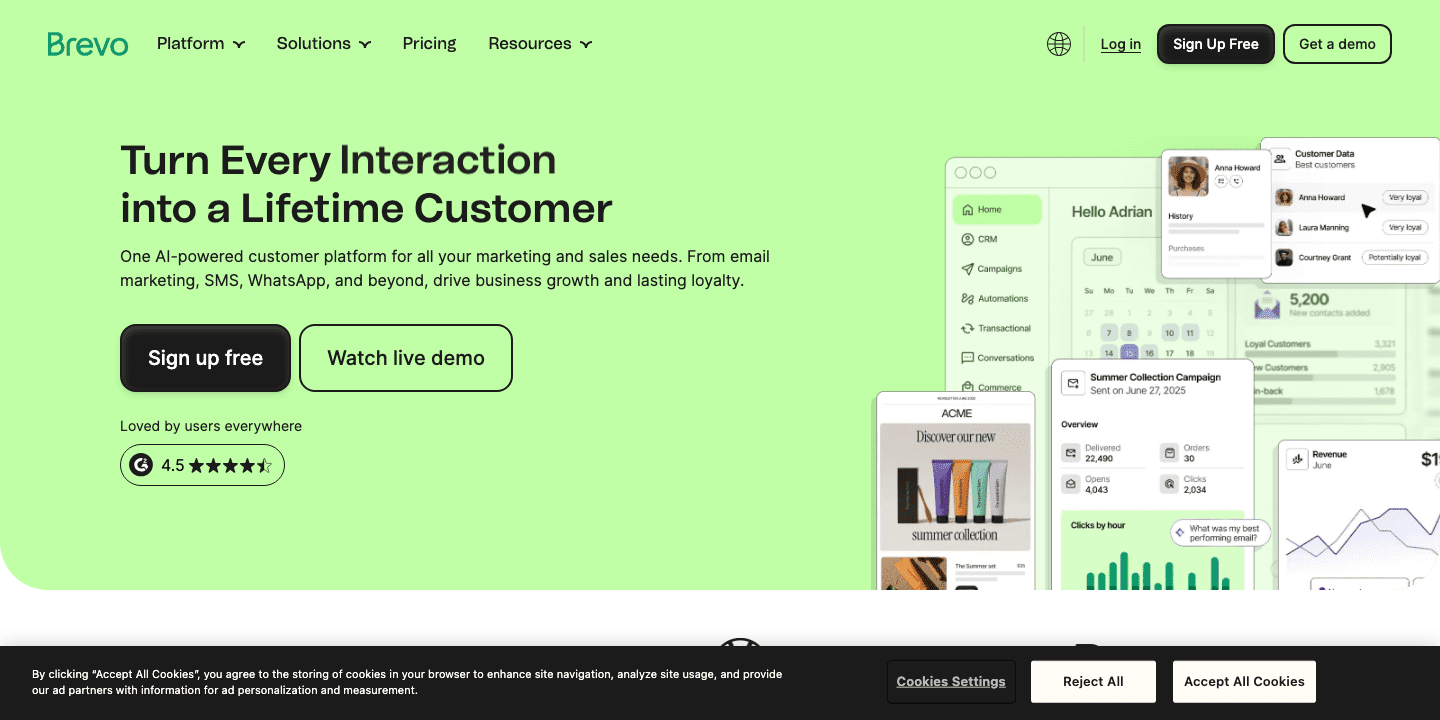
Best for: SMBs and solo marketers who want marketing email, transactional email, and a modest CRM in one account without paying anything at the outset.
The key bulk-email capability is the free-tier ceiling itself: 300 emails per day with no cap on contacts stored (up to 100,000), unusually generous compared with competitors that cap free plans by contact count alone. Both the free and paid tiers include SMTP and API access for transactional sending, so developers aren't locked out until they upgrade.
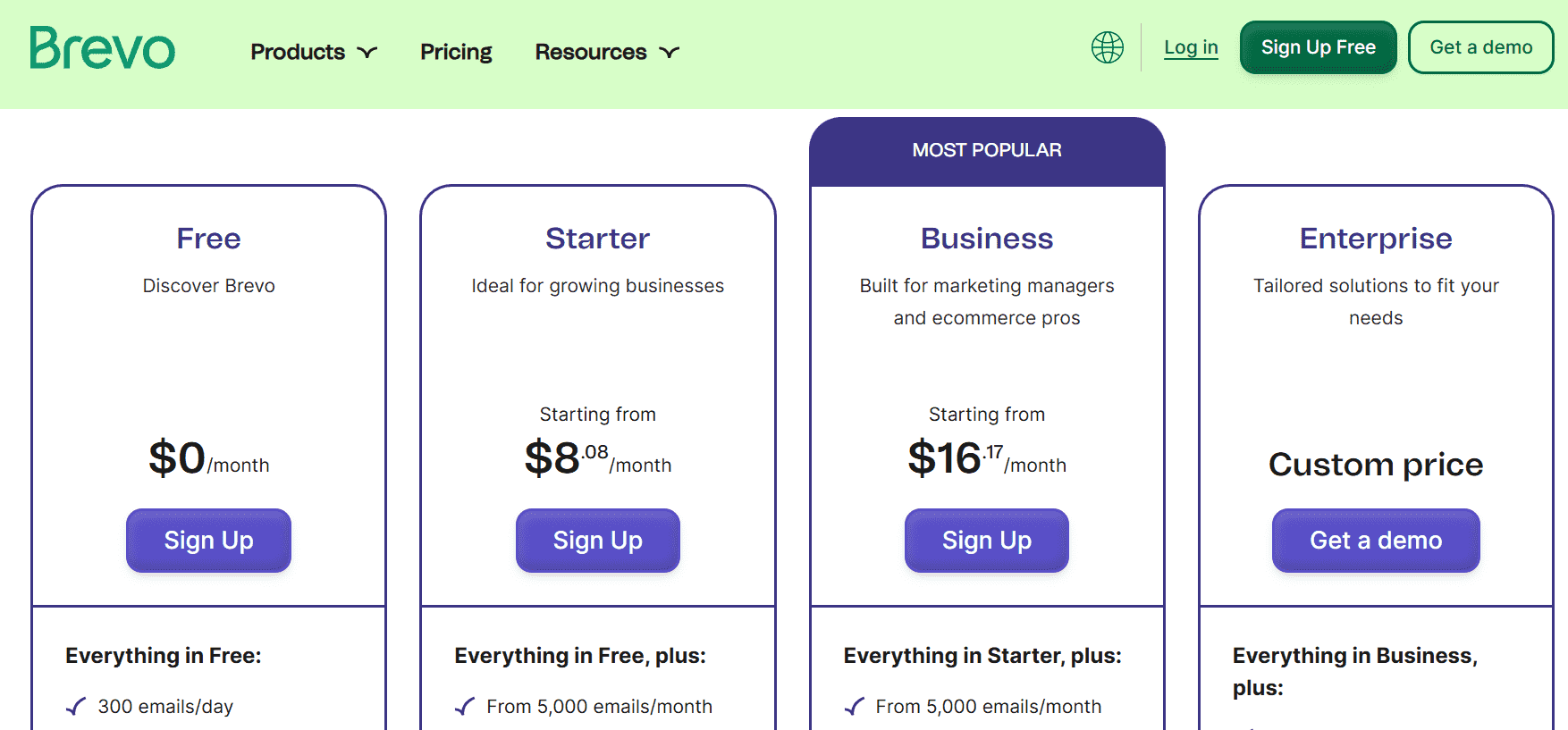
Paid plans start at Starter for $9/month ($8.08/month billed annually), covering from 5,000 emails/month with 500 contacts included. Standard runs $18/month, and Professional is $499/month starting from 150,000 emails/month with 10 seats.
Enterprise is custom-quoted for senders with over 1 million contacts, including a built-in dedicated IP.
Pros:
- One of the more generous free tiers by daily send volume.
- SMTP and API available even on the Free plan.
- Paid tier ladder scales in single-digit monthly increments.
Cons:
- Free plan forces a "Sent by Brevo" footer that can't be removed.
- Removing branding on Starter requires an additional add-on.
3. MailerLite
MailerLite makes this list on interface simplicity: campaign building, automation setup, and list management are all designed to be usable without a technical background.
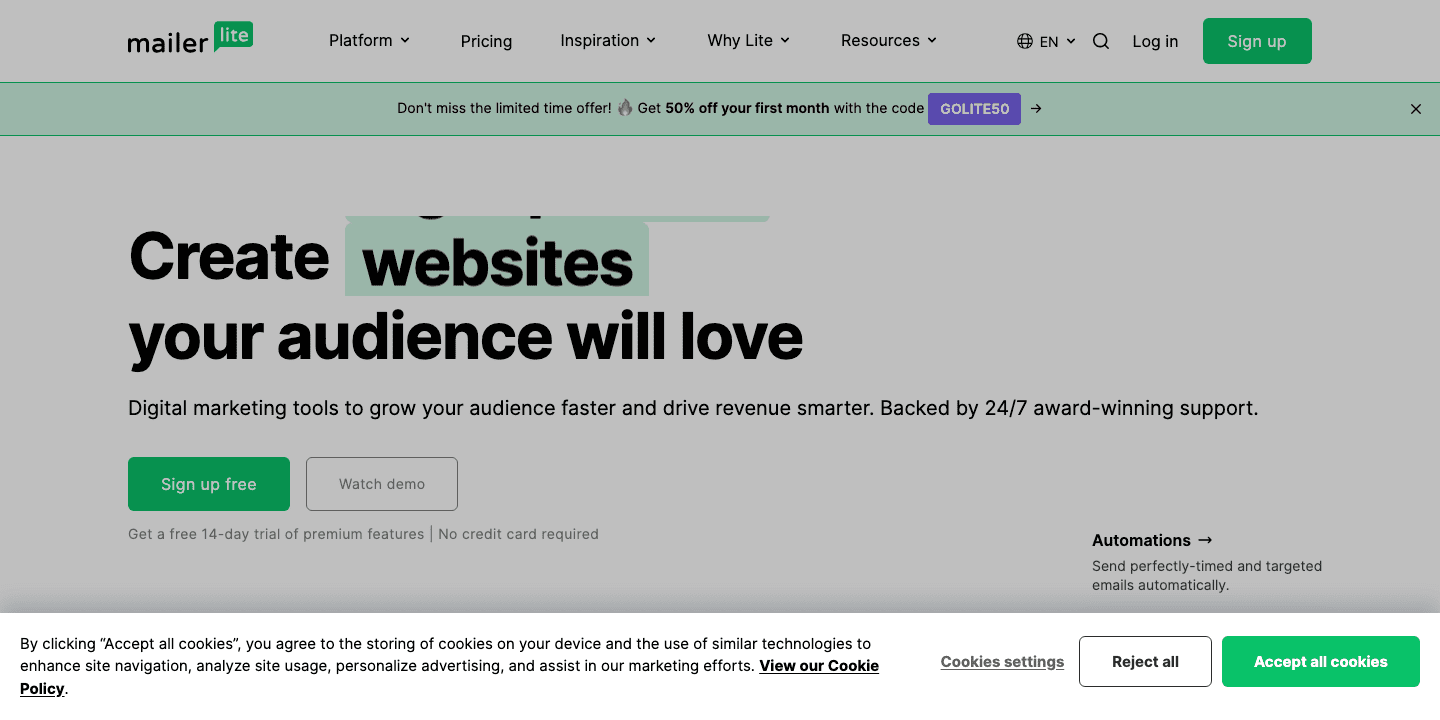
Best for: senders who want to launch newsletters and simple automations quickly without a learning curve.
The key bulk-email capability worth noting is architectural, not feature-based: MailerLite splits marketing and transactional sending into two separate products. Marketing campaigns run through MailerLite itself, while transactional email requires opening a MailerSend account, a meaningfully different setup than providers that keep both under one roof.
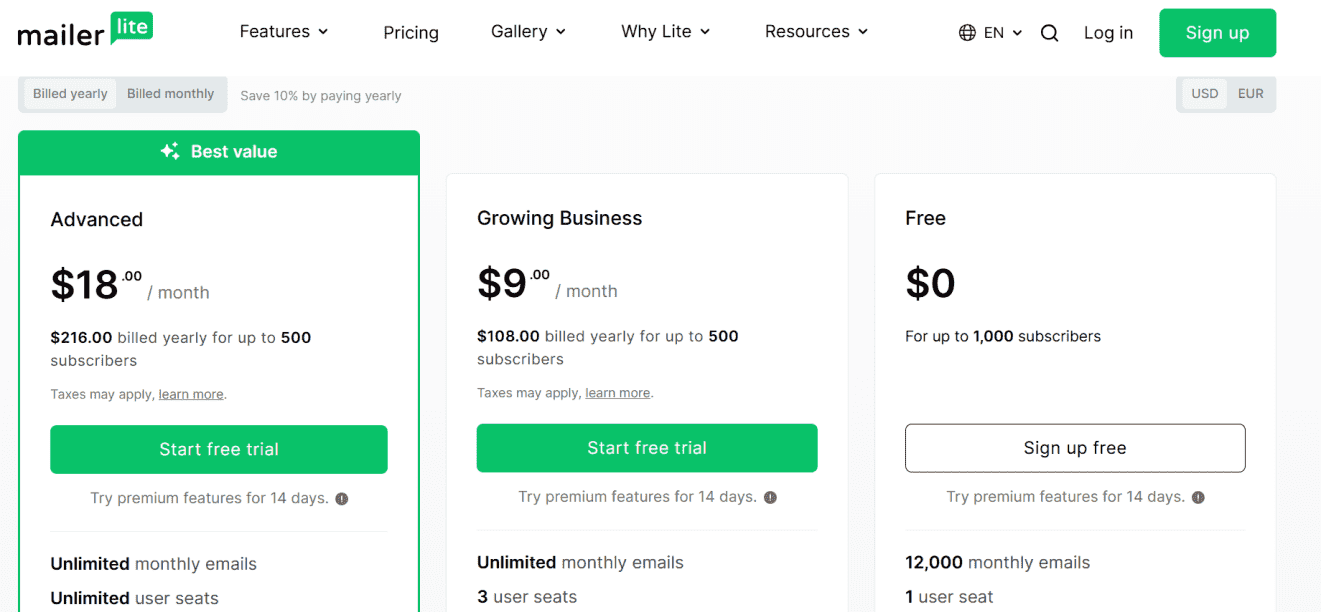
The free plan allows 2,500 emails per month for up to 250 active subscribers, with sending locked once either limit is hit. API access on the free tier is limited and doesn't include sending.
Paid plans start at Comfort for $12/month billed monthly, with roughly 10% savings on an annual commitment. Dedicated IPs aren't available on standard tiers at all; they're reserved for the Enterprise plan (200,000+ subscribers), and pricing there requires a quote.
Pros:
- Genuinely easy campaign builder.
- Reasonable entry price at $12/month.
- Branding removable starting at the Comfort tier.
Cons:
-
Transactional email needs a separate MailerSend account, so teams manage two vendor relationships.
4. Mailtrap
Mailtrap is on this list because it deliberately keeps marketing, transactional, and testing traffic in three separate products instead of blending them, which developer-heavy teams often prefer for reputation isolation.
Best for: product and engineering teams that want transactional API/SMTP sending kept distinct from marketing campaigns, with a dedicated sandbox for testing before anything goes live.
The key bulk-email capability is that separation itself: Email API/SMTP, Email Marketing, and Email Sandbox each have independent free tiers and independent paid pricing, so a spike in marketing volume doesn't touch your transactional sending quota. Automatic IP warm-up is included on the transactional side, and email throttling is available on lower tiers to help manage sending pace.
Free tiers run separately across the three products:
- Email API/SMTP: 4,000 emails/month, 150/day cap.
- Email Marketing: 500 contacts, 1,500 emails/month.
- Email Sandbox: 50 test emails/month.
Paid pricing starts at $15/month for API/SMTP Basic (10,000 emails, 3 seats, 5 domains) and $12/month billed annually for Marketing Essential (10,000 contacts / 30,000 emails/month). At higher volume, the API/SMTP Business tier runs $85/month for 100,000 emails, scaling to $450/month at 750,000. Dedicated IPs are included starting at the Business tier, with no separate add-on price published.
Pros:
- Clean separation of transactional and marketing traffic.
- Transparent tiered pricing up to 750,000 emails/month.
- Built-in sandbox for pre-send testing.
Cons:
-
Running both marketing and transactional means paying for and managing two separate products.
- The pricing page doesn't state whether the free tier forces branding.
5. Amazon SES
Amazon SES belongs on this list purely on cost efficiency: it is infrastructure, not a marketing platform, and at high volume its per-email price is difficult for any full-featured ESP to match.
Best for: teams with engineering resources who want to build their own sending layer on top of AWS instead of paying for a campaign UI they won't use.
The key bulk-email capability is pay-as-you-go pricing with no free tier: there's no SES-specific monthly allowance, only a general AWS credit of up to $200 available to new accounts (usable within 6 months, expiring within 12), which is not a recurring free-email quota.
Pricing runs on a tiered, per-1,000-email structure:
- À la carte: $0.10 per 1,000, no plan commitment.
- Essentials: $0.16 per 1,000, no monthly account fee.
- Pro: $0.22 per 1,000 plus $105/month.
- Enterprise: $0.23 per 1,000 plus $500/month.
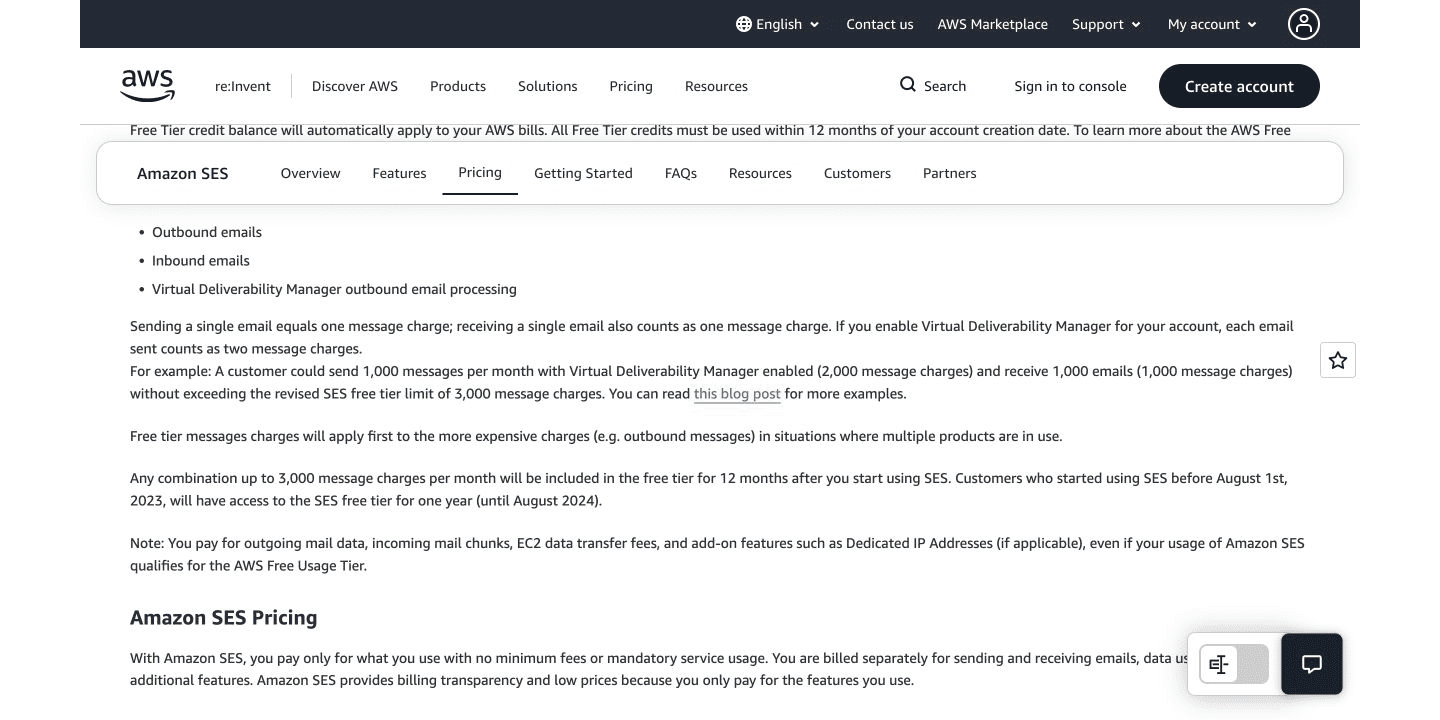
SES is explicitly infrastructure: there's no built-in campaign editor or contact management, and marketing versus transactional sending isn't a distinction SES makes at the product level.
Dedicated IPs are a separate line item: Standard at $24.95/month per IP, or Managed at $15/month per account plus per-email fees. Budget separately for $0.12/GB attachment data and $0.01 per email address verification.
Pros:
- The cheapest per-email cost at real scale of any provider in this guide.
- No monthly minimum on the à la carte tier.
- Full API/SMTP support.
Cons:
-
No marketing tooling, list management, or campaign UI — most teams pair it with a separate marketing platform.
-
Building and maintaining the sending layer is real engineering overhead not reflected in the per-email price.
6. SMTP2GO
SMTP2GO is on this shortlist because it stays narrowly focused on reliable SMTP relay and transactional-style bulk sending instead of trying to be a marketing platform, which appeals to teams that just need mail to land.
Best for: developers and ops teams who want fixed per-tier volume pricing and no campaign-builder overhead.
The key bulk-email capability is a unified sending stream (marketing and transactional share the same infrastructure, unlike Mailtrap's split model), plus unlimited API keys and SMTP users at every paid tier.
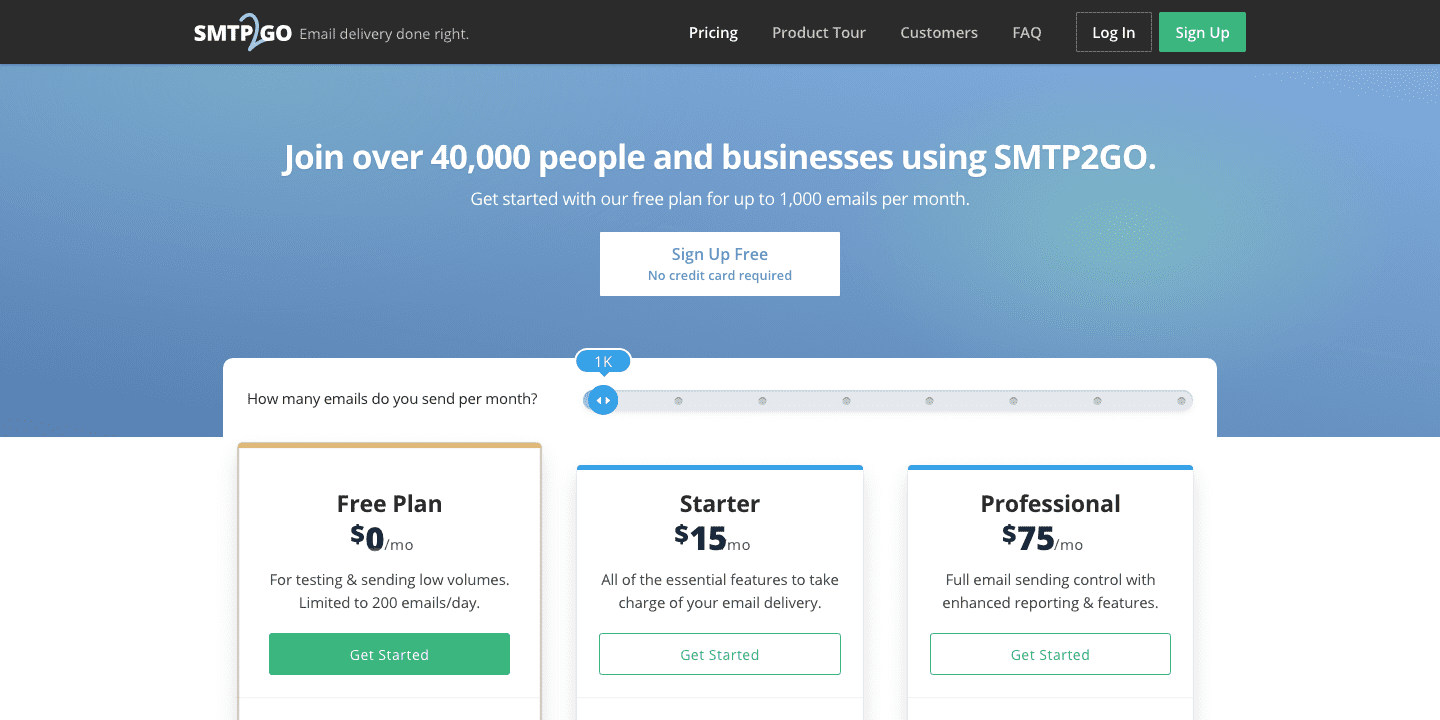
The free plan allows 1,000 emails/month with a 200/day cap and a 25/hour rate limit that lifts once your sending domain is verified; it also includes 5 days of reporting history and up to 5 verified senders.
Paid pricing starts at Starter for $10/month ($100/year if billed annually), covering 10,000 emails/month with overage billed at $1 per additional 1,000 emails. Dedicated IPs aren't available on Starter; they become standard starting at the Professional tier ($75/month), though the exact price of additional IPs beyond the included one isn't published.
Pros:
- Simple, transparent per-tier pricing.
- Unlimited API/SMTP users on every plan.
- Unified marketing and transactional stream.
Cons:
-
Published pricing thins out above the Starter tier; the full Professional/Premier volume table isn't public.
7. ActiveCampaign
ActiveCampaign makes this list on automation depth, not raw sending volume: its workflow builder supports branching logic, lead scoring, and CRM-linked triggers that go well beyond what most bulk-focused ESPs offer.
Best for: marketing teams whose primary need is sophisticated, multi-step automation, with bulk sending as a byproduct of those workflows, not the main event.
The key bulk-email capability is less about email itself and more about what triggers it: automations can fire based on contact behavior, deal stage, or custom events, and higher tiers remove the 5-step automation limit that Starter imposes. API access and webhooks are available across tiers; SMTP isn't explicitly branded as a feature, though a custom mailserver domain option exists for sending infrastructure.
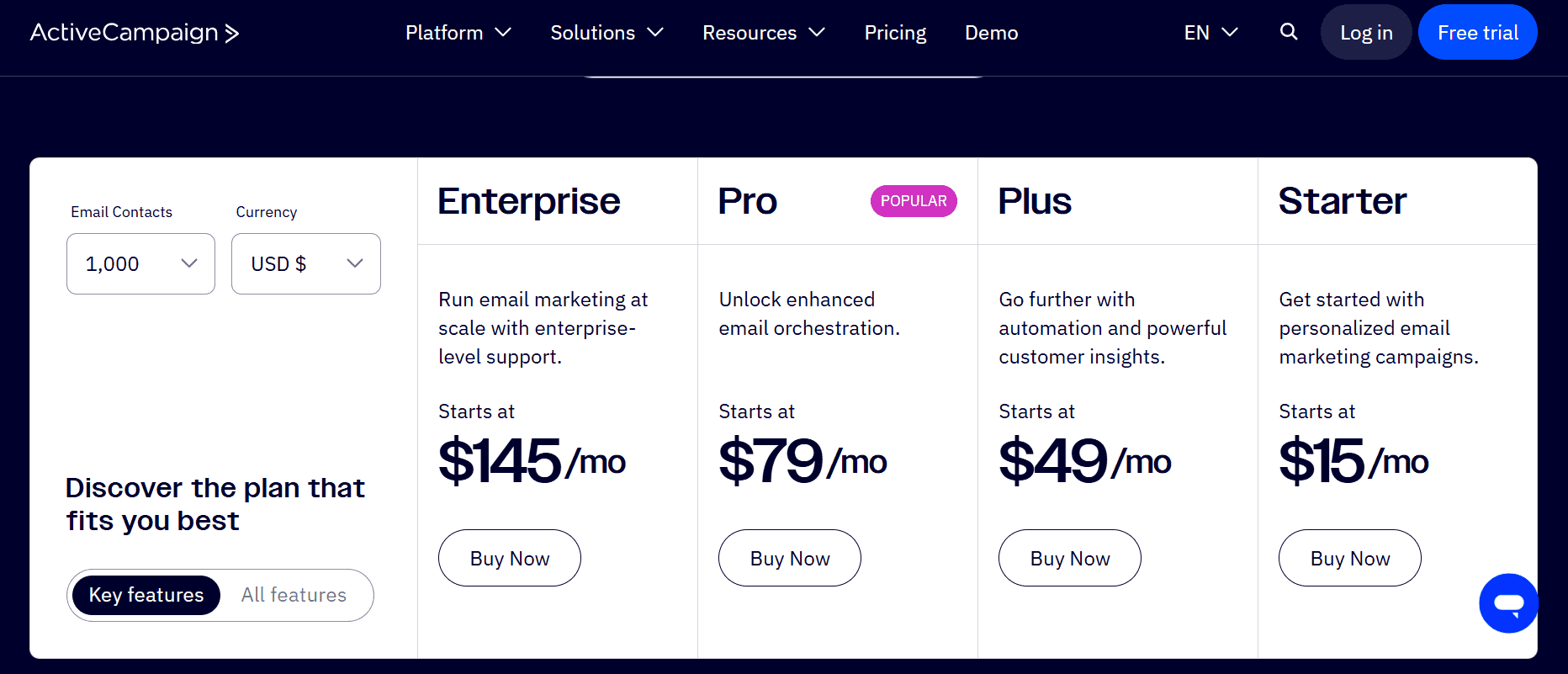
There is no free plan, only a 14-day trial. Starter pricing begins at $15/month billed annually for 1,000 contacts and scales with contact count. Transactional email is a separate paid add-on, and dedicated IP is available on higher tiers with pricing quoted by sales.
Pros:
- Genuinely advanced automation and CRM-adjacent features.
- API and webhooks available from the entry tier.
- Contact-based pricing that scales predictably with list growth.
Cons:
- No free plan, only a 14-day trial.
- Transactional email and dedicated IP both cost extra, on top of contact-based pricing.
8. GetResponse
GetResponse is on this list for teams running ecommerce-style marketing programs that need unlimited-frequency sending without worrying about a monthly email cap.
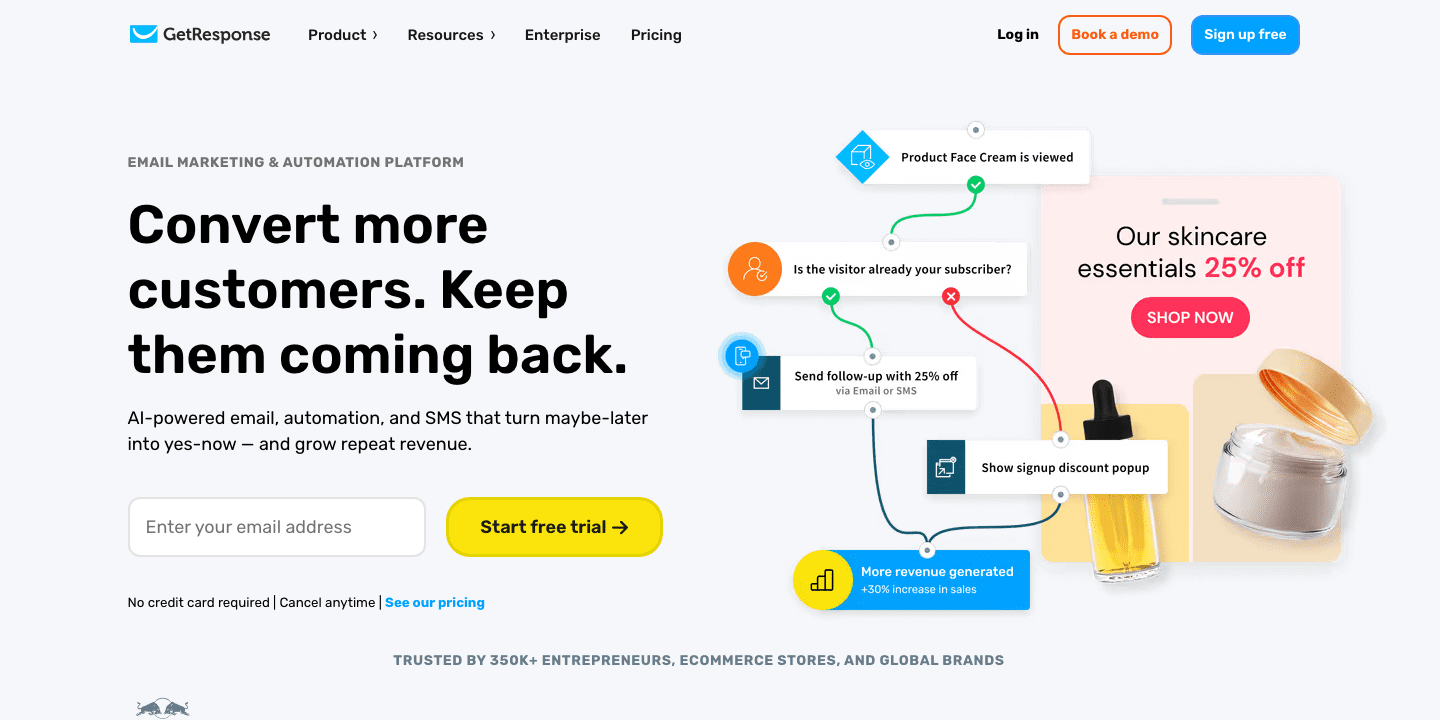
Best for: growing marketing programs and ecommerce sellers who send often to the same list.
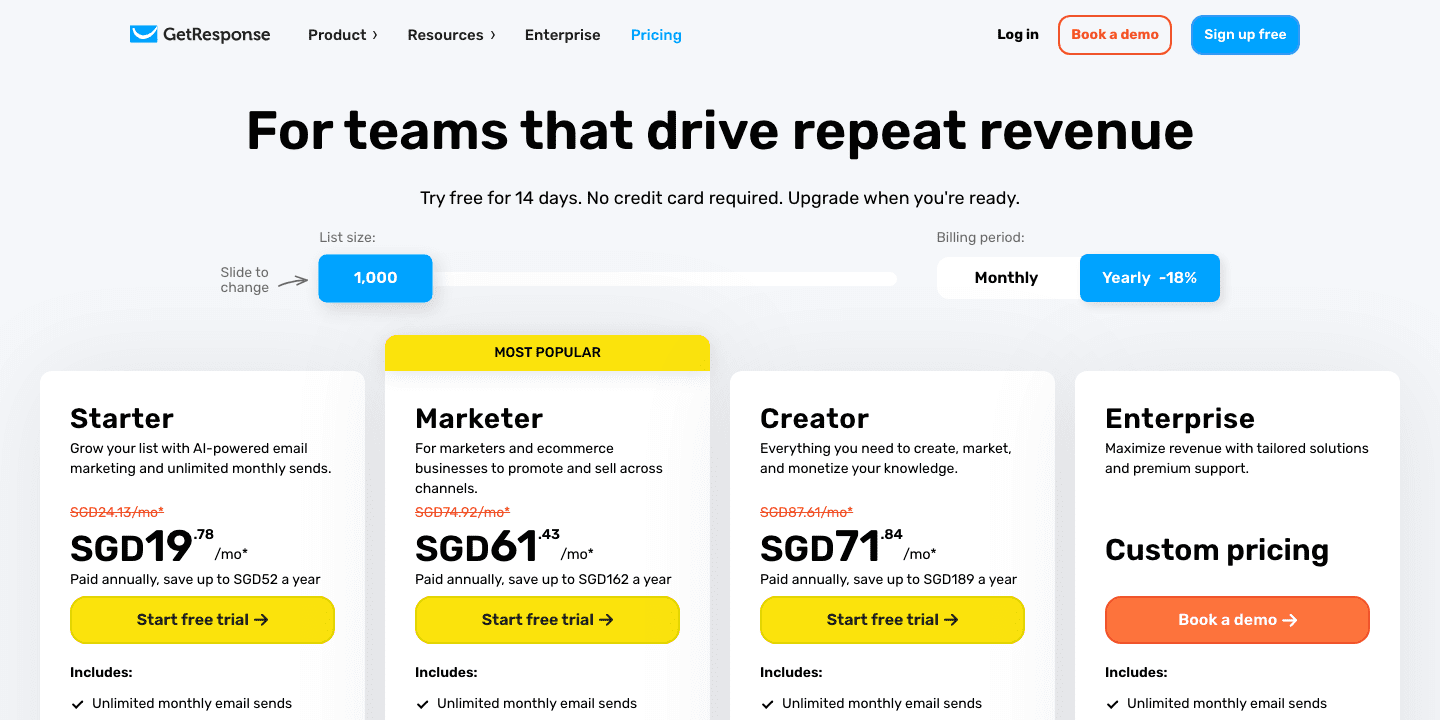
The key bulk-email capability is unlimited newsletter sending on every paid tier once your contact count is covered; the price scales with contacts, not send frequency. The free plan allows 500 contacts and 2,500 newsletters/month , with no stated daily cap.
Paid plans start at Starter from €16/month (€13.12/month billed annually) for 1,000 contacts. Transactional email and SMTP access are restricted to the Enterprise tier, which has no public price and requires a custom quote.
Dedicated IP addresses are also Enterprise-only. The free plan carries a forced GetResponse badge on every message, removable only on paid tiers.
Pros:
- Unlimited-frequency newsletter sending on paid tiers.
- Contact-based pricing that doesn't punish frequent senders.
Cons:
- Transactional email and SMTP are locked behind the custom-quoted Enterprise tier.
- Free plan forces a GetResponse badge on every send.
9. Sender
Sender is on this list because its free-forever plan is one of the most usable in this comparison for a genuinely budget-conscious sender.
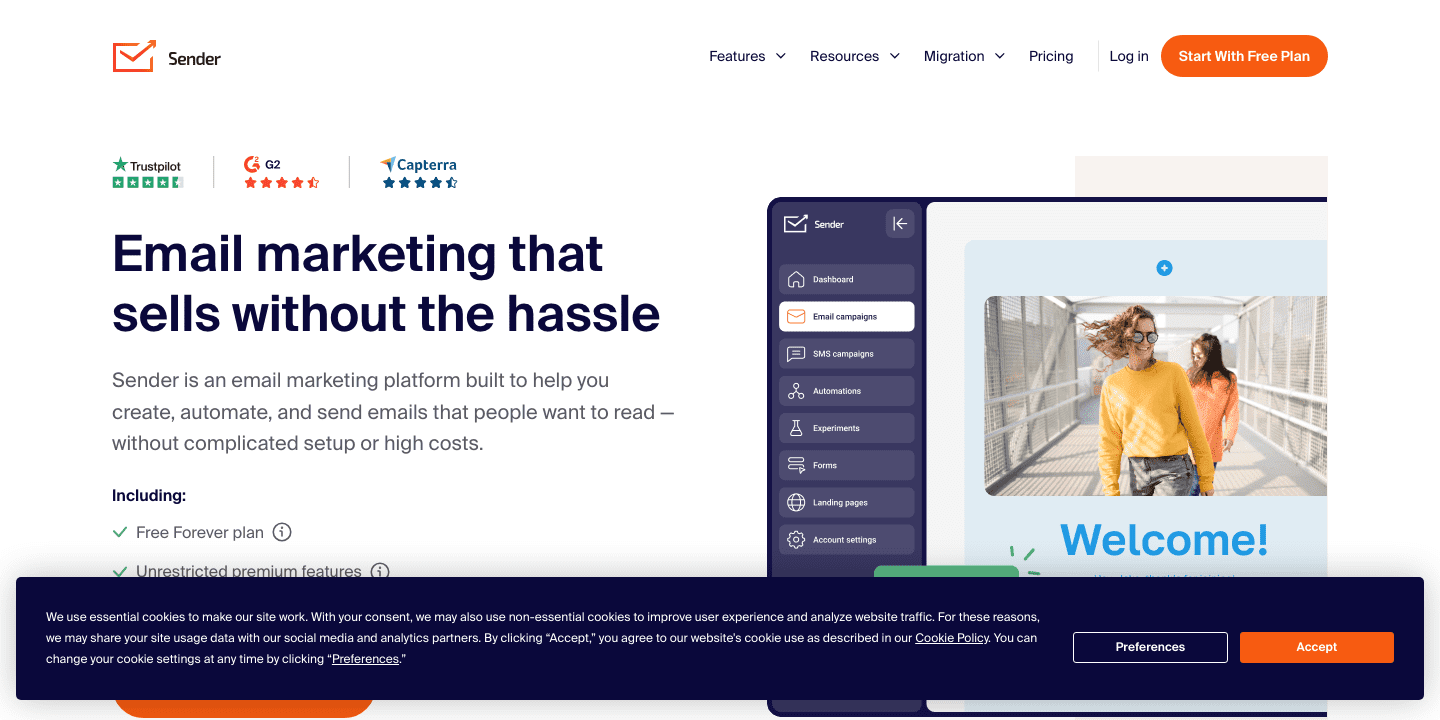
Best for: small teams and solo marketers who need API/SMTP access even on a free or low-cost plan.
The key bulk-email capability is that Sender doesn't gate API/SMTP or marketing-plus-transactional support behind a paid tier: both are available even on Free. The free plan allows up to 2,500 subscribers and 15,000 emails/month with no credit card required.
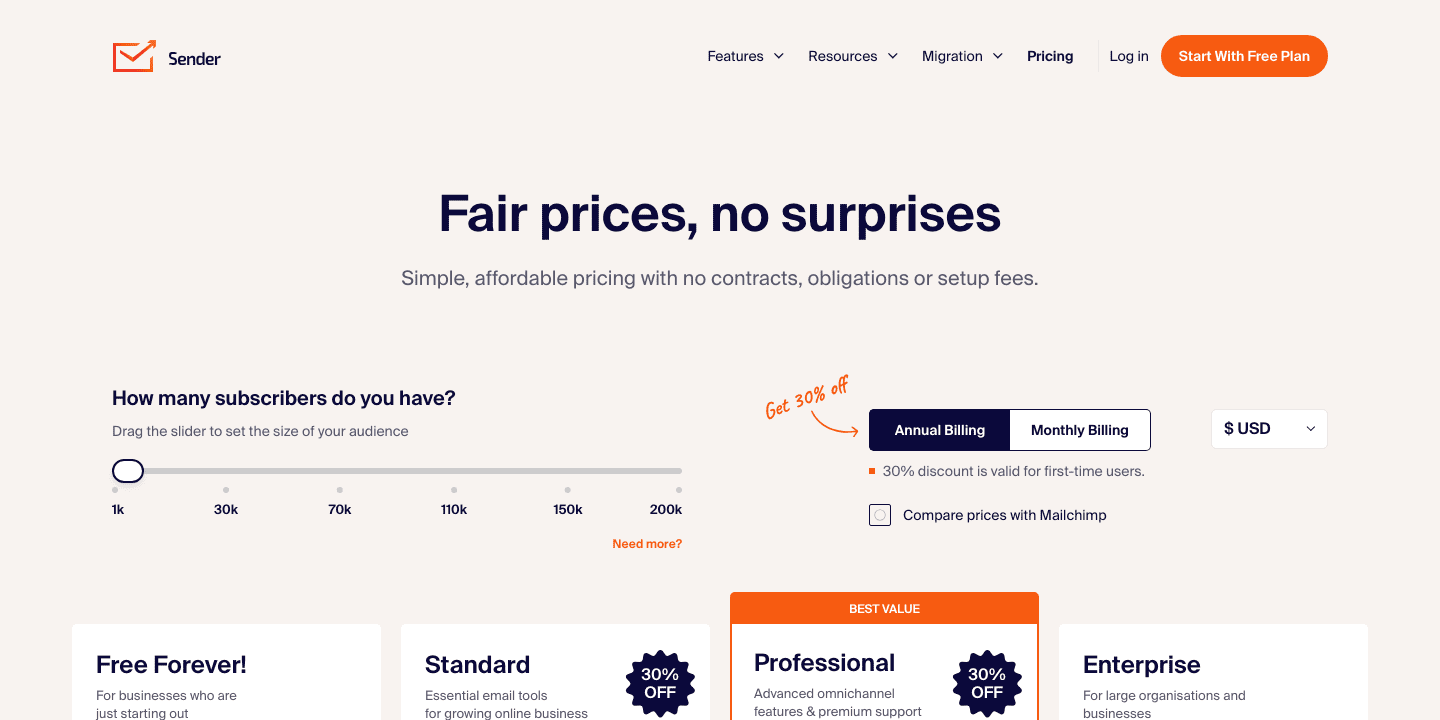
Paid plans start at Standard for $7/month billed annually ($84/year) for 1,000 subscribers and 12,000 emails/month. Dedicated IPs become available "upon request" starting at the Professional tier ($14/month), generally tied to senders with 20,000+ subscribers or 500,000+ emails/month.
Free and Standard plans carry Sender branding; Professional and above remove it.
Pros:
- Genuinely usable free tier at 15,000 emails/month.
- API/SMTP included on every tier, including Free.
- Low entry price at $7/month.
Cons:
- Removing branding requires upgrading to Professional or above.
10. Mailchimp
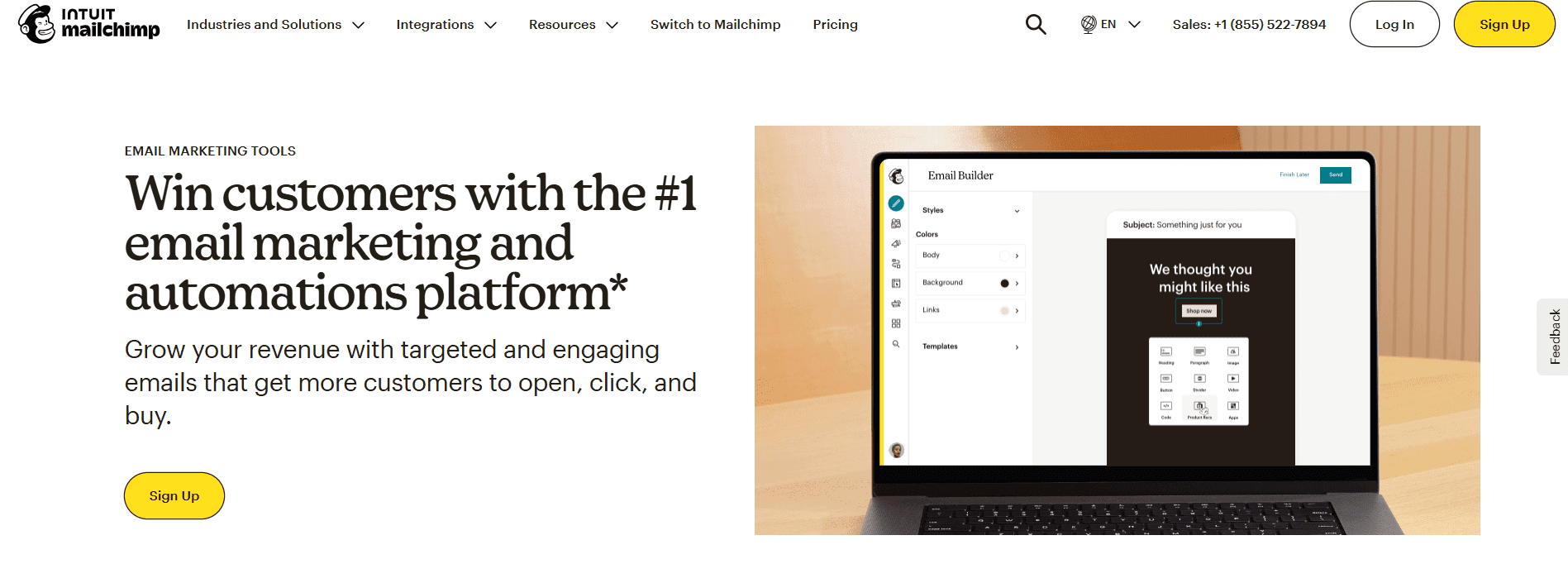
Mailchimp is on this list for teams where ecosystem familiarity and integration breadth matter more than price or free-tier generosity.
Best for: teams that already know the interface or need one of its many third-party integrations.
The free plan is capped at 250 contacts and the lower of 500 emails/month or 250/day, whichever limit is hit first, one of the tighter free tiers in this comparison.
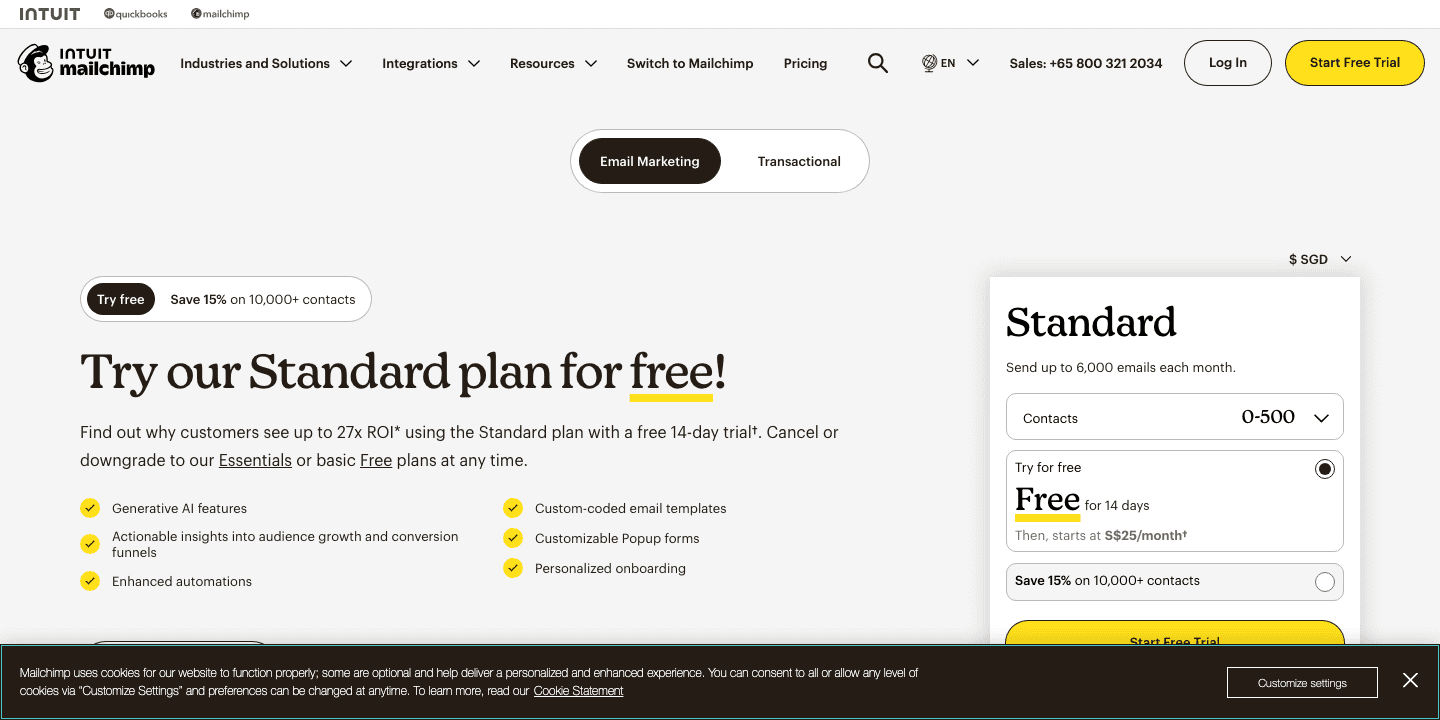
Paid plans start at Essentials from $15/month , with a 15% discount available on annual billing for lists over 10,000 contacts. Dedicated IPs aren't available on core marketing plans at all; they exist only as a $29.95/month add-on to the separate Mandrill transactional product.
Pros:
- Extensive third-party integrations.
- Broad brand familiarity that shortens team onboarding.
Cons:
- One of the most limited free tiers here, by both contact count and send volume.
- Needing Mandrill for transactional email means budgeting for a second product.
Also considered but not detailed above: HubSpot (strong if you're already in that CRM ecosystem, but not a bulk-sending specialist), Kit (formerly ConvertKit, more creator-focused than bulk-marketing-focused), Omnisend, Postmark (transactional-first — see our Postmark alternatives comparison ), Moosend, and Benchmark.
Best Free Bulk Email Services Compared
Free plans vary enough in structure that comparing them by a single number is misleading. Some cap by emails sent per month, some by contacts stored, some by both. The table below normalizes what each provider publishes.
| Provider | Free monthly sends | Contact cap | Daily cap | Branding | SMTP/API included? | Best use |
|---|---|---|---|---|---|---|
| EngageLab | ~1,500 (50/day); 2,500 on the Shopify app | Not specified (250 on the Shopify app) | 50/day | None mentioned on pricing page | Yes | Integration testing, not campaign-scale sending |
| Brevo | 9,000 (300/day) | 100,000 | 300/day | Forced "Sent by Brevo" footer | Yes | Small business running real campaigns for free |
| MailerLite | 2,500 | 250 subscribers | Not specified | Forced logo | API limited, no sending | Small newsletter testing |
| Mailtrap (Marketing) | 1,500 | 500 | Not specified | Unconfirmed | Yes | Testing bulk marketing sends before upgrading |
| Sender | 15,000 | 2,500 subscribers | Not specified | Forced branding | Yes | Small business wanting a genuinely usable free tier |
| GetResponse | 2,500 newsletters | 500 | Not specified | Forced logo | API only, no SMTP | Small list newsletter testing |
| Mailchimp | 500 (or 250/day) | 250 | 250/day | Cannot be removed | Marketing API yes; transactional separate | Very small test campaigns only |
A word on the most restrictive free tier on this table, send-volume-wise: 50 emails/day on the core platform is enough to validate an integration or send a handful of test messages, not to run a real campaign to any meaningful list. The Shopify app's 2,500/month free tier is more workable for a small store's actual newsletter volume, but it's a separate offering, not the general-purpose free plan.
Either way, if what you actually need is a free tier you can run live campaigns on outside Shopify, Brevo and Sender are the stronger fits.
What Does Bulk Email Cost at 10K, 100K, and 1M Sends?
There isn't a single "cheapest provider" answer here, because these providers don't all charge for the same thing. Three different billing logics are in play, and they aren't directly comparable to each other:
- Contact-based: you pay for the number of contacts on your list, and sending frequency doesn't change the price. A small, highly engaged list emailed daily can end up far cheaper than a large list emailed once a month, or the reverse, depending on your actual usage pattern.
- Send-volume-based: you pay for the number of emails sent per month, regardless of list size. This rewards infrequent senders with large lists and penalizes frequent senders with small lists.
- Pay-as-you-go infrastructure: you pay a flat rate per 1,000 emails sent with no plan tiers, no contact caps, and often no monthly minimum.
A tool billed by contacts can look expensive next to a send-volume tool at low sending frequency, and cheap at high frequency. Treat the table below as a reference point, not a ranking.
| Provider | Billing logic | 10,000 sends/mo | 100,000 sends/mo | 1,000,000 sends/mo |
|---|---|---|---|---|
| EngageLab | Usage-based, no public rate card | Custom / calculator | Custom / calculator | Custom / calculator |
| Brevo | Send-volume tiers | Starter, ~$9/mo (5,000-email threshold nearby) | Roughly Professional territory, $499/mo (from 150,000/mo) | Enterprise, custom quote |
| MailerLite | Contacts + sends, mixed | Comfort from $12/mo, varies by subscriber count | Requires a higher subscriber tier; no single published number | Enterprise, requires a quote |
| Mailtrap (Marketing) | Send-volume tiers | Essential $12/mo (30,000-email tier covers 10K) | Roughly Business tier, $85/mo (100,000-email tier) | Not listed publicly; requires a quote |
| Mailtrap (API/SMTP) | Send-volume tiers | Basic $15/mo (10,000-email tier, exact match) | Business $85/mo (100,000-email tier, exact match) | Not listed publicly; requires a quote |
| Amazon SES | Pay-as-you-go, per 1,000 | ~$1 (10,000 × $0.10/1,000, à la carte rate) | ~$10-16 (100,000 × $0.10-0.16/1,000, depending on plan) | ~$100-160 (1,000,000 × $0.10-0.16/1,000), plus $24.95/mo per dedicated IP if added |
| SMTP2GO | Send-volume tiers | Starter $10/mo (10,000-email tier, exact match) | Roughly Professional territory, $75/mo; exact 100K pricing not fully public | Premier tier, requires a quote |
| ActiveCampaign | Contact-based, not send-based | Not directly comparable; anchored to ~1,000 contacts at ~$15/mo regardless of send frequency | Same caveat; depends on contact count, not send volume | Enterprise, requires a quote |
| GetResponse | Contact-based, sends unlimited | Starter from €16/mo (1,000 contacts); send volume itself isn't capped | Depends on contact tier, not directly on send volume | Enterprise, requires a quote |
| Sender | Contacts + sends, mixed | Standard $7/mo (12,000-email tier covers 10K) | Requires Professional ($14/mo starting point), actual price depends on subscriber count | Requires a quote based on subscriber count |
| Mailchimp | Contact-based, not send-based | Essentials from $15/mo, anchored to contact count | Same caveat, depends on contact tier | Enterprise, requires a quote |
Two things stand out. First, Amazon SES's pay-as-you-go pricing is dramatically cheaper than any full ESP at the 1M-send mark, but that number doesn't include the campaign UI, list management, or deliverability tooling a marketing team would otherwise get bundled in; you're paying separately for that either in engineering time or a second tool.
Second, several providers simply don't publish numbers at higher volume tiers, which is normal for infrastructure sold above a certain scale but means you can't budget precisely without a quote.
What Actually Matters for Bulk Email Deliverability?
A generous send limit doesn't guarantee inbox placement. Deliverability comes down to a few factors that apply whatever platform you pick, and our email deliverability guide goes deeper.
Authentication: SPF, DKIM, and DMARC
These three are table stakes, and nearly every platform here supports all three. What varies is how much of the DNS setup the platform automates versus leaving to you.
Shared vs Dedicated IP
A dedicated IP isn't an automatic upgrade. Its reputation is yours to build and needs steady volume plus warm-up to beat a well-managed shared pool, so low-volume senders are usually better off shared. Dedicated IPs are typically gated to mid or higher tiers, a fair signal you don't need one yet.
Separate Marketing and Transactional Streams
A complaint spike on a marketing blast can delay a password-reset email sent from the same IP and domain. Mailtrap and MailerLite/MailerSend split the two into separate products; providers that unify both put more weight on your own list hygiene.
Bounce, Complaint, and Suppression Handling
Automatic suppression, which stops resending to hard-bounces and complainers, matters more at scale than any single feature. Manual suppression is where in-house setups break down, part of why infrastructure like Amazon SES needs a marketing layer on top.
Gmail, Yahoo, and Outlook Bulk-Sender Requirements
According to Google's bulk sender guidelines (2026) , senders of 5,000+ messages a day to personal Gmail need SPF, DKIM, and DMARC, one-click unsubscribe (RFC 8058) honored within 48 hours, and a spam complaint rate under 0.3% . Yahoo and Outlook set the same core bar for high-volume senders: authentication, easy unsubscribe, and low complaint rates.
The takeaway: if you send anywhere near 5,000 a day to these mailboxes, SPF, DKIM, DMARC, and one-click unsubscribe are the baseline, and every provider here supports them.
Conclusion
None of these ten is right for every sender. Match the provider to your sending pattern: free tier and easy editor at low volume, billing model and deliverability tooling as you scale.
For a broader look beyond bulk marketing, see our email service providers guide ; to plan the campaign itself, see how to do an email blast . If you want marketing and transactional on one email platform , start there.