Elena Rodriguez
Updated: 2026-07-08
Every day, your signup forms, login pages, and OTP triggers are being hit by bots — not occasionally, but constantly. Automated bot traffic surpassed human-generated traffic for the first time in a decade in 2024, making up 51% of all web traffic, and it has only climbed since. According to the Thales/Imperva Bad Bot Report, by 2025, bots accounted for 53% of all global web traffic, with bad bots alone responsible for 40% of that volume, up from 37% the year prior.
Most teams respond to this the same way: they run a quick captcha vs recaptcha comparison, choose Google reCAPTCHA because it's free and familiar, and call it done.
But "default" and "best fit" aren't always the same thing, and that gap shows up in conversion data, user complaints, and compliance exposure.
This guide breaks down what captcha meaning actually is, how reCAPTCHA evolved from it, and where the real differences lie. So, you can make a decision based on your specific setup, not just what everyone else is using.
Part 1. What is reCAPTCHA?
Before the distinction makes sense, you need a clear baseline on both sides.
What is a CAPTCHA, in its original form, is a challenge-response test designed to verify that the entity completing a form or action is human. The acronym stands for Completely Automated Public Turing test to tell Computers and Humans Apart. It was first introduced by Carnegie Mellon researchers in 2000, and the original implementation was exactly what you'd expect: distorted text that a human could read but a bot (in theory) could not.
reCAPTCHA builds on that same foundation but adds a layer of intelligence. Google acquired reCAPTCHA in 2009 and has since evolved it beyond traditional challenge-based verification to help identify suspicious activity more effectively.
reCAPTCHA is Google's implementation of that concept. CAPTCHA is the concept itself. That distinction becomes the foundation for everything that follows.

Part 2. CAPTCHA vs. reCAPTCHA: What's the Difference?
Most comparisons treat captcha vs recaptcha like a binary. One is old; one is new — switch and move on. That misses the operational nuance. These are related but genuinely different tools, and the differences affect how your verification layer performs in real conditions.

Key Differences
1Origin and Ownership
CAPTCHA is a category — an open concept. Any verification mechanism that distinguishes humans from bots through a challenge qualifies. reCAPTCHA is a specific product owned and operated by Google. That distinction has real implications for data handling, infrastructure dependency, and vendor control.
2Challenge Mechanism
Traditional what is a captcha implementations rely on static challenges: distorted text, image grids, simple puzzles. The challenge itself is the test. reCAPTCHA, especially from v3 onward, relies primarily on behavioral analysis and user behavior tracking. It watches how a user interacts with the page — mouse movement, scroll patterns, time on page, prior browsing history — and assigns a risk scoring value. No challenge is shown to users Google's system is confident are human.
3Visibility to the User
Classic CAPTCHA is always visible. The user sees the test, completes it, and proceeds. reCAPTCHA v3 is invisible captcha by design — the scoring happens in the background. reCAPTCHA v2 sits in between, showing a checkbox or image challenge only when behavioral signals are inconclusive.
4Data Dependency
This is where the operational difference matters most. Traditional CAPTCHA functions without external data; it presents a challenge and evaluates the response. reCAPTCHA relies heavily on Google's user data network to make its risk scoring assessments. A logged-in Google user browsing on Chrome will receive a very different score than an incognito visitor with no Google footprint, even if both are real humans.
5Bot Resistance
Classic CAPTCHA is easier to bypass. Modern captcha bypass tools and CAPTCHA farms can solve image-based or text-based challenges at scale. reCAPTCHA's behavioral layer raises the difficulty significantly, but it's not invulnerable. As bot bypass captcha techniques have advanced, even reCAPTCHA v3 scores can be gamed by sophisticated automation that mimics behavioral signals.
CAPTCHA vs. reCAPTCHA Comparison Table
| Dimension | CAPTCHA (Traditional) | reCAPTCHA (Google) |
|---|---|---|
| What it is | A category / type of human verification | Google's specific implementation of CAPTCHA |
| Challenge type | Static - text, image grid, puzzle | Dynamic - behavioral signals + optional visual challenge |
| Visible to user | Always visible | v2: optional checkbox; v3: fully invisible |
| Core method | Challenge-response test | Behavioral analysis + risk scoring |
| Data dependency | None - self-contained | Relies on Google's user data network |
| False positive risk | Lower for simple challenges; higher for hard distortions | Higher for users with low Google footprint (VPNs, private browsers) |
| Bot resistance | Lower - image/text challenges are increasingly solvable | Higher - but not immune to advanced bot bypass methods |
| Privacy exposure | Minimal | Collects and processes user behavior data via Google |
| Best for | Basic bot filtering, simple forms | High-traffic platforms within Google's ecosystem |
| Customization | High - can be self-hosted | Limited - Google-controlled infrastructure and scoring model |
Part 3. How reCAPTCHA Works (v2 vs v3)
At a high level, both versions of "Google reCAPTCHA" are trying to answer the same question: is this interaction coming from a real person or an automated system? The difference is in how they ask that question, and how much of the process they make visible to the user.

reCAPTCHA v2 - The Challenge-Based Approach
v2 is the version most people recognize: you land on a form, click the "I'm not a robot" checkbox, and the real evaluation has already begun before you touched it.
The moment the reCAPTCHA script loads on a page, it starts collecting behavioral signals — mouse movement, timing, cursor path, browser characteristics, session history. By the time you click, Google has already formed a preliminary assessment. If the signals look clean, you pass with just the checkbox. If something looks off, you get a secondary challenge.
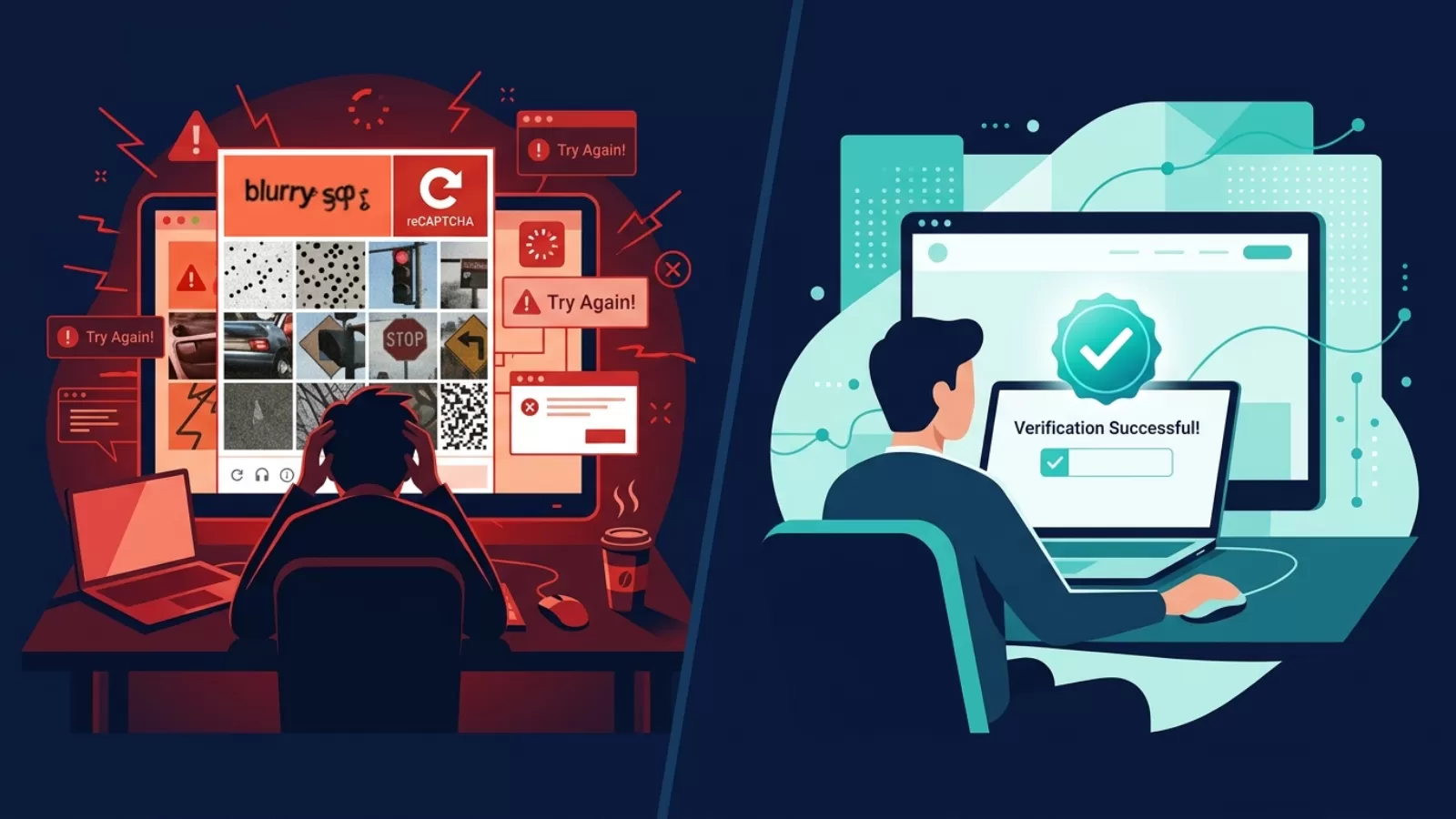
The limitation is straightforward: according to research cited by PeakHour, a Stanford University study found that CAPTCHA challenges can reduce form conversions by up to 40%, with real human shoppers abandoning purchases due to that friction. When your legitimate users are the ones getting frustrated by image grids, the security layer is working against you.
reCAPTCHA v3 - Score-Based, Invisible
As documented in the Google Developers reCAPTCHA v3 guide, v3 provides a score per request ranging from 0.0 to 1.0, indicating the likelihood of a legitimate interaction. There is no checkbox, no image puzzle, no visible prompt of any kind.
The scoring runs entirely in the background. Google's system watches the entire session — scroll depth, click behavior, typing cadence, time on page — and cross-references it against its broader network: whether the user is logged into Google, IP reputation, device fingerprint. The output is a single score your server receives, and you decide what to do with it.
That decision — what to do with a given score — is where teams often run into problems. Google does not give you a clear threshold. The documentation suggests 0.5 as a starting point, but the right cutoff depends entirely on your traffic profile and your tolerance for false positives versus missed bot traffic.
This is the core trade-off with v3. Less friction for users who pass cleanly. But less control, less transparency, and a meaningful risk of mis-scoring real users who simply don't have a strong Google data footprint — incognito browsers, VPN users, users in markets with lower Google ecosystem penetration.
Part 4. The Limitations of reCAPTCHA (Especially v3)
reCAPTCHA has genuine value. But treating it as a complete solution creates blind spots that show up in conversion data, user complaints, and security logs. Here's where the real gaps are.

False Positives That Block Real Users
As Anura's data shows, reCAPTCHA v3 has a high false-positive rate, leading to real prospects being wrongly blocked and costing businesses potential customers.
In high-volume login and registration flows, this plays out in a specific pattern: users who arrive via VPNs, privacy-focused browsers like Brave or Firefox with enhanced tracking protection, or regions where Google's data signals are thin — these users score low not because they're bots, but because they look anomalous to Google's model. Their browsing doesn't leave the kind of footprint that produces a confident score.
UX Friction That Compounds Over Time
According to Responser, over 67% of people will permanently abandon a form after encountering a single complication, and even being presented with a CAPTCHA is enough to make 1.47% of users abandon a form outright, even when the form matters to them. That's the cost of friction at scale.
In OTP and SMS verification flows specifically, this problem compounds. A user enters their number, triggers an OTP send, and then hits a CAPTCHA challenge before the OTP is even dispatched. The sequence breaks their mental model of the flow.
Privacy Concerns and GDPR Exposure
reCAPTCHA collects visitor behavior data — including mouse movements, IP addresses, and browser fingerprints — and sends it to Google's servers, making GDPR compliance a live issue that requires a valid legal basis and disclosure in your privacy policy.
This became a harder problem to ignore in 2026. As reported by Friendly Captcha, as of April 2, 2026, Google changed its reCAPTCHA operating model, shifting from data controller to data processor, placing full GDPR compliance responsibility on website operators. Fines have already been issued, including a €125,000 penalty against Cityscoot for improper reCAPTCHA use, with European regulators signaling that the tool requires explicit user authorization.
Bot Bypass - The Arms Race Problem
reCAPTCHA is not a wall. It's a layer, and sophisticated automation has adapted around it. V3 also carries a high false-positive rate in misidentifying real users as bots. CAPTCHA farms — services that route challenges to human workers for manual solving — have been operating at scale for years. And modern bots that emulate behavioral signals can produce mouse movement and timing patterns that pass v3 scoring.
Part 5. Why reCAPTCHA Is Still Used in 2026
The answer is practical, not ideological — here's why reCAPTCHA remains the default for so many platforms.

It's Free and Fast to Integrate
For most teams, reCAPTCHA v3 is the path of least resistance. The script drops into a page with a few lines of code. The API is well-documented. The free tier — now capped at 10,000 assessments per month following Google's 2025 Cloud migration — is sufficient for early-stage products and low-traffic forms. When you're moving fast and need something in place, reCAPTCHA ships in an afternoon.
Google's Brand Trust Does Real Work
There's a reason teams reach for Google-backed infrastructure without much deliberation. The assumption is that Google has the data, the model quality, and the uptime guarantees to make it worth trusting. That assumption is largely earned — Google's risk scoring model benefits from an enormous volume of behavioral data across billions of sessions, which gives it real signal quality that most standalone alternatives can't match out of the gate.
It Handles the Majority of Bot Traffic
For simple, low-sophistication bot attacks — the kind that make up the bulk of spam signups, comment flooding, and brute-force login attempts — reCAPTCHA still works. As noted in a DataDome analysis, it performs well against simple bots. If your threat model doesn't include sophisticated adversaries running emulator-based or behavior-mimicking automation, reCAPTCHA v3 will quietly handle most of the noise without any visible friction.
It's Deeply Embedded in the Ecosystem
reCAPTCHA's widespread adoption has created its own gravitational pull. Countless frameworks, CMS plugins, and form builders have reCAPTCHA integration built in. Switching carries a real migration cost — not just technical, but operational. Teams that have calibrated their score thresholds, built fallback logic, and trained internal processes around reCAPTCHA's output don't replace it casually.
None of this means reCAPTCHA is the right answer for every situation. It means it's the answer that requires the least justification in most situations — and that matters when you're managing competing priorities.
Part 6. Common Use Cases - and Where They Break Down

1User Registration
What it's for: Blocking bot-generated fake account creation during signup. In registration flows, a single unprotected endpoint can generate thousands of fake accounts per hour, polluting your user database and burning SMS credits on OTP sends to phone numbers that don't exist.
Where it breaks down: In high-volume registration flows serving diverse geographies, reCAPTCHA v3's scoring produces inconsistent results. Users from regions with limited Google ecosystem data, or those who've disabled third-party cookies, receive low risk scores through no fault of their own. You end up either blocking real signups or lowering your threshold until bot traffic slips through.
2Login and Account Protection
What it's for: Detecting and blocking "credential stuffing" attacks — automated login attempts using stolen username/password combinations. Without a verification layer at login, a single breach dataset can be run against your platform silently overnight.
Where it breaks down: As Roundtable AI notes, reCAPTCHA's invisible v3 mode sometimes falls back to visual challenges when confidence scores drop, which means your returning users can suddenly face an unexpected visual challenge after a session pattern change (new device, different network, travel). That's a customer support trigger, not a security win.
3OTP and SMS Verification
What it's for: Preventing SMS pumping — a fraud pattern where bots repeatedly trigger OTP sends to premium-rate phone numbers, generating revenue for the attacker at your SMS cost.
Where it breaks down: CAPTCHA sits at the pre-OTP trigger point in this flow, which is correct in principle. The problem is that reCAPTCHA's scoring at this specific touchpoint tends to be more aggressive, because a user who just arrived on the page and immediately requested an OTP doesn't have much behavioral history to score against. The result is more false positives at exactly the point in the flow where friction causes maximum drop-off.
4Payment and Checkout
What it's for: Blocking automated carding attempts — bots that run through stolen card numbers at checkout to test which ones are valid, accumulating chargeback costs and putting your payment processor relationship at risk.
Where it breaks down: As Roundtable AI documents, financial services and e-commerce sites cannot afford the high miss rate that allows sophisticated bots through traditional CAPTCHA systems, nor the latency that CAPTCHA sometimes adds — occasionally a full half-second lag to page load. At checkout, half a second of unexpected lag has a measurable conversion cost.
The pattern across all four use cases is the same: reCAPTCHA works within the conditions it was designed for. When your traffic or user base moves outside those conditions — different geographies, privacy-conscious users, high-stakes touchpoints — the trade-off between friction and security accuracy becomes a real operational problem.
Part 7. Best reCAPTCHA Alternative in 2026
In 2025, Google slashed reCAPTCHA's free tier by 99% — from 1 million to 10,000 assessments per month — while EU regulators continued ruling it non-compliant without explicit user consent, and AI solvers reached 96% accuracy against its challenges. According to Guardian Stack, CAPTCHAs are no longer an effective barrier against determined attackers.
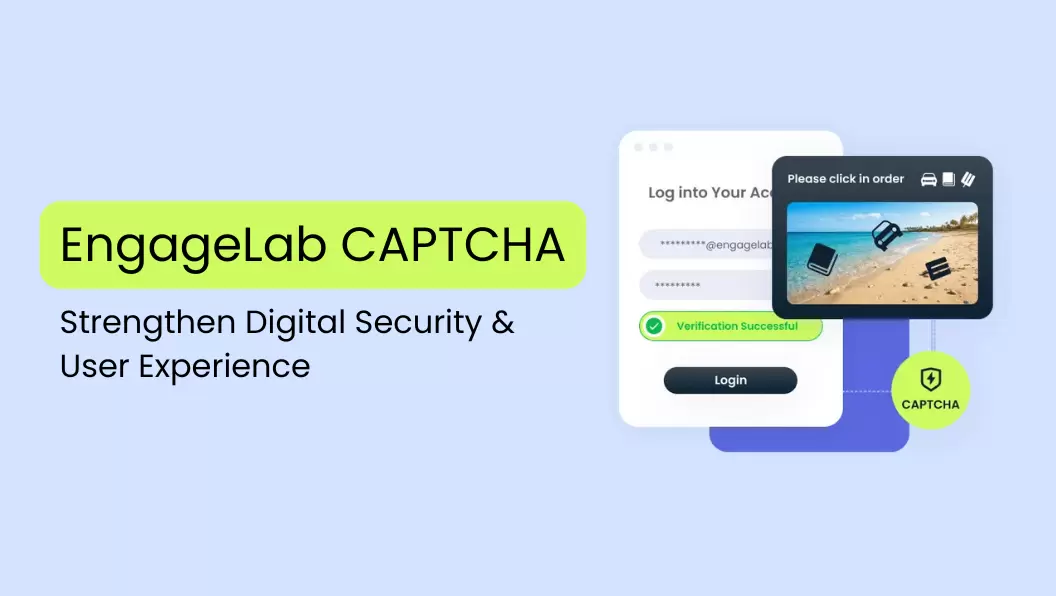
EngageLab CAPTCHA - The Smart Alternative to reCAPTCHA
The core problem with reCAPTCHA v3 is that its risk scoring sits inside Google's infrastructure — you get a number back, but you don't control how that number is produced. The model depends on Google's data network, which means users outside that network get scored inconsistently. You end up with a verification layer that's partially blind to your actual user base.

EngageLab CAPTCHA approaches this differently. It uses AI-driven behavioral analysis to adapt verification in real time based on user interactions, giving businesses greater control than opaque third-party scoring models.
Compared to Google reCAPTCHA, it provides a configurable verification layer that integrates with OTP, push, and SMS workflows while reducing dependence on third-party data.
Privacy-wise, EngageLab CAPTCHA doesn't rely on third-party cookies or Google ecosystem data and is designed to support GDPR compliance.
If your current verification setup is generating unexplained drop-off, blocking legitimate users, or creating compliance exposure, the architecture difference matters.
Protect Users Without Adding Friction
Improve verification accuracy while reducing drop-off across high-value customer journeys.
Part 8. FAQs
Q1. What is a CAPTCHA, and what is it used for?
A "CAPTCHA" is a security mechanism that verifies whether an interaction on a website or app is coming from a real human or an automated bot. The term stands for Completely Automated Public Turing test to tell Computers and Humans Apart. It's used across login pages, signup forms, OTP requests, checkout flows, and contact forms — anywhere automated abuse (fake accounts, credential stuffing, spam, SMS pumping) carries a real cost to the platform.
Q2. What is the difference between CAPTCHA and reCAPTCHA?
"CAPTCHA" is a broad category — any challenge-response test designed to distinguish humans from bots qualifies. "reCAPTCHA" is Google's specific implementation of that concept, acquired in 2009 and developed through three versions. The key distinction is that reCAPTCHA uses behavioral analysis and risk scoring layered on top of Google's user data network, while traditional CAPTCHA presents a standalone challenge without external data dependency. reCAPTCHA is one type of CAPTCHA, not a different thing.
Q3. What is Google reCAPTCHA, and how does it work?
Google reCAPTCHA is a bot detection service that analyzes user behavior on a web page to assess whether the session is human or automated. reCAPTCHA v2 presents a visible checkbox or image-grid challenge when signals are inconclusive. reCAPTCHA v3 runs entirely in the background — it monitors interaction patterns (mouse movement, scroll behavior, timing, device fingerprint, browsing history signals) and returns a risk scoring value between 0.0 and 1.0. The website owner decides what action to take based on that score.
Q4. Why does reCAPTCHA sometimes block real users?
reCAPTCHA v3 relies on Google's data network to generate accurate scores. Users who don't have a strong Google footprint — those browsing in incognito mode, using VPNs, on privacy-focused browsers, or in markets with lower Google ecosystem activity — produce weaker behavioral signals and receive lower risk scores, even if they're clearly human. This results in "false positives": real users being flagged as suspicious and blocked or shown unnecessary challenges. The scoring model has no way to distinguish "low-signal human" from "suspicious automated session."
Q5. What is an invisible CAPTCHA, and how does it protect users?
An "invisible captcha" performs bot verification entirely in the background without showing the user any challenge, checkbox, or puzzle. It analyzes behavioral signals — how the user navigates the page, interaction timing, device characteristics, and request patterns — to make a real-time judgment on whether the session is human or automated. If signals are clean, the user passes without seeing anything. Only sessions that look anomalous get escalated to a visible challenge or blocked. The result is full bot protection with no added friction for real users.
Q6. Can bots bypass reCAPTCHA?
Yes, modern bots can bypass reCAPTCHA, particularly v3. CAPTCHA-solving services charge as little as $0.02 per solve for image challenges. As Roundtable AI reports, AI-powered object-detection systems can defeat reCAPTCHA v2 image challenges with up to 83% success rate. reCAPTCHA v3 scores can be gamed by sophisticated automation that emulates realistic behavioral signals and mouse trajectories using reinforcement learning. This is why reCAPTCHA is best treated as one layer in a broader bot detection strategy, not a standalone solution.
Conclusion
The captcha vs recaptcha debate doesn't have a single winner — it depends on your use case.
reCAPTCHA remains a practical choice for basic forms and low-risk environments. But for registration, OTP, and other high-value flows, false positives, user friction, and privacy considerations can become real operational challenges.
The right verification layer is the one that matches your traffic profile and security requirements. Solutions built on AI-driven behavioral analysis, like EngageLab CAPTCHA, are designed to address these gaps with higher accuracy, lower friction, and privacy-friendly verification.
Start by identifying where your current setup is creating drop-off. That's where the answer usually becomes clear.