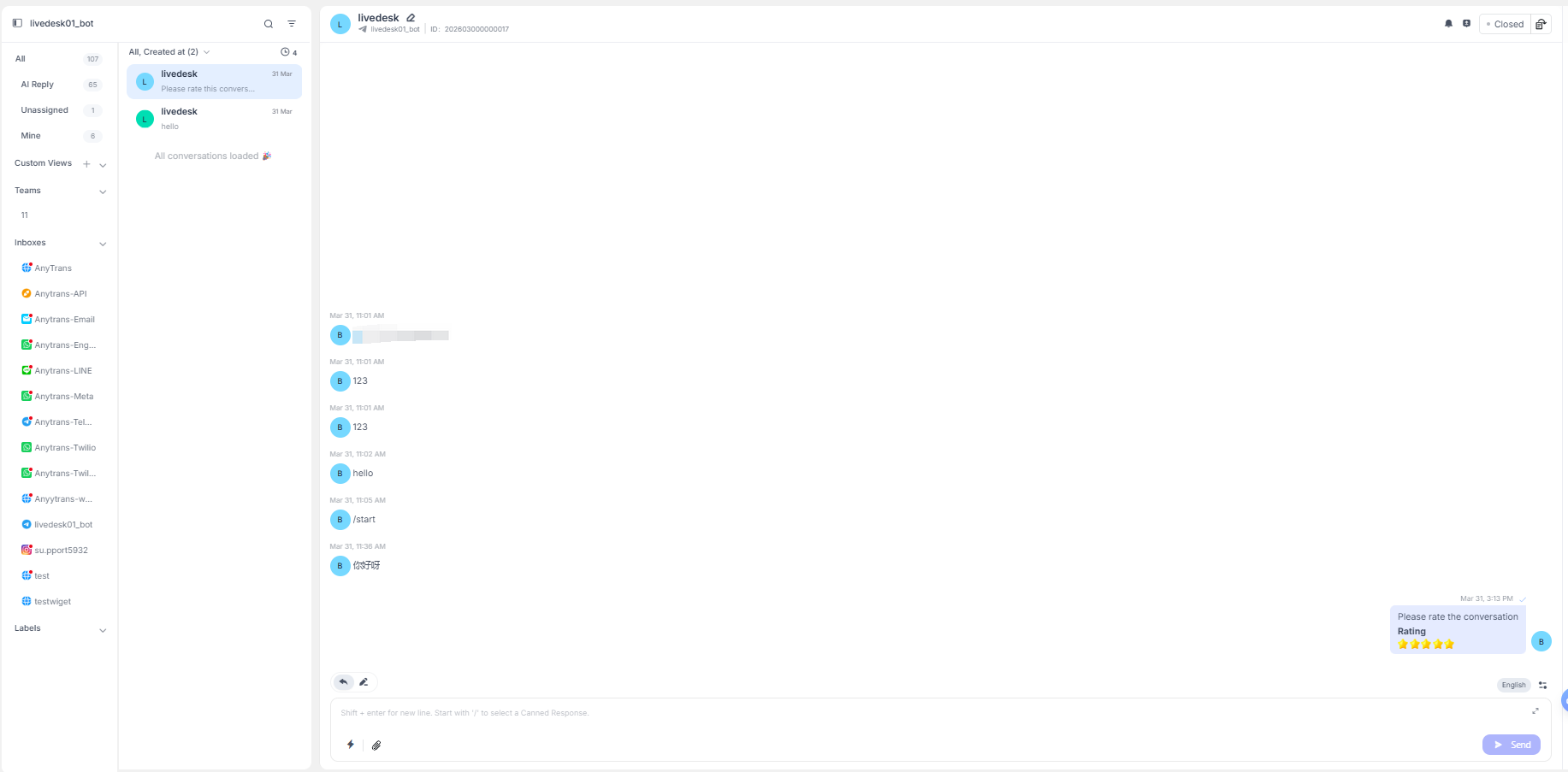
Inicia tu primera conversación
Antes de empezar a trabajar en la atención al cliente con LiveDesk, necesitas crear o unirte al proyecto correspondiente. Para obtener más información, consulta Crear un proyecto.
Añadir canales
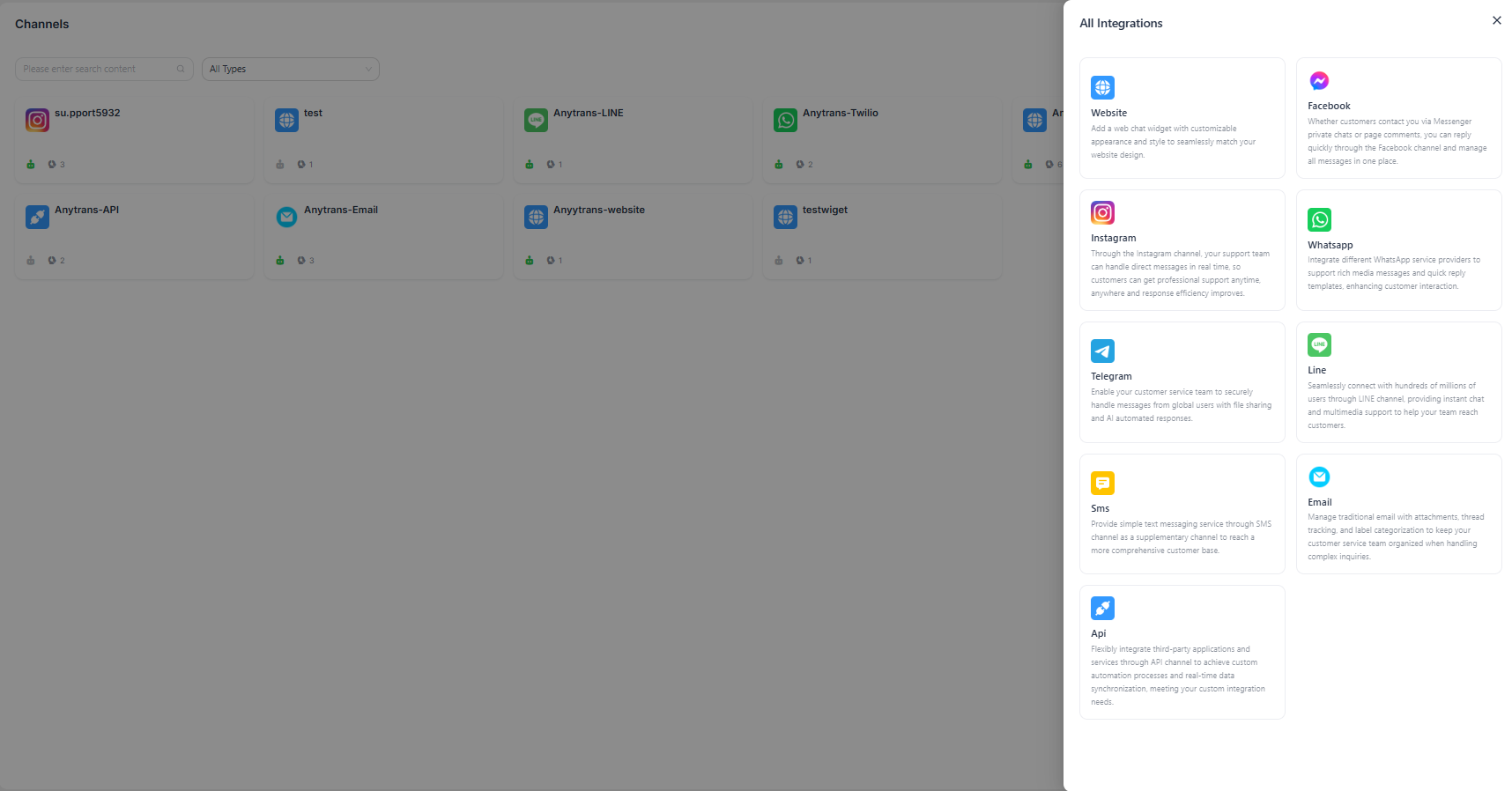
Después de unirte a un proyecto, añade canales para recibir mensajes de los clientes. En Configuración del proyecto → Canales, selecciona el canal adecuado y configura los parámetros necesarios para completar la configuración. Para obtener una explicación detallada de los parámetros del canal, consulta la Guía de la consola.
Responder a los mensajes
Cuando recibas un mensaje, solo tienes que abrir la conversación y responder en el cuadro de chat. Tu respuesta se enviará a través del canal original que el cliente utilizó para enviar el mensaje, ya sea por correo electrónico, WhatsApp o cualquier otra plataforma compatible.