

How to Conduct User Journey Tests to Verify Component Functionality?
1. Set Up Test Users
- In the journey’s Entrance component, define user attribute conditions (e.g.,
account_id = userID) to lock in the test account, ensuring only the designated user enters the journey.
2. Build the Test Flow
- Configure all components to be validated (message channels, behavior triggers, wait controls, etc.) on the canvas.
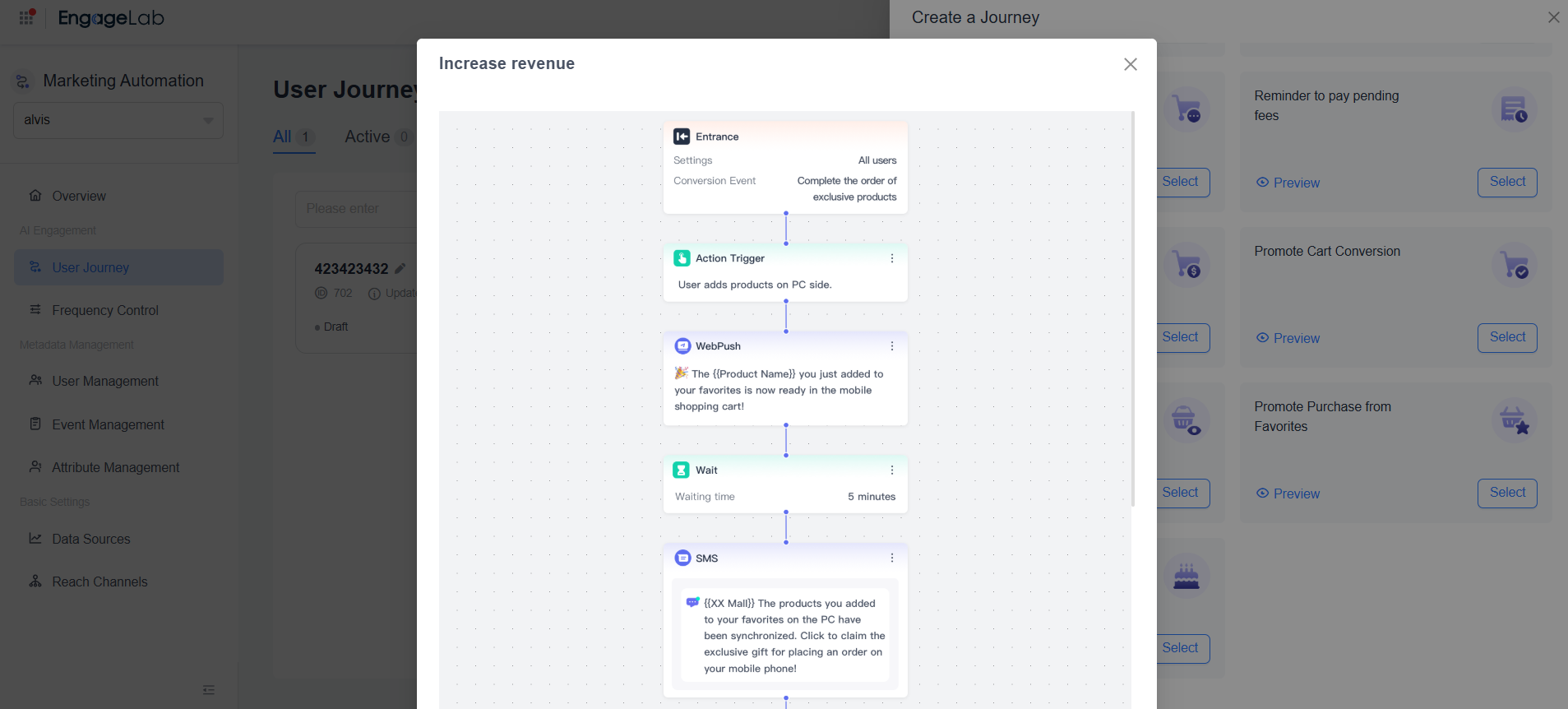
- You can directly select a system template to quickly build a test scenario.
Example: If you need to test the functionality and collaboration of WebPush, Email, and SMS channel components at the same time, we recommend using the built-in "Increase Revenue" template for efficient validation.
3. Execute Functional Validation
- Use your test device/account to trigger user behaviors according to the preset conditions.
- Verify whether the corresponding messages are received.

Still Have Questions?
Can't find what you're looking for? Our experts are here to provide personalized assistance. Ask your question now and get a timely response.

