How to Report User Behavior Data from a Website?
If you wish to automatically trigger user journeys based on user behavior on your website, please follow these configuration steps:
1. Create and Configure the Application
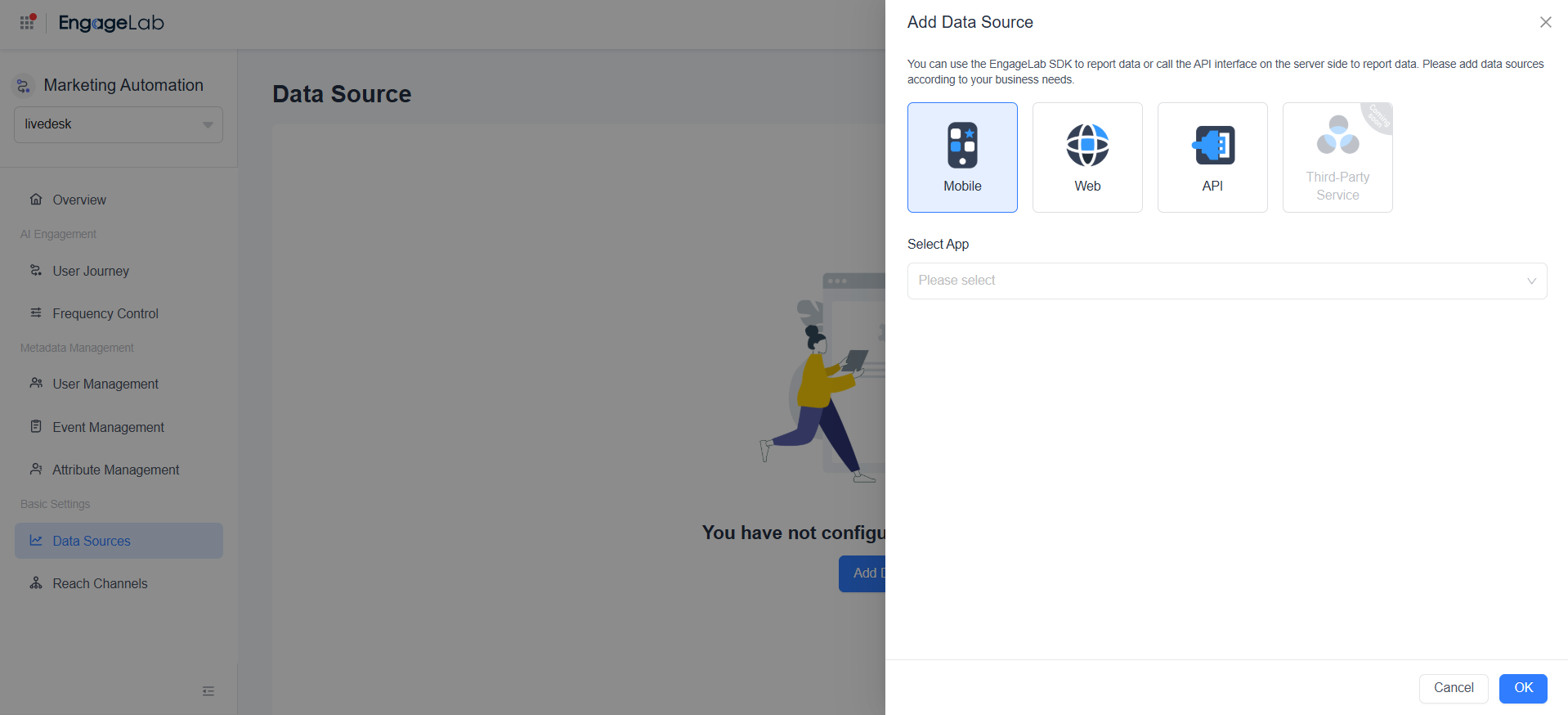
Go to the "Data Sources" page, click "Add Data Source" to open the expanded page, and select "Web":
If you also want to enable web push notifications (WebPush), you can select "Use" below.
If you do not wish to enable it yet, you need to create a new data source and configure your website domain. MA allows batch addition of domains.
2. Integrate the Web SDK
Have your development team integrate the Web SDK according to the official documentation.
3. Report Data as Needed
Developers need to call the interfaces at appropriate nodes to achieve the following:
- Initialize the SDK
- Set a unique user identifier after user registration/login
- Report events and corresponding attributes after key interaction behaviors occur
- Update user attributes when basic user information changes
- Synchronize contact information, such as phone numbers and email addresses, when contact details change
EngageLab MA provides clear integration documentation and technical support to help you quickly complete website data integration.