Start Your First Conversation
Before starting customer service work in LiveDesk, you need to create or join the relevant project. For details, see Create a Project.
Add a Channel
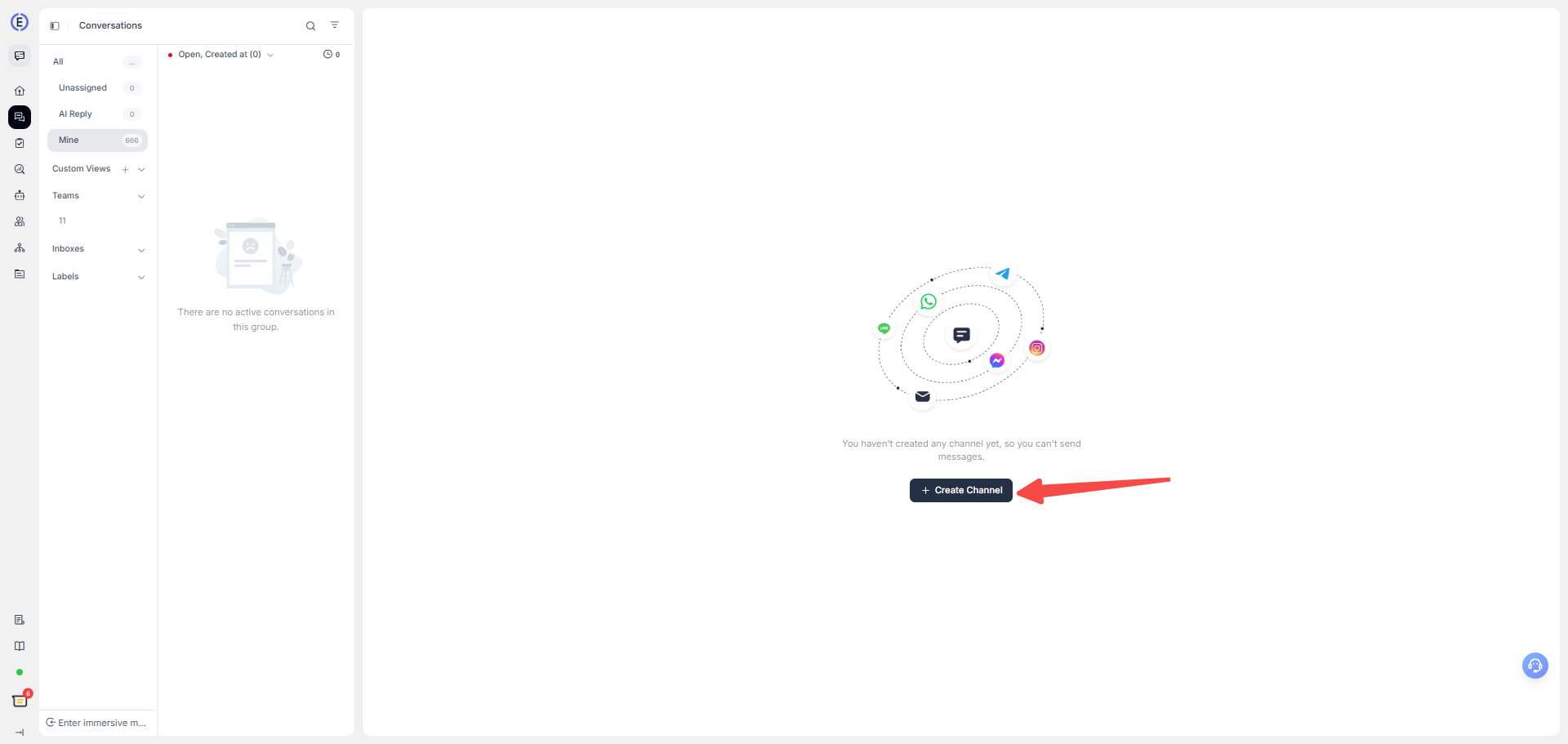
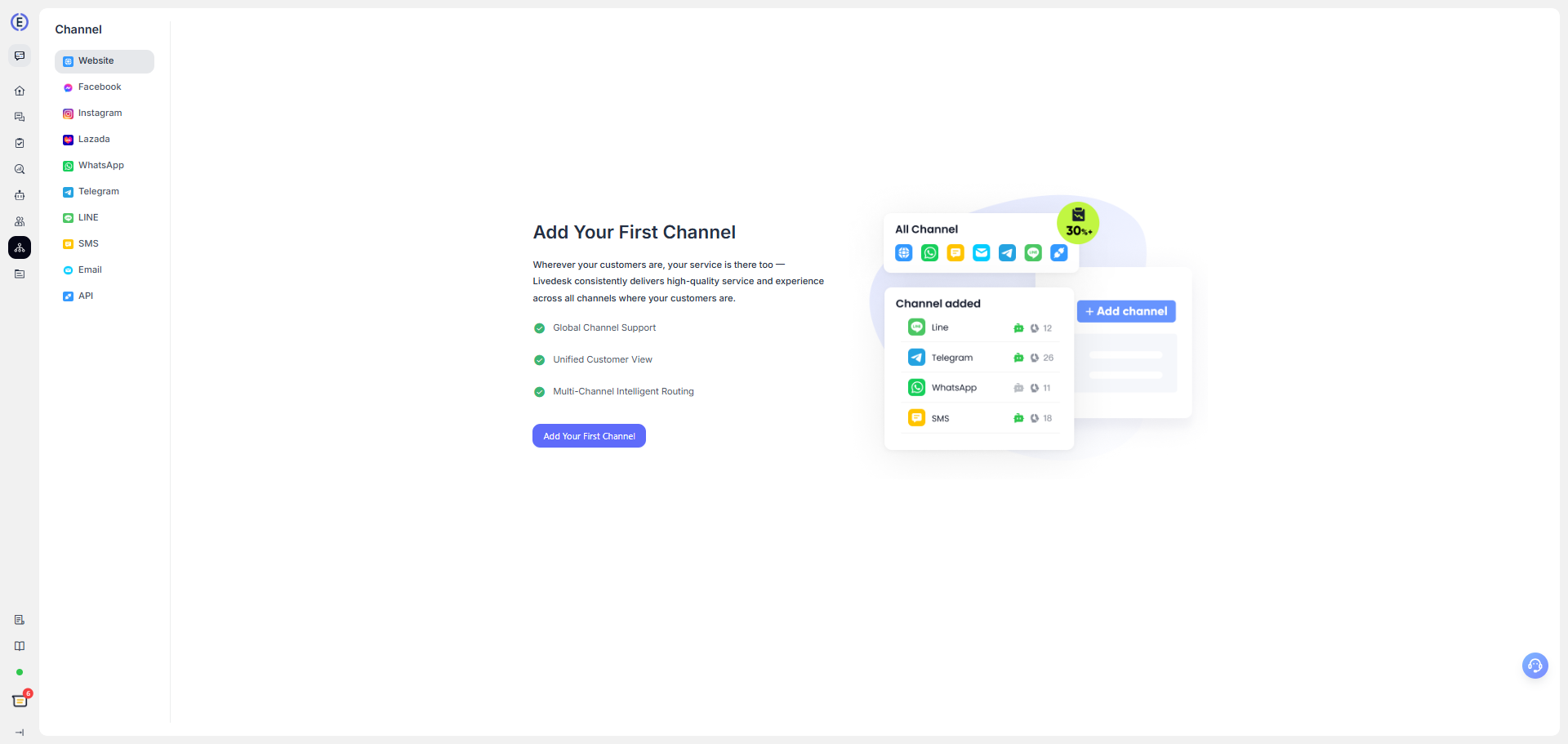
After joining a project, you first need to add a channel for receiving customer messages. Under Project Settings — Channels, select the appropriate channel and configure the required parameters. For details, see the Channel Configuration Guide.
Invite Customer Service Agents
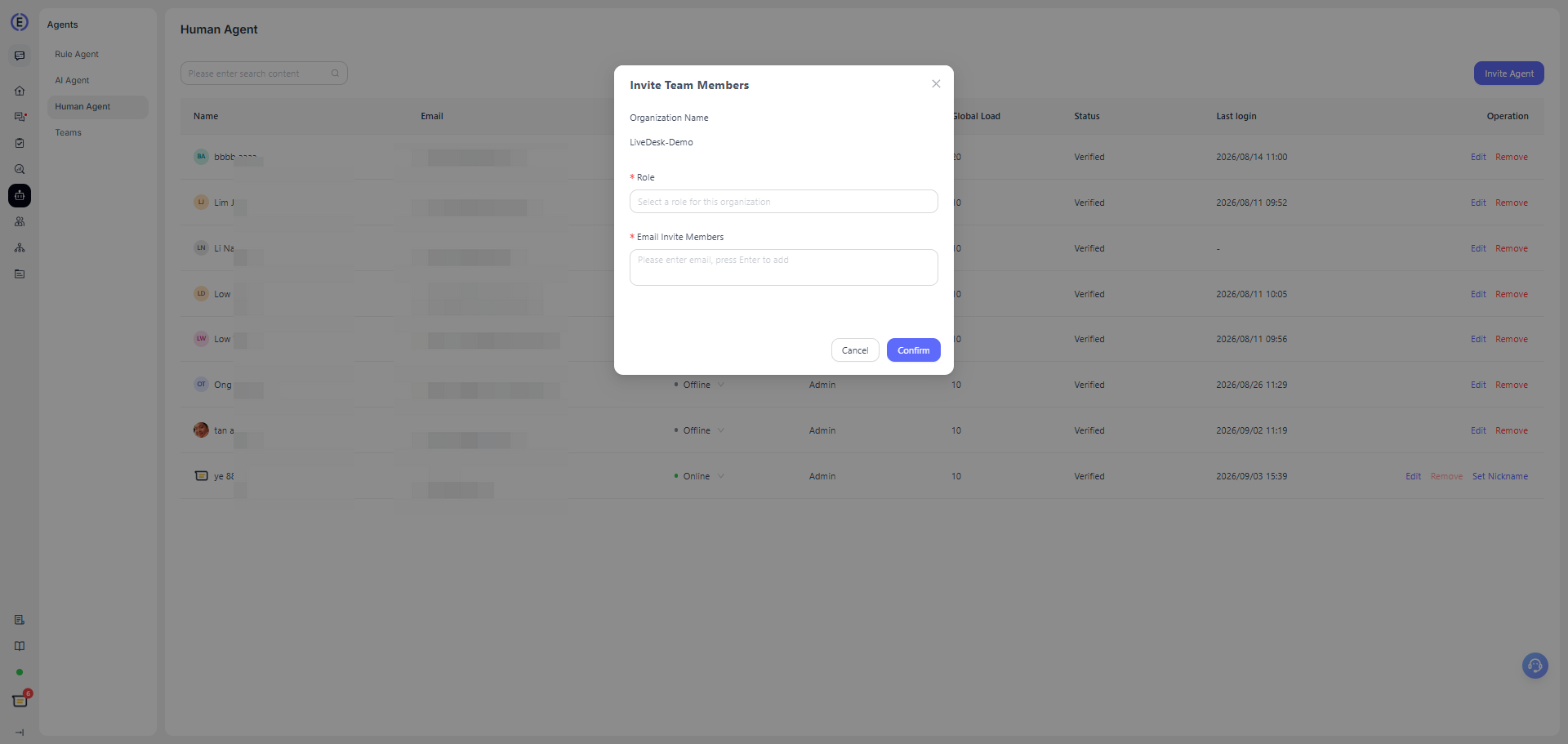
After creating and configuring the relevant channel, you can organize your customer service team within the current project and invite members to join the project.
On the Agents page, select Human Agent. This page displays all human agents in the current project, and you can choose to invite other users to join.
Configure an AI Agent
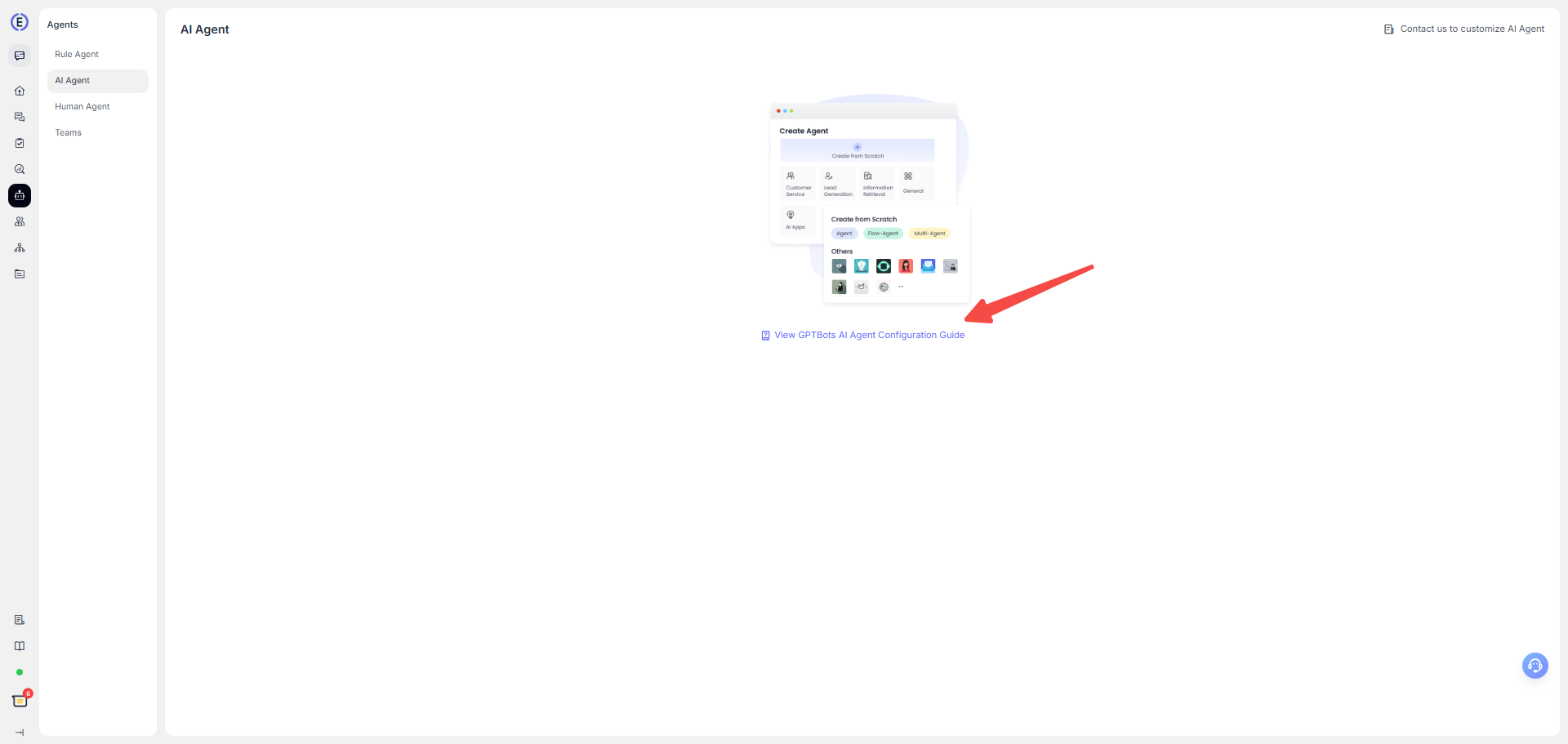
You can configure an AI Agent for your channel to handle conversations with contacts. LiveDesk supports integrating GPTBots AI Agents. The integration uses the API key provided by LiveDesk, so you first need to create an API key.
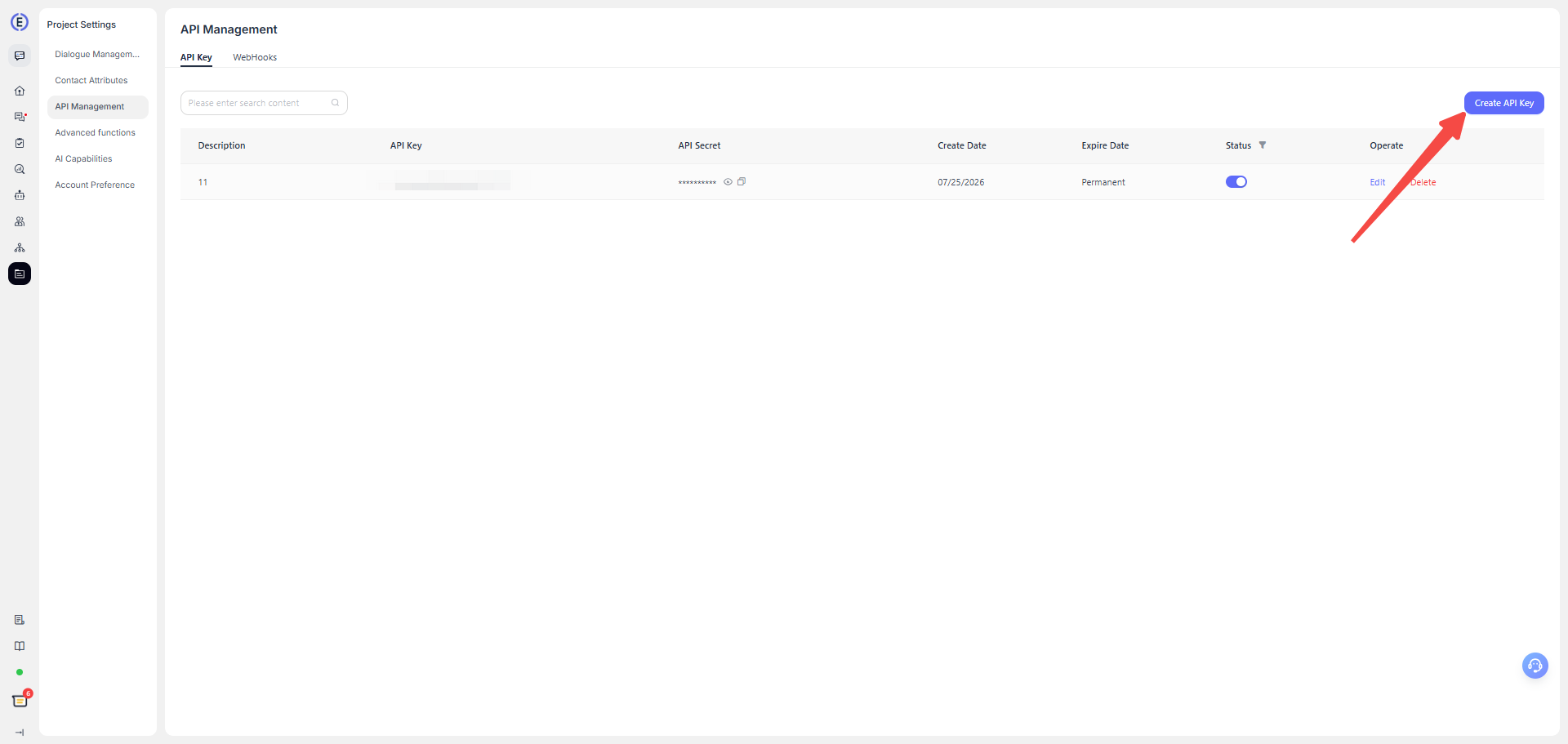
After creating the API key, copy the corresponding API key and API secret. Then follow the GPTBots guide for integrating LiveDesk to complete the integration.
Reply to Messages
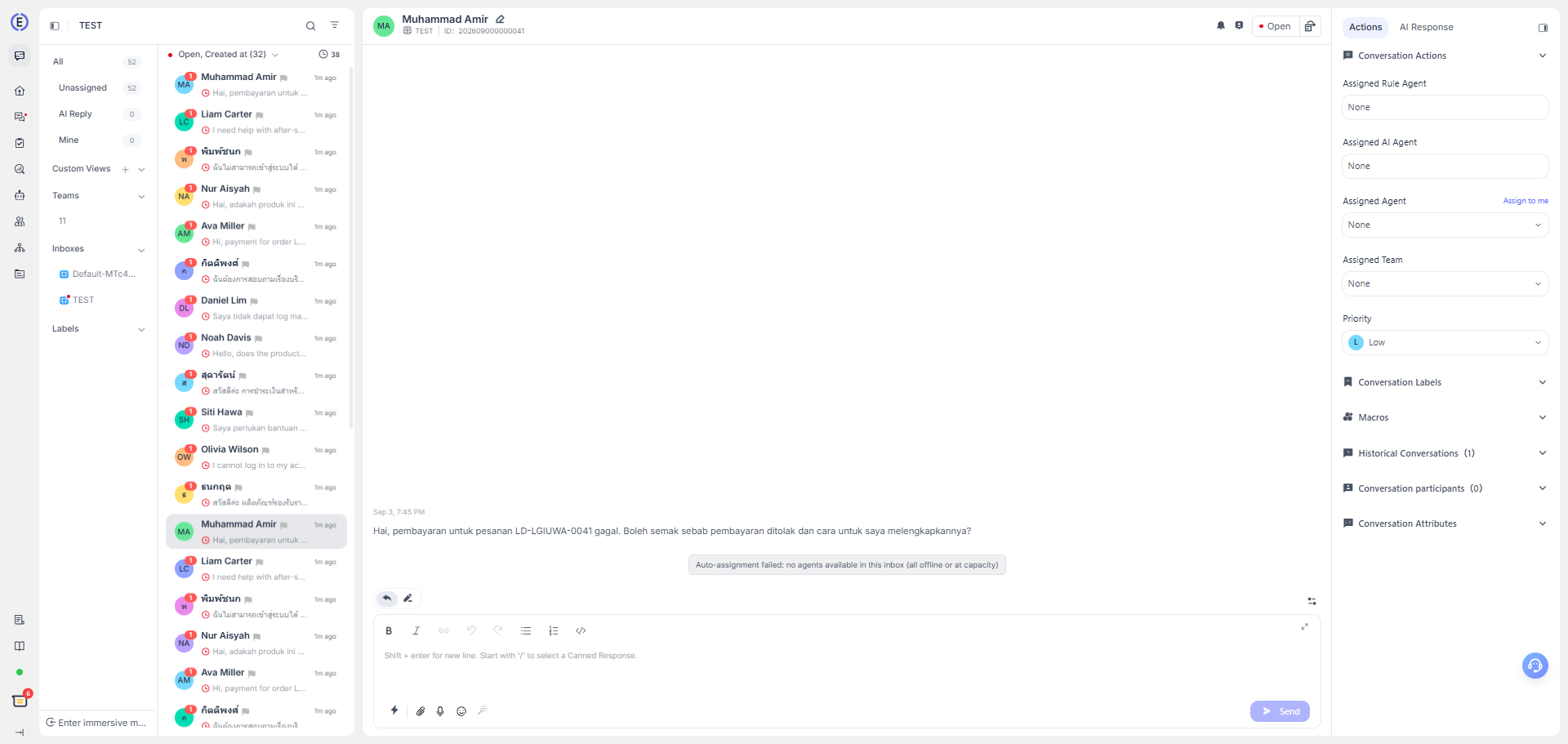
When you receive a message, simply open the conversation and reply in the chat box. Your reply will be delivered through the original channel the customer used to send the message, including email, WhatsApp, and any other platform.