How to Report Data from Business Systems or Backend Services?
If you wish to trigger operational journeys based on user data from business systems such as CRM, App/website backends, etc., please follow these steps for integration:
Create an API Data Source
Log in to the MA platform, go to the "Data Sources" page, click "Add Data Source" to open the expanded page, select "API", and enter a name below, then click "Confirm" to create it. The system will automatically generate a set of authentication keys for you. Please keep them securely for API calls.
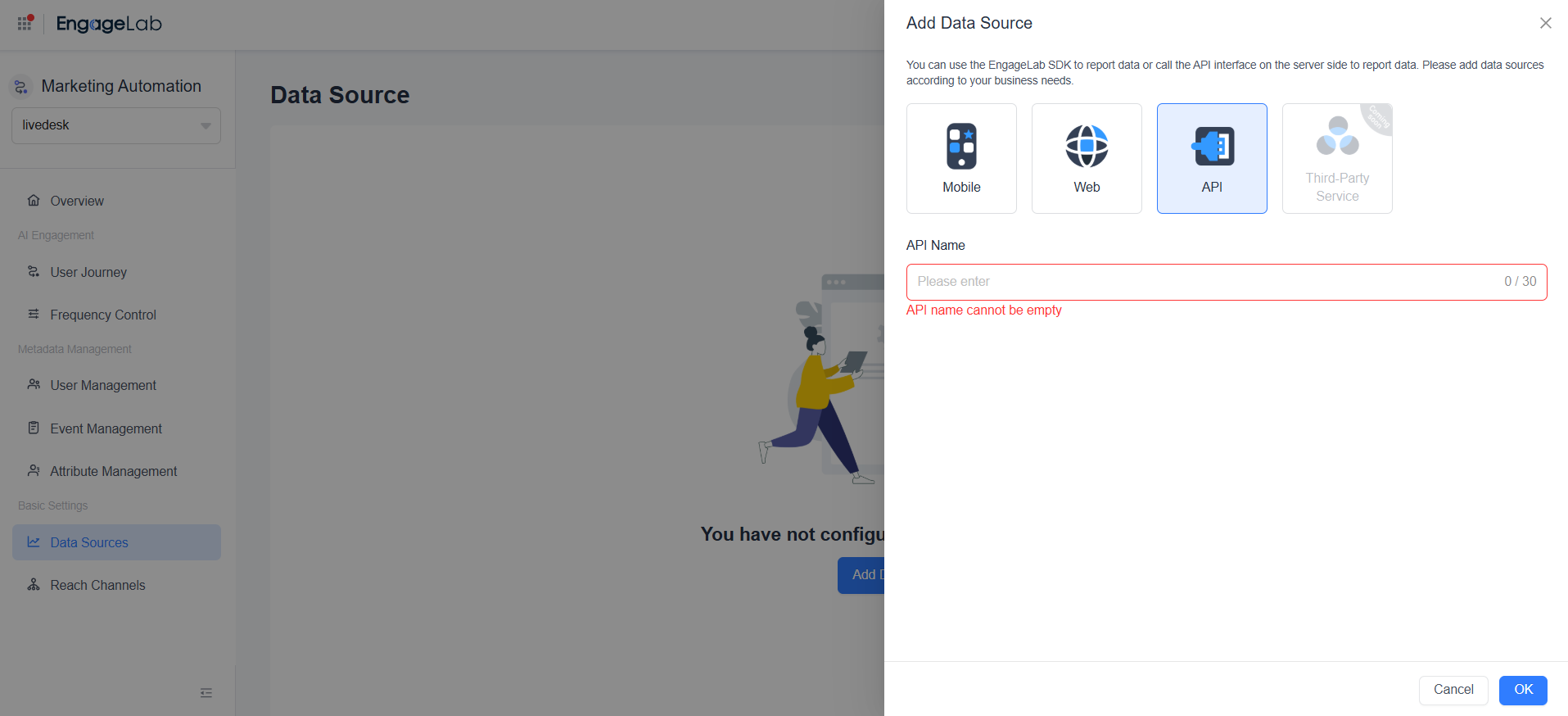
Multiple API data sources can be added to distinguish between different business systems.
Call REST APIs to Report Data
Have your developers call the corresponding interfaces in the business system according to the REST API documentation to achieve the following:
Obtain the EUID (EngageLab User Identifier) based on the user identifier. All subsequent calls must be based on this EUID.
Report corresponding events and event attributes after users complete key operations.
Synchronize and set user attributes when basic user information is updated.
Update relevant information when user contact details, such as phone numbers or email addresses, change.
EngageLab MA provides complete API documentation and technical support to help you securely and efficiently integrate business data with user operations.