

How to Report User Behavior Data from an App?
If you wish to automatically trigger user journeys based on behavior within your App, please follow these configuration steps:
Create and Configure the Application
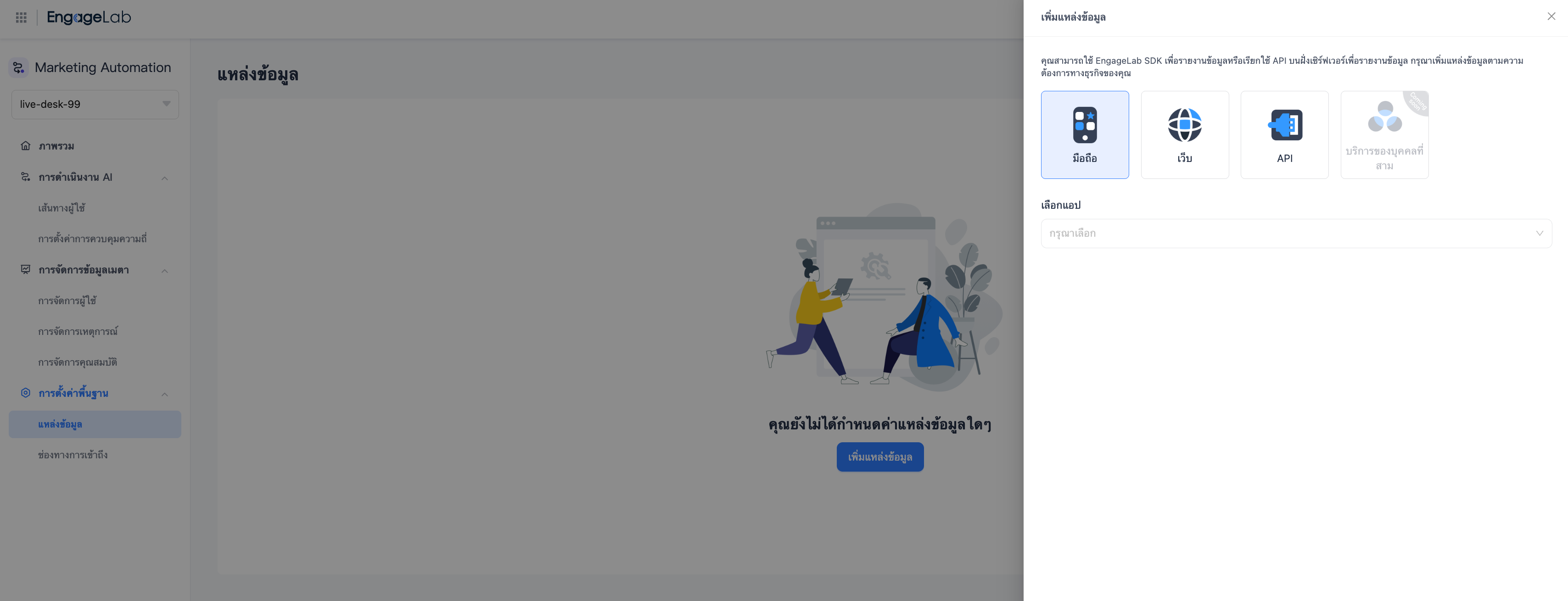
In the MA platform's "Data Sources" page, click "Add Data Source" to open the expanded page, select "Mobile", and associate it with the corresponding AppPush application.
If you have not yet created an AppPush application, please create one first.
Integrate the Mobile SDK
Have your development team integrate the Android / iOS SDK according to the official documentation.
Call APIs to Report Data
Developers need to call the SDK interfaces at appropriate nodes to complete the following operations:
- Initialize and enable the MA service Set a unique user identifier after user registration/login Report events and corresponding attributes after key behaviors occur Update user attributes when basic user information changes Synchronize contact information, such as phone numbers and email addresses, when contact details change.
EngageLab MA provides complete SDK integration documentation and technical support to help you quickly complete data integration.

Still Have Questions?
Can't find what you're looking for? Our experts are here to provide personalized assistance. Ask your question now and get a timely response.

