What is the most important factor to establish a successful ecommerce business? While product quality, affordability and good customer experience are all crucial for enterprise success, the real growth lies in long term relationships with customers.
Email marketing isn't all about selling more, converting like crazy and getting the best ROI. Businesses can use post purchase email flow to nurture their connection, increase customer loyalty and build long lasting relations.
In this blog post, we'll introduce you to the post purchase email flow, its benefits for ecommerce and how to build effective post purchase email flows.
We'll also suggest the best tool to set up winning email campaigns. So let's explore the secret sauce of building great customer relations.
Part 1: What is Post Purchase Email Flow?

Post purchase emails are automated messages that brands send to the customers after they've made a purchase. These emails are sent at different times after the purchase such as right after the purchase, during delivery and day after the product is delivered.
For example, brands can send order confirmation and shipping confirmation emails as post purchase emails. Thank you notes and review requests can also be part of post purchase email flows.
Lindsey Arellano, director of email and SMS a Curio says that, "A common mistake that brands make is not following up with their customers after the purchase ".
Post purchase emails have 46.1% average open rate, 16.7% CTR and 5% conversions rate. This shows businesses can’t ignore these email campaigns.
Part 2: Post Purchase Email Flow Timeline
A successful post purchase email flow isn't a single follow-up email—it's a sequence of automated messages delivered at the right stage of the customer journey. Each email should have one clear purpose, helping customers move naturally from purchase to loyalty.
| Timing | Primary Goal | Example CTA | |
|---|---|---|---|
| Immediately after purchase | Order Confirmation | Confirm the order and reassure the customer | View Order |
| When shipped | Shipping Update | Keep customers informed and reduce support inquiries | Track Package |
| 1–3 days after delivery | Product Tips / Onboarding | Help customers get value from their purchase | Learn More |
| 5–7 days after delivery | Review Request | Collect customer feedback and social proof | Leave a Review |
| 10–14 days after delivery | Cross-sell Recommendation | Introduce complementary products | Explore Products |
| 30 days later | Loyalty or Replenishment Email | Encourage repeat purchases | Shop Again |
Part 3: Post Purchase Email Flow Examples by Industry
Every customer is unique and the post purchase emails should also be personalized to every purchase. Customers can do different types of purchase such as;
- A shopper buys clothing
- A user signups for software
- A traveler booking a hotel
That’s why every buyer expects different kinds of communications after purchase. So post purchase emails should be adjusted for each industry.
Here are some industries and the type of post purchase emails that businesses can send after a purchase.
1. E-commerce: From First Purchase to Repeat Orders
Purchase Completed → Order Confirmation → Shipping Update → Product Care Tips → Review Request → Cross-sell Recommendation → VIP Coupon
Email 1: Thank You & Order Confirmation
Subject: Thank you for your order, Sarah!
Hi Sarah,
Thanks for purchasing your new UrbanFlex Sneakers. Your order
is confirmed and it will be shipped soon. We’ll send you an update
once your sneakers are on the way.
[Track My Order]
The UrbanFlex Team
Email 2: Review Request & Discount
Subject: How are your new sneakers, Sarah?
Hi Sarah,
We hope you’re enjoying your UrbanFlex Sneakers! Could
you leave a quick review with us? As a thank-you, here’s 10% off your
next order.
[Leave a Review]
The UrbanFlex Team
2. SaaS & Subscriptions: From Activation to Renewal
Subscription Activated → Welcome Email → Account Setup Guide → Feature Education → Usage Reminder → Upgrade Recommendation → Renewal Reminder
Email 1: Welcome & Onboarding
Subject: Welcome to TaskPro, Sarah!
Hi Sarah,
Thanks for starting your subscription with TaskPro. You can
now organize your projects better. Create your first workspace today.
[Create My Workspace]
The TaskPro Team
Email 2: Feature Highlight
Subject: Sarah, boost productivity with TaskPro’s smart boards
Hi Sarah,
Have you tried our Smart Boards yet? You can track tasks
simply and visually. Explore this feature today and save hours every week.
[Try Smart Boards]
The TaskPro Team
3. Hospitality & Travel: From Booking to Loyalty
Booking Confirmation → Pre-arrival Guide → Check-in Reminder → Experience Tips → Feedback Request → Next Stay Offer
Email 1: Booking Confirmation
Subject: Your stay is confirmed, Sarah ✨
Hi Sarah,
Thank you for booking your stay at Seaside Resort. Your
reservation is confirmed for June 12–15. We can’t wait to
welcome you.
[View My Booking]
Seaside Resort Team
Email 2: Pre-Arrival Tips
Subject: Get ready for your trip, Sarah
Hi Sarah,
Your stay at Seaside Resort is coming up soon. Here are a few
things to make it better:
- l Check-in starts at 3 PM
- l Complimentary breakfast included
- l Don’t miss our evening beach BBQ
[Plan My Stay]
Seaside Resort Team
Part 4: Best Practices for Building a Post Purchase Workflow
1. Choose the Right Trigger
Start the workflow with a meaningful customer event, such as order completion, payment confirmation, product delivery, or subscription activation. The right trigger ensures customers receive relevant messages at the right stage of their journey.
2. Match Email Timing to the Customer Journey
Send each email when it delivers the most value. Confirm orders immediately, provide shipping updates when dispatched, share product tips after delivery, request reviews after customers have used the product, and introduce promotional offers later in the journey.
3. Personalize Every Step
Tailor emails based on customer data such as purchased products, customer type, purchase value, or engagement history. Relevant content creates a better experience and encourages stronger long-term relationships.
4. Give Each Email One Clear Goal
Each email should focus on a single objective, whether confirming an order, providing product guidance, collecting reviews, or recommending related products. A clear purpose keeps messages focused and improves engagement.
5. Measure and Optimize Performance
Regularly review metrics such as open rate, click-through rate, review submissions, repeat purchases, and revenue. Use these insights to refine your workflow and improve performance over time.
Part 5: Design Post Purchase Email Flow with EngageLab

EngageLab is an all in one marketing automation platform that helps businesses with personalized user journey design, omni channel precise targeting, AI driven optimization and many other analysis capabilities.
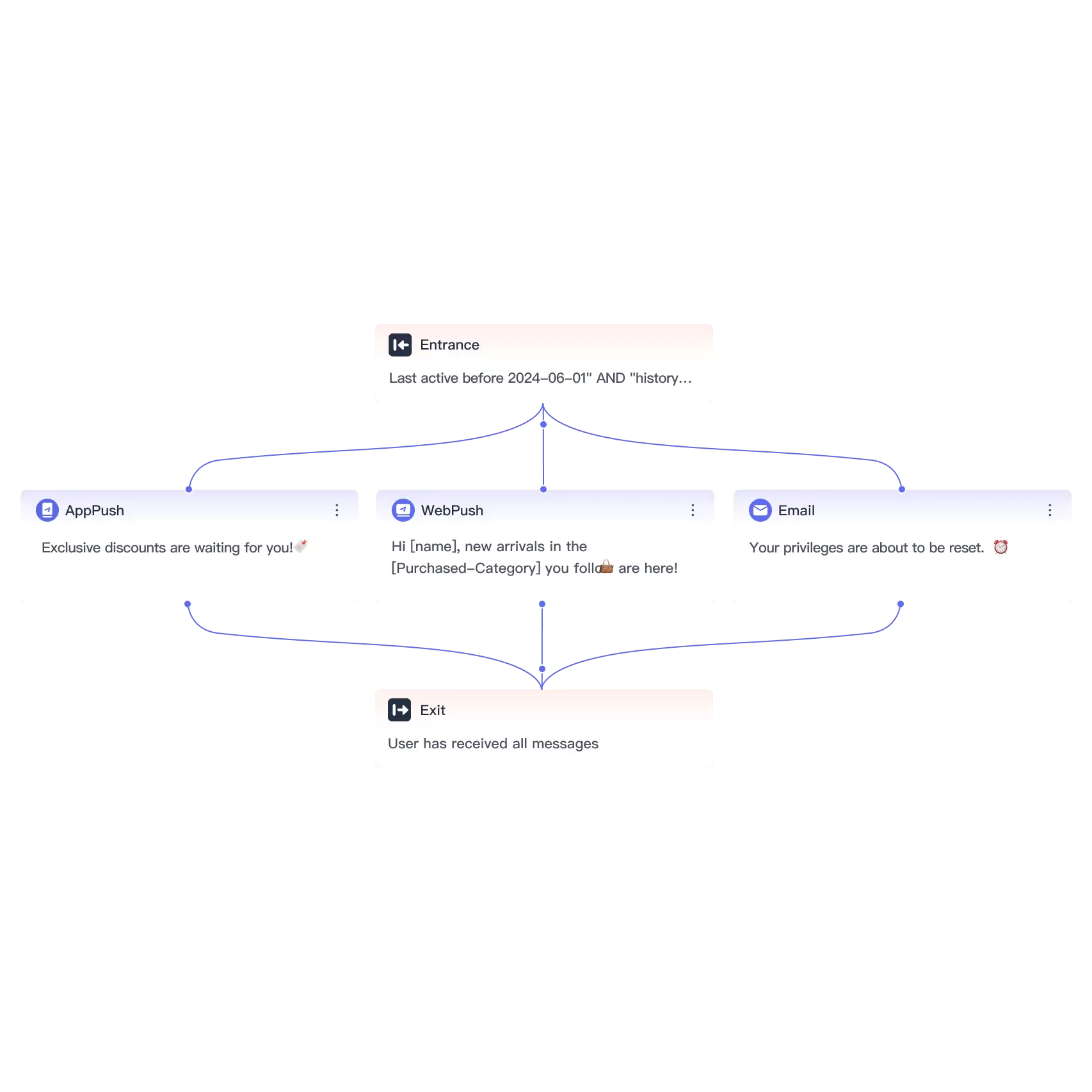
EngageLab enables businesses to automate every stage of the post purchase journey using a visual workflow builder. Instead of manually sending follow-up emails, you can create automated customer journeys based on real customer actions.
Here is why brands should choose EngageLab for post purchase email flows;
✅ Multi-channel automation through email, SMS, AppPush, WebPush and WhatsApp
✅ Build workflows with a drag-and-drop journey builder
✅ Trigger messages based on real customer events
✅ Add conditional branches for different customer behaviors
✅ Pre-built templates for quick deployment
✅ AI-driven content creation and optimization
✅ Monitor workflow performance with built-in analytic
Brands can rely on EngageLab to boost loyalty, increase conversions and strengthen customer relationships.
Part 6: How to Build Effective Post Purchase Email Flows?
A post purchase email flow isn’t limited to just sending a thank you message. An effective email campaign can be embedded with activities such as exclusive discounts, personalized product recommendations or limited time offers.
EngageLab makes this easy with its Promotion Activity Template. Here’s how you can set it up;
Step 1: Create Your EngageLab Account
First of all, you need to register on EngageLab. Creating an account on EngageLab is free. After logging in, you can access your marketing automation dashboard.
Step 2: Complete the Marketing Automation Configurations
Before starting your journey, follow the instructions to complete the configuration of marketing automation. When you're ready, click “Create a Journey” to open the template picker.
Or go back to the top of this guide and click "Start Editing for Free" to go directly to the workflow template builder.

Step 3: Select Automation Template or Build from Scratch
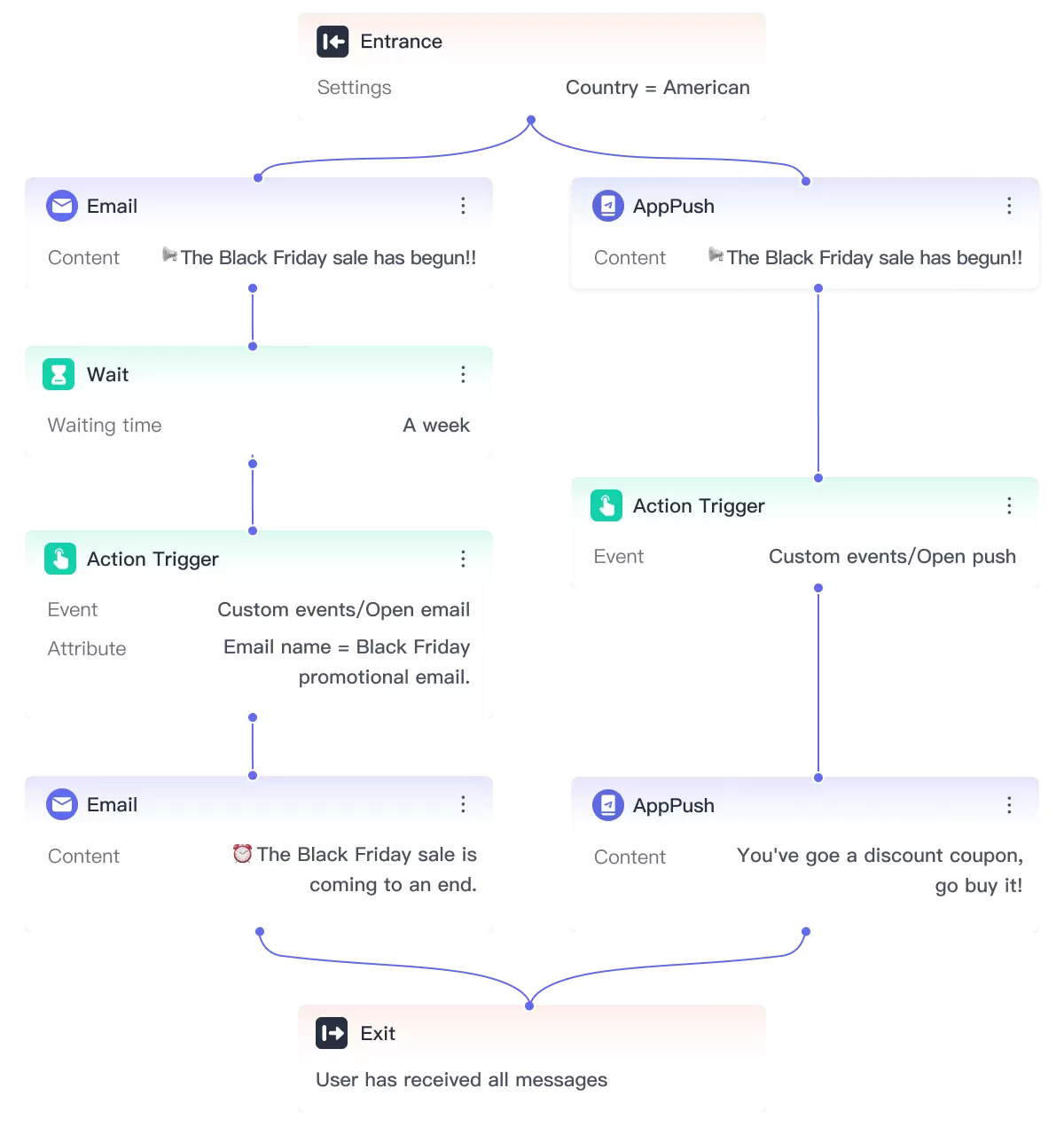
You can start from scratch or choose your desired pre-built workflow. For post purchase flows, we recommend the "Promotion Activity"

Step 4: Set Up Triggers
When setting up an automation workflow in EngageLab, simply define a Start point, message components (Email, SMS, Push, etc.), behavior triggers, timing controls, and an End point. Then set audience entry rules, test the flow, check connections, and publish once everything is verified.

By using EngageLab’s Promotion Activity template, businesses can create an organized sequence of Post Purchase Email Flow.
Conclusion
Post purchase email flows are more than just sending simple thank-you notes. Businesses can use these email sequences in building trust, encouraging repeat purchases and strengthening long-term customer relationships across every industry.
EngageLab offers drag-and-drop journey builders, pre-built templates and AI-driven personalization that businesses can use and create campaigns for driving loyalty and revenue.
Start building smarter post purchase email flows with EngageLab today and turn every first-time buyer into a repeat customer.
Explore More Templates
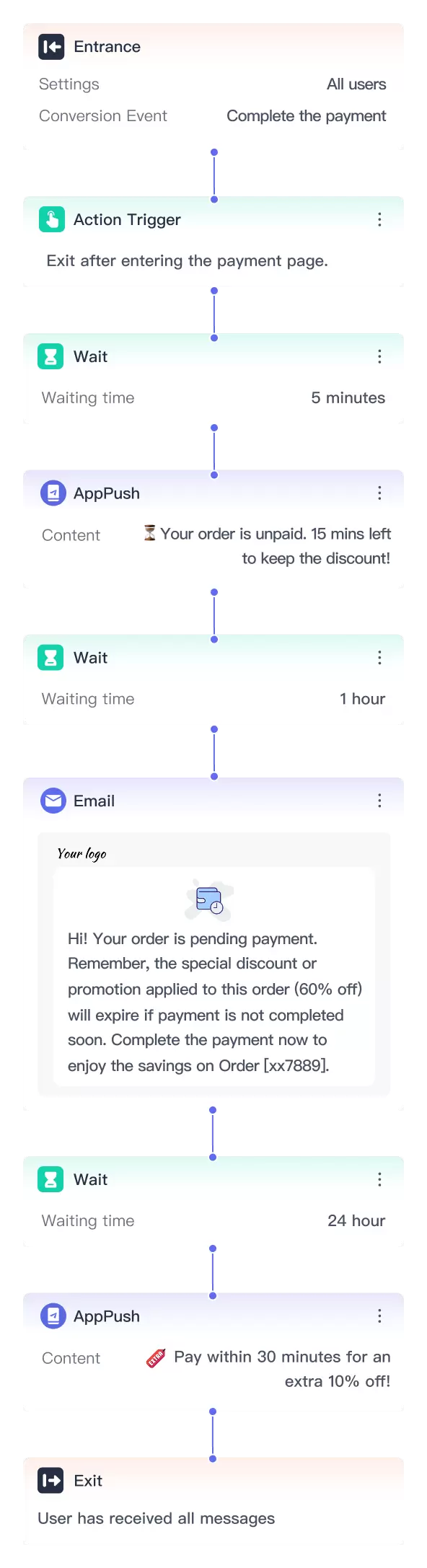
Subscription Automation: Driving Growth with Smarter Workflows
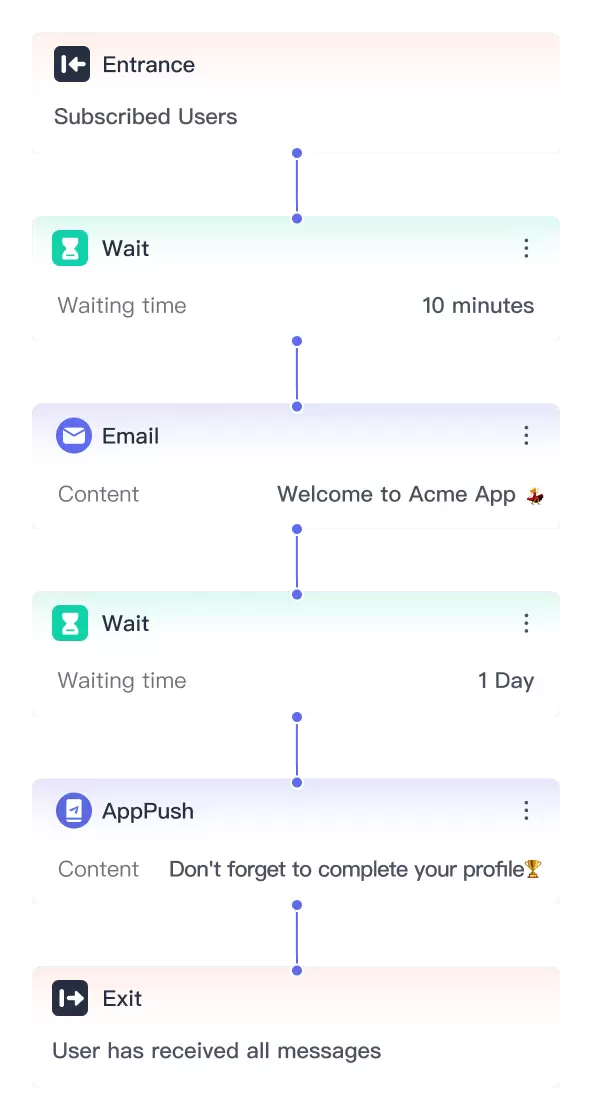
How to Optimize App User Journeys & Onboarding Workflows?
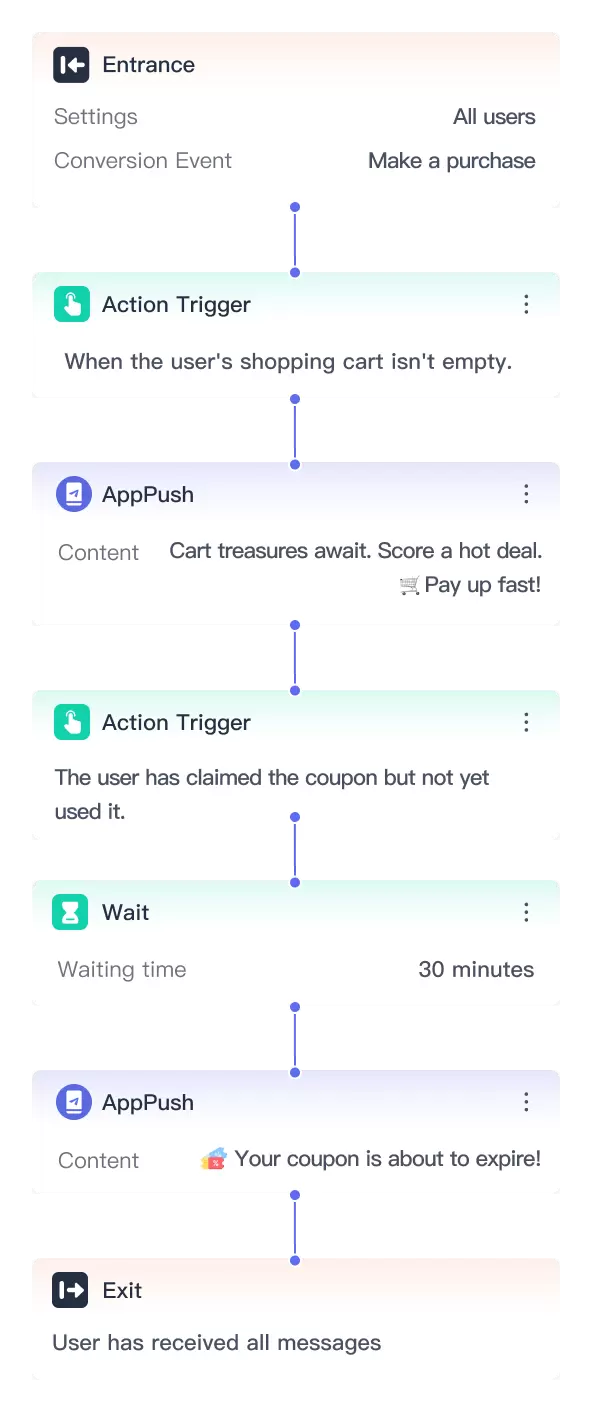
Reduce Cart Abandonment: Top Channels and Strategies
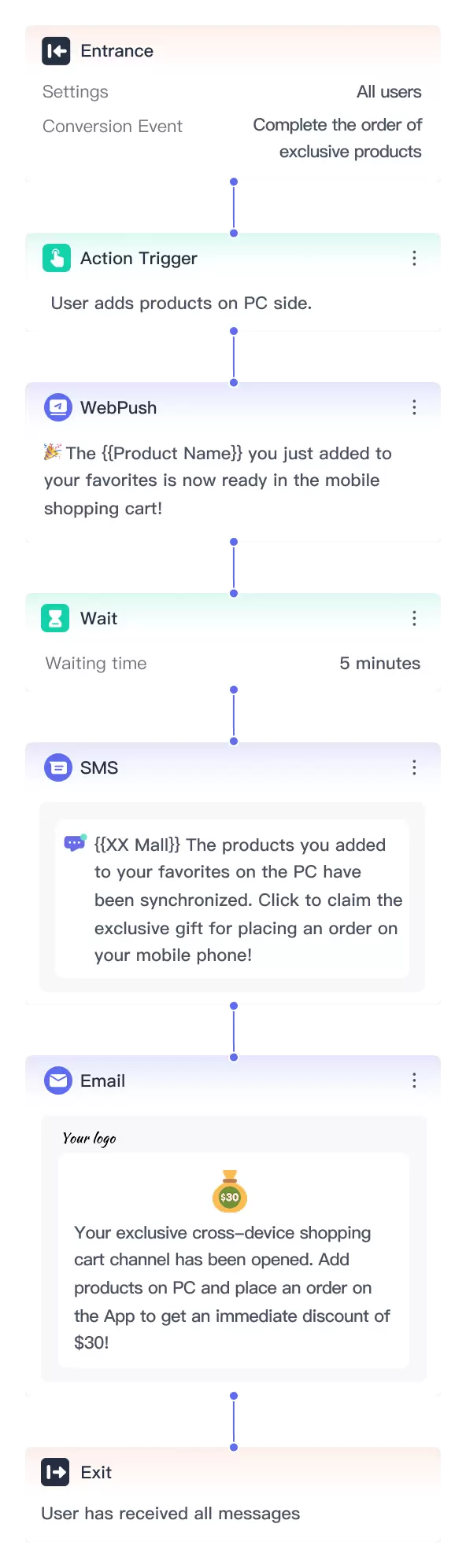
How to Increase Revenue with Automated Marketing Templates