Elena Rodriguez
Updated: 2026-08-26
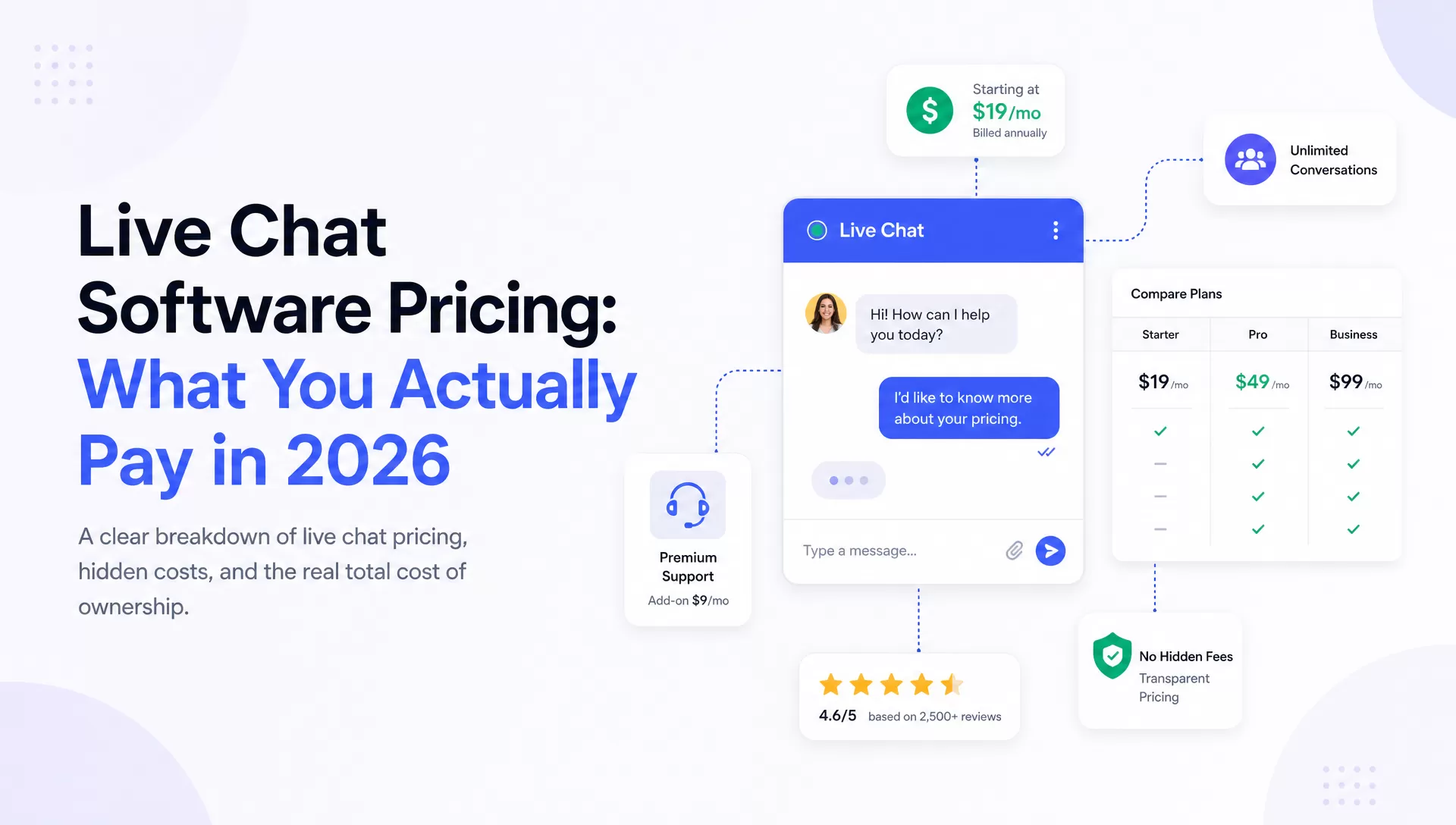
A founder answering ten chats a week and a 30-agent support team should not buy the same product. The best live chat software for small business depends on the people covering the inbox, the channels customers use, and the billing unit that grows fastest.
Start with tawk.to or Crisp when one to three people need a low-cost website inbox. Put Freshchat or Zoho SalesIQ on the shortlist when a ten-agent team needs reporting and reliable handoff. Compare Chatwoot with a conversation-tier platform when a larger team needs WhatsApp, social messaging, and owned ticket workflows.
Shortlist by operating model: Choose two tools that fit your team size and channel plan, then run the same one-week support test in both. The cheapest entry plan is useful only when its seat, conversation, history, AI, and add-on limits match the way your team actually works.
Part 1: Quick comparison for small teams
The table uses current official pricing pages checked in 2026. Prices are in USD and use annual billing where the vendor publishes both monthly and annual options. A listed starting price is an entry point, not a complete budget.
| Tool | Best fit | Entry model | Included limit | Upgrade trigger | Watch-out |
|---|---|---|---|---|---|
|
|
Small ecommerce or service sites | Free; Starter $24.17/mo | Free: 50 billable conversations | More conversations or AI usage | Growth starts at $49.17; Plus starts at $300 plus usage |
|
|
Teams wanting flat workspace pricing | Free; Mini $45/workspace/mo | Free: 2 agents; Mini: 4 | Omnichannel routing or more AI credits | Advanced ticketing sits on the $295 Plus plan |
|
|
Teams prioritizing a mature chat workflow | Starter $19/person/mo | Starter: 1 paid user, 60-day history | More agents, campaigns, or reporting | ChatBot.com starts at $52/mo on top of LiveChat |
|
|
Businesses already using HubSpot CRM | Free; Starter $7/seat/mo | Free: up to 2 users | Help desk, knowledge base, or SLAs | Professional requires $1,500 onboarding |
|
|
Teams already using Zoho | Free; Basic from $7/operator/mo | Free: 3 operators, 100 chats/mo | More chat volume or advanced engagement | Full help-desk ticketing requires Zoho Desk |
|
|
Teams planning to grow into Freshworks | Free; Growth $19/agent/mo | Free: up to 10 agents | Social channels, routing, or custom reports | Freddy AI sessions and Copilot are separate charges |
|
|
Technical teams choosing cloud or self-hosting | Hacker free; Startups $19/agent/mo | Hacker: 2 agents, 500 conversations | More channels, automation, or AI credits | Self-hosting transfers maintenance to your team |
|
|
Founder-led teams needing a free core product | Free core plus paid add-ons | Unlimited agents, chats, and sites | Brand removal, AI, video, or managed agents | Add-ons are priced per property or service |
|
|
Growing teams needing chat plus ticket workflows | Starter $99/mo | Up to 30,000 conversations; 100 AI credits/mo | Automated ticketing or higher conversation volume | One-person sites may not need the broader workflow |
Part 2: What to evaluate before you buy
A demo can look polished and still leave the daily workload on your team. Define the operating conditions first, then open the live chat software pricing guide or a vendor calculator.

1 Team size, coverage, and ownership
A three-person team answering chat between other tasks needs a quiet inbox, clear notifications, and a dependable mobile app. A dedicated support desk needs assignment rules, shifts, internal notes, conversation ownership, and workload reporting. Name the person who will manage users, business hours, automations, and integrations after launch.
2 Conversation volume and billing unit
Record a slow month, a peak month, and the expected volume twelve months from now. Then match that curve to the vendor's meter: agents, workspaces, conversations, sessions, AI credits, or a combination. Check what starts the meter and what happens after the included allowance.
3 Channels and follow-up work
Website chat may cover a local service business. A retailer or international team may need WhatsApp, Instagram, Facebook Messenger, email, and API-connected channels. If you still need the deployment path, use the guide to adding live chat to a website . Confirm whether an unresolved chat becomes an owned ticket, a missed-conversation record, or an item someone must copy into another system.
4 AI, integrations, and security
Decide which questions AI may answer, when a human must take over, and how usage is charged. Verify CRM and ecommerce integrations at the plan you intend to buy. Review authentication, permissions, retention, data region, and the vendor's security documents before customer order or account details enter the inbox.
5 A budget worksheet that exposes add-ons
| Cost item | What to enter |
|---|---|
| Platform and seats | Required plan price plus every paid agent or operator |
| AI and usage | Expected conversations, sessions, credits, resolutions, and overages |
| Channels and add-ons | Messaging channels, integrations, reporting, voice, branding, and support |
| Implementation | Setup, training, migration, security review, and monthly administration time |
| Estimated total | Platform + seats + usage + add-ons + implementation + tax |
If a vendor has not published a number, write confirm with vendor . A guessed price makes the worksheet look complete while making the decision less reliable.
Part 3: Nine live chat tools matched to different constraints
The shared table above carries the comparable facts. Each review below focuses on the buyer question most likely to change the shortlist.
1 Tidio: easy chat and AI for a small website

Best fit: a small ecommerce or service site that wants website chat, ticketing, visitor context, and basic automation in one product. Tidio's free plan is enough to test the workflow; the paid decision depends on billable conversations and Lyro usage.
Budget check: According to Tidio's pricing page (2026) , Starter is $24.17 per month billed annually, Growth starts at $49.17, and Plus starts at $300 plus monthly usage. That is about a sixfold step from entry Growth to entry Plus. Confirm the conversation allowance attached to the exact Growth configuration you select.
2 Crisp: predictable workspace pricing

Crisp suits teams that want one workspace price instead of a charge for every seat. According to Crisp's pricing page (2026) , Free includes two agents, Mini costs $45 per workspace with four agents, Essentials costs $95 with ten, and Plus starts at $295 with twenty or more.
What changes the decision: Essentials adds omnichannel messaging, workflows, analytics, routing, and a knowledge base. Advanced ticketing is reserved for Plus, and each workspace is billed separately. A company running several brands should model the workspace count before treating the flat price as a company-wide total.
3 LiveChat: a polished widget with a direct seat cost

LiveChat is a credible choice when the widget and human-agent workflow matter more than a free tier. According to LiveChat's pricing page (2026) , Starter is $19 per person per month and Team is $49 per person per month on annual billing. Team adds unlimited chat history, broader customization, campaigns, and reporting.
Watch the headcount math. Ten Team seats cost about $490 per month before ChatBot.com, which starts at $52 per month. The pricing page allows many invited users on Team and Business, but the subscription still charges per person; “unlimited users” does not mean free agent seats.
4 HubSpot Service Hub: useful when CRM is already decided

Choose HubSpot when CRM and service records belong in the same system. The free tools support two users; Starter begins at $7 per seat per month on annual billing. Professional adds the full help-desk workspace, customer portal, knowledge base, and more structured service operations.
According to HubSpot's Service Hub pricing page (2026) , Professional starts at $90 per seat per month and requires $1,500 in one-time onboarding; Enterprise requires $3,500. A business that only needs a widget and shared inbox may carry more administration and suite cost than it needs.
5 Zoho SalesIQ: useful inside the Zoho ecosystem

SalesIQ fits a company already using Zoho CRM, Zoho One, or Zoho Desk. According to Zoho SalesIQ's pricing page (2026) , Free includes three operators and 100 operator chat sessions per month. Basic includes 1,000 sessions, while Professional and Enterprise provide unlimited operator chat sessions.
The boundary is ticketing. SalesIQ handles chat and visitor engagement; a fuller help desk sits in Zoho Desk. Include that second subscription when the workflow requires owned cases, SLAs, and follow-up beyond the conversation.
6 Freshchat: a low-risk start with a help-desk path

The free tier supports up to ten agents, which makes Freshchat practical for a growing team that needs website and mobile chat, a shared inbox, email, roles, and permissions. Growth costs $19 per agent per month billed annually and adds social messengers, text messaging, and reporting.
Verify the paid automation layer. According to Freshchat's pricing page (2026) , Freddy AI Agent is $49 per 100 sessions on Growth and Freddy AI Copilot is a separate per-agent add-on on higher tiers. Intelligent routing and custom dashboards sit on Pro, priced at $49 per agent per month.
7 Chatwoot: cloud simplicity or self-hosted control

Chatwoot gives technical teams a real architecture choice. The open-source Community Edition is free to run on your own infrastructure. The cloud Hacker tier is also free for two agents and 500 conversations per month; Startups costs $19 per agent per month billed annually and adds email and messaging channels.
According to Chatwoot's pricing page (2026) , Business costs $39 per agent and adds teams, automation, WhatsApp Cloud API campaigns, SMS campaigns, and 500 Captain AI credits. Extra Captain credits cost $20 per 1,000. Self-hosting shifts server, database, upgrades, backups, and incident response to your team, so compare engineering time with the cloud bill.
8 tawk.to: a broad free core for founder-led support

tawk.to's core product supports unlimited agents, chats, and sites at no charge, which gives a founder-led team substantial room before its first software bill. The commercial model appears in optional services. Removing branding costs $39 per month or $348 per year per property; Video, Voice, and Screensharing costs $49 per month or $348 per year.
AI is not strictly paid-only. According to tawk.to's AI Assist plan guide (2026) , the Hobby plan is free with limited usage, while paid plans add more message completions, data capacity, and escalation options. Confirm the allowance in the dashboard because message completions are metered across the subscription.
9 EngageLab LiveDesk: conversation tiers without per-seat growth

LiveDesk fits a growing team that wants website chat, WhatsApp, email, API-connected channels, assignments, business hours, CSAT, and ticket workflows in one service layer. The Starter plan is $99 per month for up to 30,000 conversations and includes 100 AI credits. The commercial advantage appears when agent headcount grows faster than conversation volume.

The public pricing and feature comparison (2026) also lists Business and Enterprise tiers for higher conversation limits, while the product card describes the model with a different scale label. Confirm the active tier and AI-credit overage rate before signing. According to the LiveDesk activation guide (2026) , a new project receives a 30-day free plan with 1,000 conversations and 100 AI credits. A one-person website that needs only a basic widget can choose a smaller tool.
Open a LiveDesk project, connect the channels your customers use, and measure one week of real conversation and AI volume before choosing a tier.
Part 4: Three buying scenarios that narrow the list

1 Founder-led team: 1–3 users, low volume, website-first
Shortlist tawk.to and Crisp Free . Pick tawk.to when unlimited human agents and chats matter most. Pick Crisp when a flat upgrade path, a more structured shared inbox, and an entry route to Hugo AI matter more. Test mobile notifications and after-hours handling before anything else.
2 Growing desk: about 10 agents, reliable handoff
Shortlist Freshchat and Zoho SalesIQ when one of those vendors already owns your customer-service stack. Freshchat Free supports ten agents and offers a path into the broader Freshworks suite. Zoho is a stronger operational fit when CRM or Desk is already deployed. Confirm routing, reports, ticket ownership, and the combined subscription cost.
3 Multi-channel team: about 30 agents, ticket workflows
Compare Chatwoot Business with a conversation-tier platform . Chatwoot provides clear per-agent cloud pricing and a self-hosted route. The other model can reduce the direct cost of adding agents, but only when the included conversation tier covers the real volume. Run both prices at 30 agents, peak-month conversations, required channels, and expected AI usage.
Part 5: When a free plan has reached its limit
Seats and conversation allowances expose the first limit. A free plan works while one or two people answer a small queue. It stops working when new agents cannot join, peak traffic hits a hard cap, or the vendor bills an overage you did not model.
History, automation, reporting, channels, branding, integrations, and support create the next set of triggers. A watermark may be acceptable at launch. Missing customer history, unreliable ownership, or a CRM integration that requires manual copying affects service every day.
Upgrade before a limit interrupts customer support. Track a month of conversations, AI responses, missed chats, admin hours, and channel demand. Compare that evidence with the next tier. Zoho's 100 operator sessions, Chatwoot's 500 conversations, and Tidio's 50 billable conversations are different meters, so the shared $0 price label does not make the plans equivalent.
Part 6: A one-week trial checklist
Install each finalist on a staging or low-traffic page and run the same support simulation. Use real traffic where practical, or ask a colleague to act as the visitor.
| Day | Test | Pass condition |
|---|---|---|
| Day 1 | Install the widget on desktop and mobile. | It loads without covering navigation, consent, or checkout controls. |
| Day 2 | Set real business hours and an after-hours message. | The visitor sees the right expectation in the correct time zone. |
| Day 3 | Assign, transfer, and add an internal note. | Ownership is visible and private notes never reach the customer. |
| Day 4 | Send a message outside business hours. | The conversation becomes a trackable ticket or follow-up record. |
| Day 5 | Reply from a phone and review notifications. | An owner can handle the queue away from a desktop. |
| Day 6 | Open reports and inspect exports. | You can see response time, unresolved work, and agent workload. |
| Day 7 | Estimate a peak-month bill. | The total includes seats, AI, channels, add-ons, admin, and tax. |
Part 7: Build the final two-product shortlist
A solo founder can start with tawk.to or Crisp and pay only when a real limit appears. A ten-agent desk should test the platform already connected to its CRM or help-desk ecosystem. A larger team should compare the bill at actual headcount and conversation volume, then verify channel, ticket, security, and data requirements in the trial.
The final decision belongs to the week of real conversations. Keep the two products that pass the same operating test, then compare the annual quote with every required add-on visible. A polished demo does not compensate for missed ownership, a weak mobile workflow, or a billing unit that grows faster than the business.
Use your own channels, handoff rules, peak-month volume, and ticket workflow. Keep the tool that passes the operating test and produces a quote your team can explain.