Jacob Morrow
Updated: 2026-05-15
If you want to send WhatsApp messages without saving a number, you’re not alone. Maybe you only need to contact a delivery driver once, reply to a marketplace seller, message a local business, or follow up on a temporary customer inquiry. After a while, your contact list becomes filled with numbers you’ll probably never use again.
For businesses, the situation becomes even more inconvenient. Manually saving hundreds of customer numbers before sending updates, reminders, or promotional messages simply doesn’t scale.
Fortunately, there are several ways to use WhatsApp without saving contacts first. Some methods are ideal for personal use, while others are designed for businesses that need to communicate with customers at scale.

# Can You Send WhatsApp Messages Without Saving a Number?
Yes. WhatsApp allows users to start conversations without saving contacts through features like Click to Chat, QR codes, and direct chat shortcuts.
For most people, the fastest method is WhatsApp Click to Chat, which opens a conversation directly through a browser link. Businesses that regularly message customers usually rely on WhatsApp Business API instead.
# 5 Ways to Send WhatsApp Without Saving a Number
1 Use WhatsApp Click to Chat (Best Method)
WhatsApp Click to Chat is the easiest and most reliable method for most users. It works on Android, iPhone, desktop browsers, and WhatsApp Web, which is why it’s commonly used by businesses and customer support teams.
Instead of saving the number first, WhatsApp opens the conversation directly through a simple browser link.
👉 Steps
- Open your browser
- Enter the following format:
https://wa.me/phone-number - Replace “phone-number” with the recipient’s full phone number including country code
Example:
https://wa.me/9234579XXXX - Press Enter
- Click Continue to Chat
WhatsApp will open automatically, and you can send messages directly without saving the contact.

2 Message Yourself First
If you already copied the number on your phone, messaging yourself is another quick workaround.
This method is especially useful when you want to start a temporary conversation quickly without opening a browser.
👉 Steps
- Open WhatsApp
- Search for “You” or open your personal self-chat
- Send the phone number to yourself as a message
- Tap the number inside the message
- Select Chat with [number]
WhatsApp will recognize the number automatically and open the chat window directly.

3 Use WhatsApp QR Codes
QR codes are another simple way to open WhatsApp chats without saving contacts.
Many businesses now display WhatsApp QR codes at cafés, local stores, event booths, or customer service counters. For example, if you are visiting a bakery or local shop, scanning the QR code can instantly open a WhatsApp conversation.
👉 Steps
- Open WhatsApp
- Tap the green “+” button
- Tap the QR code icon near “New Contact”
- Scan the recipient’s QR code
Once scanned, WhatsApp will open the chat automatically without requiring you to save the number.

4 Use Siri Shortcuts or Android Tools
Some users also use built-in phone shortcuts to make the process even faster.
On iPhone, Siri Shortcuts can help open WhatsApp chats directly from copied numbers. Android devices also support sharing shortcuts and automation tools that make starting conversations more convenient.
These methods are less universal than Click to Chat, but they can be useful if you regularly message temporary contacts throughout the day.
5 Use Third-party Apps Carefully
Some caller ID and communication apps also support direct WhatsApp messaging without saving contacts.
These apps usually:
- identify unknown numbers
- provide direct WhatsApp chat buttons
- open chats instantly
However, they should be used carefully. Some third-party apps request excessive permissions or collect unnecessary user data. Unless you already trust and use a specific app, WhatsApp’s built-in methods are generally safer and more reliable.
# Why Manual WhatsApp Messaging Doesn't Work for Businesses
Sending a few WhatsApp messages manually is manageable, but it becomes difficult once a business starts handling large customer volumes. Promotional campaigns, order updates, support replies, and appointment reminders quickly turn into repetitive manual work.
As communication grows, businesses usually need automation, analytics, team collaboration, and a more organized way to manage customer conversations. That's why many companies move from manual messaging to WhatsApp Business API.
# What Is WhatsApp Business API?
WhatsApp Business API is Meta's official solution for large-scale business messaging.
Unlike the standard WhatsApp app, the API is designed for automation and system integration. Businesses can connect it with CRMs, e-commerce platforms, customer support systems, and marketing tools to manage communication more efficiently.
Using WhatsApp Business API, businesses can send bulk messages, automate replies, schedule campaigns, manage customer conversations, and track messaging performance without manually saving customer numbers.
The API also supports richer message formats such as images, videos, attachments, CTA buttons, and multilingual templates, making customer communication more interactive and scalable.
# Benefits of WhatsApp Business API
WhatsApp Business API helps businesses manage customer communication more efficiently and at a much larger scale than manual messaging.
Key benefits include:
- Send messages to thousands of customers without manually managing contacts or individual chats
- Handle promotional campaigns, notifications, customer support, and recurring communication more efficiently
- Personalize messages using dynamic variables such as customer names, order details, appointment times, or verification codes
- Track delivery rates, read rates, clicks, and other engagement metrics through built-in analytics
- Create a more professional customer experience with verified business profiles, automation, and interactive message formats
# How Businesses Get Started with WhatsApp Business API
To get started with WhatsApp Business API, businesses need to work with an official WhatsApp Business Solution Provider . The provider helps with account registration, API access, template approval, onboarding, and system integration.
After setup, businesses can create message templates for promotions, notifications, OTP verification, appointment reminders, and customer support workflows. WhatsApp reviews these templates to ensure compliance with platform policies before approval.
Once approved, businesses can upload recipient lists, send campaigns, automate workflows, and communicate with customers directly without manually saving phone numbers.
# Why Choose EngageLab for WhatsApp Business API?
EngageLab is an authorized Meta Business Solution Provider. It helps businesses deploy WhatsApp Business API efficiently and manage customer communication at scale.
Beyond WhatsApp messaging, EngageLab also supports SMS, Email, OTP verification, AppPush, and WebPush, allowing businesses to build a more complete multi-channel customer engagement system.
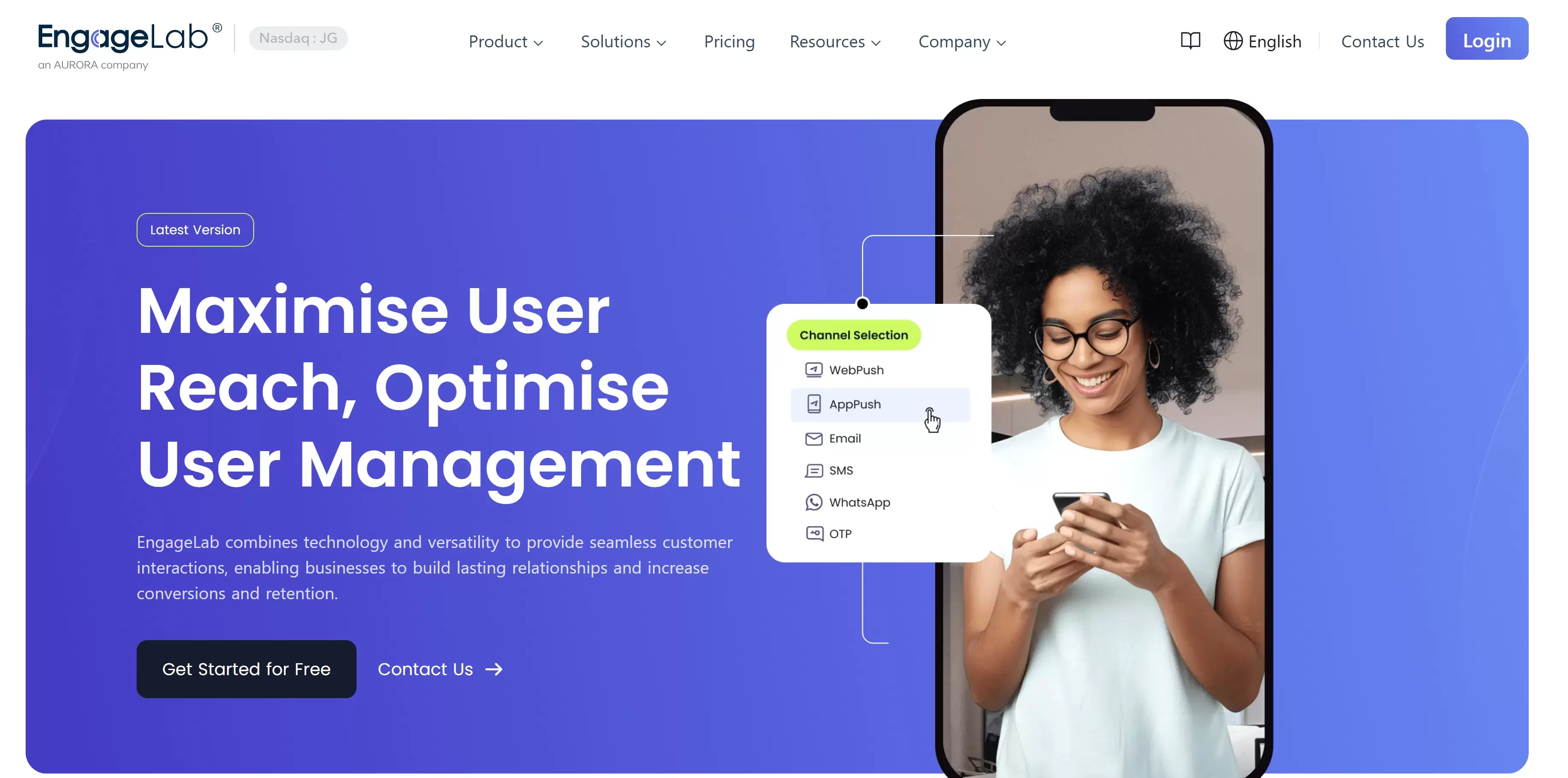
The platform supports:
- multilingual message templates
- real-time analytics
- AI-assisted customer service workflows
- message approval management
- delivery tracking
- multiple WhatsApp number management
- large-scale messaging workflows
It also supports multiple message formats including text, images, videos, buttons, attachments, and location sharing.
For businesses handling customer support, promotional campaigns, notifications, or verification flows, combining WhatsApp API with channels like SMS and OTP can create a more scalable and reliable communication infrastructure.
# FAQs
1 Can I send a WhatsApp message without adding a contact?
Yes, you can send a WhatsApp message without adding a contact. If you are an individual, you can use QR codes, the click-to-chat feature, a third-party app, or message yourself. For business, the only solution is WhatsApp Business API. Follow the step-by-step process we have shared in the article.
2 Can I send messages anonymously on WhatsApp?
No, you cannot message anonymously on WhatsApp. The account is linked to a phone number, which will be visible when you send a message.
3 Can you message someone on WhatsApp if they don't have your number?
Yes, you can message anyone on WhatsApp even if they don’t have your number. However, there are some privacy considerations, and WhatsApp limits messages from unknown numbers. It can also stop the message if you have sent it to a lot of people who have not saved your number.
4 How do I use WhatsApp without saving a number on iPhone?
The easiest methods on iPhone are Click to Chat links, self-messaging, and Siri Shortcuts.
5 How to WhatsApp without saving number on android?
Message the number to yourself in the form of text. Then, tap the number and start the chat. Another way is to create the click-to-chat link and use it in the browser. It will take you to the recipient’s inbox.
6 How to send bulk WhatsApp message without adding contacts?
The only way to send bulk WhatsApp messages without adding contacts is WhatsApp Business API. Register yourself via EngageLab and start sending bulk messages to your customers without any hassle.
# Conclusion
Saving numbers for one-time conversations on WhatsApp is a headache. However, individuals can also send messages without it. They can use QR codes, write a message to themselves, create a click-to-chat link, or use third-party tools. All these methods are effective for individuals. Businesses can opt for WhatsApp Business API. It’s the official solution to send messages to a massive number list and reach customers at scale. EngageLab offers WhatsApp Business API that can make WhatsApp messages for business easier than ever before. Sign up for free and check out the exciting features.
Contact Sales

![[Latest] WhatsApp Business API Pricing Per Message: 2026 Complete Cost Guide](https://img.engagelab.net/en/article/whatsapp-business-api-pricing.webp)