Jacob Morrow
Updated: 2026-04-02
Your dashboard shows 10,000 messages sent — but only 7,700 marked as delivered. The remaining 2,300? No bounce notification. No error alert. Just silence.
This isn't a network outage. It's a pattern: messages filtered by carriers, blocked by compliance gaps, or lost in routing — all before reaching a single phone. According to Phone-Check.app (2025), 23% of properly formatted business messages never reach inboxes due to carrier filtering and sender reputation issues.
This guide breaks down the 7 most common causes behind "text message failed to send" errors — and the exact steps to diagnose, fix, and prevent them, whether you're troubleshooting a personal device or managing SMS delivery at enterprise scale.
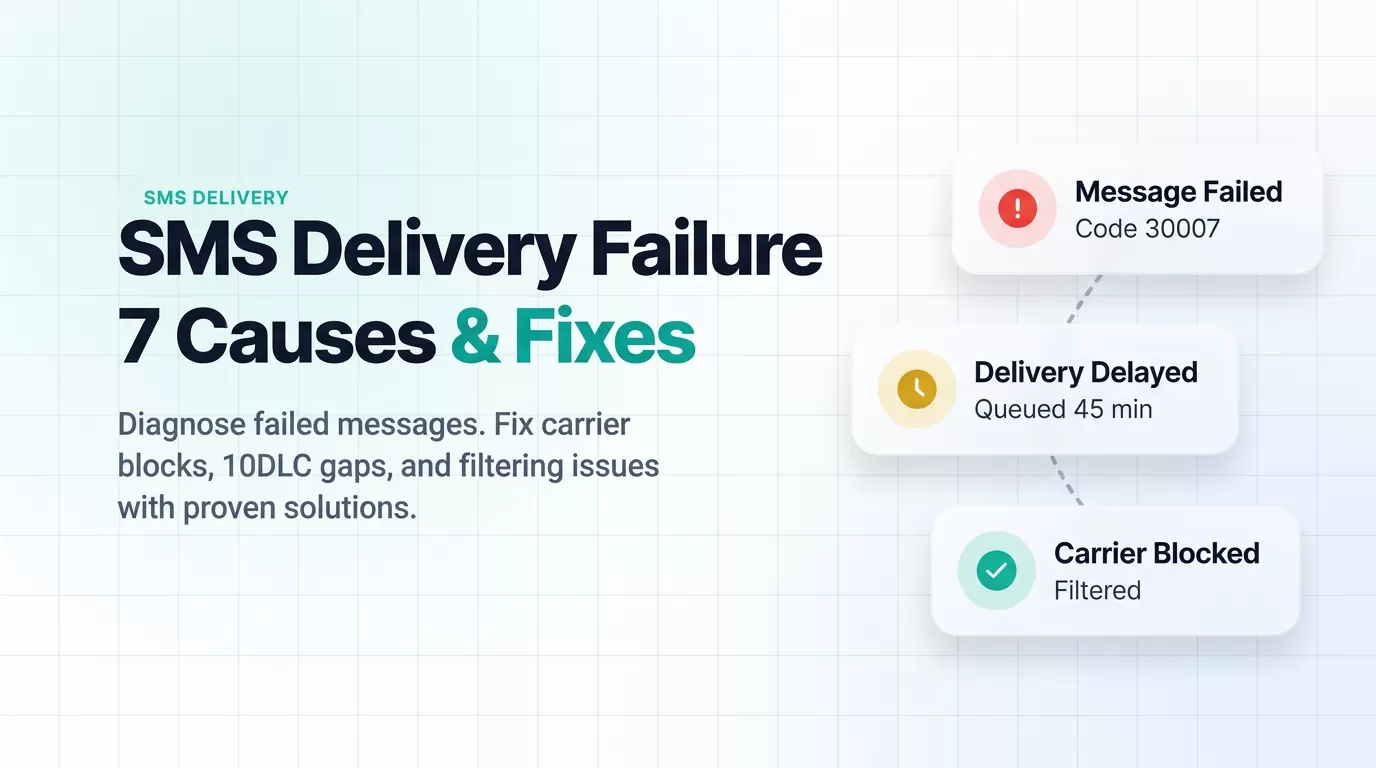
7 Reasons Your Text Messages Fail to Deliver (And Which Ones You Can Control)
Not every SMS failure looks the same. Some are transient network blips; others are systemic issues that will block every message you send until you fix the root cause. Here are the seven most common failure reasons — ranked by how often they appear in enterprise delivery logs.
1. Carrier Content Filtering
Wireless carriers deploy both static keyword lists and machine-learning filters to block spam. According to Twilio (2025) , messages flagged by carrier filters return error code 30007 ("Message Filtered") , often without any notification to the sender. Common triggers include:
- Shortened URLs (bit.ly, tinyurl) — carriers associate these with phishing
- All-caps text or excessive punctuation
- Phrases commonly associated with spam or fraud
- Messages without proper sender identification
2. Invalid or Inactive Phone Numbers
Sending to disconnected, reassigned, or incorrectly formatted numbers triggers error code 30003 ("Unreachable Destination Handset") on most platforms. This is the single most common cause of delivery failure in bulk campaigns. Regular list validation can eliminate this problem entirely.
3. Encoding and Character Limit Errors
Standard SMS uses GSM-7 encoding, supporting 160 characters per segment . Including emojis, non-Latin characters, or special symbols switches the message to UCS-2 encoding — cutting the limit to 70 characters . Messages that exceed segment limits may be split incorrectly or rejected outright. For encoding details, see our SMS character limit guide .
4. Volume Throttling and Rate Limits
Sending too many messages too quickly — especially from a single number — triggers carrier-level throttling. In the US, standard 10DLC numbers support 1–75 messages per second depending on your campaign trust score. Exceeding this results in queued or silently dropped messages.
5. 10DLC and A2P Registration Gaps
Since February 2025, US carriers block 100% of unregistered A2P (application-to-person) traffic sent via 10-digit long codes. According to Phone-Check.app (2025), registered senders achieve a 99.2% delivery rate , while unregistered traffic faces complete blocking. Registration costs $4–$15 as a one-time fee through The Campaign Registry (TCR).
6. Routing Failures and Network Congestion
Messages traveling across carrier networks — especially internationally — pass through multiple routing hops. Each hop introduces a failure point. Error code 30004 ("Message Blocked") often surfaces when cross-network routing encounters compliance mismatches or temporary outages.
7. Recipient Opt-Out or Number Blocking
Under TCPA and CTIA guidelines, recipients who reply "STOP" must be immediately removed from your send list. Continuing to message opted-out numbers risks delivery failure, number suspension, and FCC penalties of up to $10,000 per violation .
How to Diagnose SMS Delivery Failures: A Step-by-Step Workflow
When messages fail, a structured diagnostic process matters more than guessing. Follow this three-step workflow to pinpoint the issue.
Step 1: Check Your Delivery Logs
Every SMS platform logs delivery status codes for each message. The five standard statuses, as documented by Sinch (2025), are:
| Status | Meaning |
|---|---|
| Queued | Message accepted by platform, waiting to send |
| Sent | Handed off to carrier network |
| Delivered | Carrier confirmed receipt on handset |
| Undelivered | Carrier attempted delivery but failed |
| Failed | Message rejected before reaching carrier |
Step 2: Categorize the Failure Type
Group failures into four categories to identify the root cause:
- Network errors (30003): Handset off, out of coverage, or carrier outage — transient, typically resolves on retry
- Content blocks (30007): Carrier filter flagged message content — requires message revision
- Compliance blocks (30004): Sender not registered, or message violates carrier policy — requires 10DLC registration or sender ID changes
- Recipient issues: Opted out, invalid number, or number ported — requires list cleanup
Step 3: Match to the Right Fix
Network errors are transient — retry after 15–30 minutes. Content blocks require message revision before resending. Compliance blocks demand registration or policy fixes — do not simply resend. Recipient issues call for list validation and cleanup. For a deeper dive into SMS status codes, see our enterprise SMS delivery report guide .
Quick Fixes When Your Phone Won't Send Texts
If you're troubleshooting a personal device — not a business SMS platform — use this quick reference table. These cover the most common consumer-side causes of "text message failed to send" errors on Android and iPhone.
| Fix | Android | iPhone |
|---|---|---|
| Restart device | Hold Power → Restart | Hold Side + Volume → Slide to Power Off |
| Toggle Airplane Mode (15 sec) | Swipe down → Airplane Mode | Settings → Airplane Mode |
| Clear messaging app cache | Settings → Apps → Messages → Clear Cache | Not applicable |
| Toggle iMessage off/on | Not applicable | Settings → Messages → iMessage |
| Update phone software | Settings → System → Software Update | Settings → General → Software Update |
| Reset network settings (last resort) | Settings → General Management → Reset | Settings → General → Transfer or Reset |
If the issue persists for one contact only, the recipient may have blocked your number. If all messages fail, contact your carrier to confirm SMS is active on your plan. For iPhone-specific issues, check the Apple System Status page to verify iMessage services are running.
Sending SMS at business scale? The fixes above address personal device issues. For enterprise SMS delivery — where carrier filtering, 10DLC compliance, and routing architecture determine success — continue to the next section.
5 Proven Strategies to Prevent SMS Delivery Failures at Scale
Fixing individual failures is reactive. These five strategies address the systemic causes behind poor SMS deliverability — the kind that compounds across thousands or millions of messages.
1. Complete 10DLC and A2P Registration
Register your brand and campaign with The Campaign Registry (TCR) through your SMS provider. This is mandatory for US-based A2P messaging . Registered campaigns receive higher throughput (up to 75 MPS) and priority carrier routing. According to Phone-Check.app (2025), first-time approval rates sit around 94%.
2. Maintain Clean Contact Lists
Validate phone numbers before sending. Remove invalid, disconnected, and opted-out numbers on a regular cadence. According to TrueDialog's 2025 Benchmark Report (based on 1 billion messages), maintaining proper list hygiene resulted in less than 1% negative sentiment and 87% recipient retention over a 7-day window.
3. Optimize Message Content for Carrier Filters
Avoid shortened URLs, excessive capitalization, and spam-trigger phrases. Use full, branded URLs. Keep messages within GSM-7 encoding when possible to maintain the 160-character segment limit. For a breakdown of encoding rules, see our SMS character limit guide .

4. Use Carrier-Approved Routing with Fallback Channels
Direct carrier connections reduce routing hops and failure points compared to aggregator-based routing. Platforms like EngageLab provide intelligent channel switching — automatically rerouting through alternative carriers when primary routes experience congestion, delivering messages within 5 seconds across 200+ countries and regions.
5. Monitor Delivery Metrics in Real Time
Track delivery rates, failure codes, and opt-out trends per campaign. Real-time monitoring lets you catch issues before they scale — not days later in a CSV export. EngageLab's SMS analytics dashboard provides per-message delivery status tracking with detailed diagnostics, giving operations teams immediate visibility into what failed and why.


Recommended for teams without developer resources
EngageLab offers a no-code SMS workflow builder with built-in 10DLC compliance support, automatic list validation, and multi-channel fallback (SMS, push, email, WhatsApp) — designed for marketing and operations teams managing delivery at scale. As of March 2026, the platform supports sending to 200+ countries with real-time delivery tracking.

SMS Delivery Rates: What Industry Benchmarks Show
Understanding where your delivery rate falls relative to industry standards helps determine whether you have a configuration problem or a systemic one.
| Metric | Benchmark | Source |
|---|---|---|
| Delivery rate (registered 10DLC, excellent reputation) | 99.2% | Phone-Check.app (2025) |
| Delivery rate (poor sender reputation) | 60–80% | Phone-Check.app (2025) |
| Unregistered A2P blocking rate (US) | 100% | Telnyx (2025) |
| Average SMS open rate | 98.2% | DMText (2025) |
| Recipient opt-out within 7 days | <13% | TrueDialog (2025) |
| FCC penalty per TCPA violation | Up to $10,000 | FCC (2024) |
The gap between a 99.2% and a 60% delivery rate often comes down to sender reputation and compliance registration — not carrier infrastructure. If your delivery rate falls below 95%, start by auditing your 10DLC registration status and list hygiene before investigating routing or content issues.
Common Questions About SMS Delivery Failures
Why does my text message say "failed to send"?
For personal devices, this typically means weak cellular signal, airplane mode enabled, or a carrier service disruption. For business SMS platforms, it indicates the message was rejected by the carrier — usually due to content filtering, invalid numbers, or missing A2P registration. Check your platform's delivery logs for specific error codes.
What is the difference between "undelivered" and "failed" SMS status?
"Failed" means the message was rejected before reaching the carrier network — for example, invalid format, compliance block, or platform error. "Undelivered" means the carrier accepted the message but could not deliver it to the handset — for example, phone off, unreachable, or carrier filter applied after acceptance.
How can I check if my business SMS was actually delivered?
Use delivery receipts (DLRs) from your SMS platform. DLRs return carrier-confirmed delivery status for each message. Note that not all carriers guarantee DLR accuracy — some return "delivered" when the message reaches the carrier, not the handset. For a complete walkthrough, see our SMS delivery report guide .
Does 10DLC registration actually improve SMS delivery rates?
Yes. According to Phone-Check.app (2025), registered 10DLC senders achieve 99.2% delivery rates . As of February 2025, unregistered A2P traffic on 10-digit long codes is blocked entirely by major US carriers. Registration is a one-time process costing $4–$15 through The Campaign Registry.
Why are my bulk text messages being blocked by carriers?
Common causes include: unregistered sender ID, high complaint rates from recipients, shortened URLs in message body, spam-like content patterns, or exceeding throughput limits. Carriers use both rule-based filters and machine learning to flag bulk SMS traffic that resembles spam.
How long should I wait before resending a failed text message?
For network errors (30003) , wait 15–30 minutes and retry — these are usually transient. For content blocks (30007) , revise the message content before resending. For compliance blocks (30004) , do not resend until the registration or policy issue is resolved. Repeatedly sending blocked messages damages your sender reputation score.
Key Takeaways: Building an SMS Strategy That Actually Delivers
SMS delivery failure is not a single problem — it's a system of interrelated issues spanning sender registration, list quality, content compliance, and routing infrastructure. The businesses that maintain 99%+ delivery rates treat SMS deliverability as an ongoing operational metric, not a one-time setup.
Whether you're diagnosing a personal device issue or managing millions of business messages, the framework is the same: identify the failure type, match it to the right fix, and prevent recurrence through systematic monitoring.
![70 Holiday Greeting Messages for Business on Every Occasion [2026]](https://img.engagelab.net/article/happy-holiday-msg-cover.png)


![Best SMS Short Code Providers: 10 Options Compared [2026 Updated]](https://img.engagelab.net/article/sms-short-code-service-provider.png)