Jacob Morrow
Updated: 2026-03-09
Push notifications are one of the most effective ways for apps to communicate with users in real time. For applications running on Windows devices, the Windows Push Notification Service (WNS) provides a built-in mechanism for delivering system-level notifications.
However, as apps grow beyond basic use cases, many teams begin to realize that native push services alone are not always sufficient. This article explains what Windows Push Notification Service is, where its limitations lie, and when businesses should consider more advanced push notification services to support scale, personalization, and cross-platform growth.

Part 1. What Is Windows Push Notification Service?
Windows Push Notification Service (WNS) is Microsoft’s native system for delivering notifications to Windows devices. It enables developers to send toast notifications, live tile updates, and badge updates to applications running on Windows operating systems.
WNS functions as an intermediary between an app’s backend server and the user’s device. After an app registers with Microsoft and receives a channel URI, the server can send messages through WNS, which then delivers them to the target device.
This approach works well for basic system notifications such as:
- App status updates
- Background alerts
- Simple user reminders
- Lightweight real-time information
👉 For many small or internal applications, WNS is sufficient to support essential communication needs.
Part 2. Limitations of Windows Push Notification Service
While WNS is reliable for basic delivery, it was not designed to function as a full-scale messaging or engagement platform. As applications grow, several limitations become apparent.
-
Platform Restriction
WNS is designed exclusively for Windows environments. If your product also supports iOS, Android, or web users, you must manage separate push systems for each platform. This increases engineering overhead and fragments messaging logic. -
Limited Targeting and Personalization
WNS focuses on message delivery rather than audience segmentation. It does not natively support advanced targeting based on user behavior, lifecycle stage, or historical engagement, which limits its usefulness for marketing or retention strategies. -
Minimal Automation Capabilities
Automation features such as behavioral triggers, drip campaigns, or conditional workflows are not part of WNS. These functions require additional backend infrastructure or third-party tools to implement. -
Lack of Centralized Analytics
WNS provides limited visibility into performance metrics. Metrics like conversion impact, long-term engagement, or cohort-based behavior analysis are outside its scope, making optimization difficult. -
Scalability and Operational Overhead
As notification volume increases, maintaining delivery reliability, retries, and monitoring becomes operationally complex. Engineering teams often end up building custom layers to compensate for missing capabilities.
Part 3. When Businesses Need More Than Windows Push Notifications
As applications grow in scale and complexity, relying solely on Windows Push Notification Service becomes increasingly restrictive. While it can support basic notification delivery, it was not designed to handle cross-platform engagement, advanced personalization, or large-scale campaign management.
At this stage, many teams begin to look for more flexible and scalable push notification solutions that can support growth beyond system-level messaging.
Part 4. Comparison & Decision Logic: Choosing the Right Push Notification Approach
When evaluating push notification solutions, the key question is not whether push notifications are needed, but which level of capability best fits your product stage and business goals.
Native Push vs. Dedicated Push Notification Services
| Aspect | Native Push (WNS) | Push Notification Service |
|---|---|---|
| Platform coverage | Windows only | iOS, Android, Web, OEMs |
| Setup complexity | Low | Moderate |
| Personalization | Limited | Advanced & behavior-based |
| Automation | Minimal | Event-driven workflows |
| Analytics | Basic delivery data | Full engagement insights |
| Scalability | Limited | Designed for scale |
Native push works well for simple system notifications or early-stage applications. However, as products grow and user engagement becomes a strategic focus, its limitations become increasingly evident.
When a Dedicated Push Service Makes Sense
A dedicated push notification service becomes necessary when:
- Push messaging is a core engagement or retention channel
- Teams need to target users based on behavior or lifecycle stage
- Multiple platforms must be supported simultaneously
- Non-technical teams need to manage campaigns independently
- Performance, deliverability, and optimization matter at scale
At this point, a centralized push platform simplifies operations while improving message effectiveness.
Part 5. How Push Notification Services Address These Challenges
Modern push notification services act as an abstraction layer on top of native systems like WNS, APNs, and FCM. They consolidate messaging logic into a single platform that supports scale, automation, and analytics.
Key advantages include:
- Unified delivery across multiple platforms and devices
- Advanced segmentation based on user behavior and attributes
- Automation workflows triggered by real-time events
- Centralized management for marketing, product, and growth teams
- Actionable analytics that connect engagement with outcomes
These capabilities enable teams to move from basic message delivery to data-driven engagement.
Part 6. How EngageLab Extends Beyond Native Push Capabilities
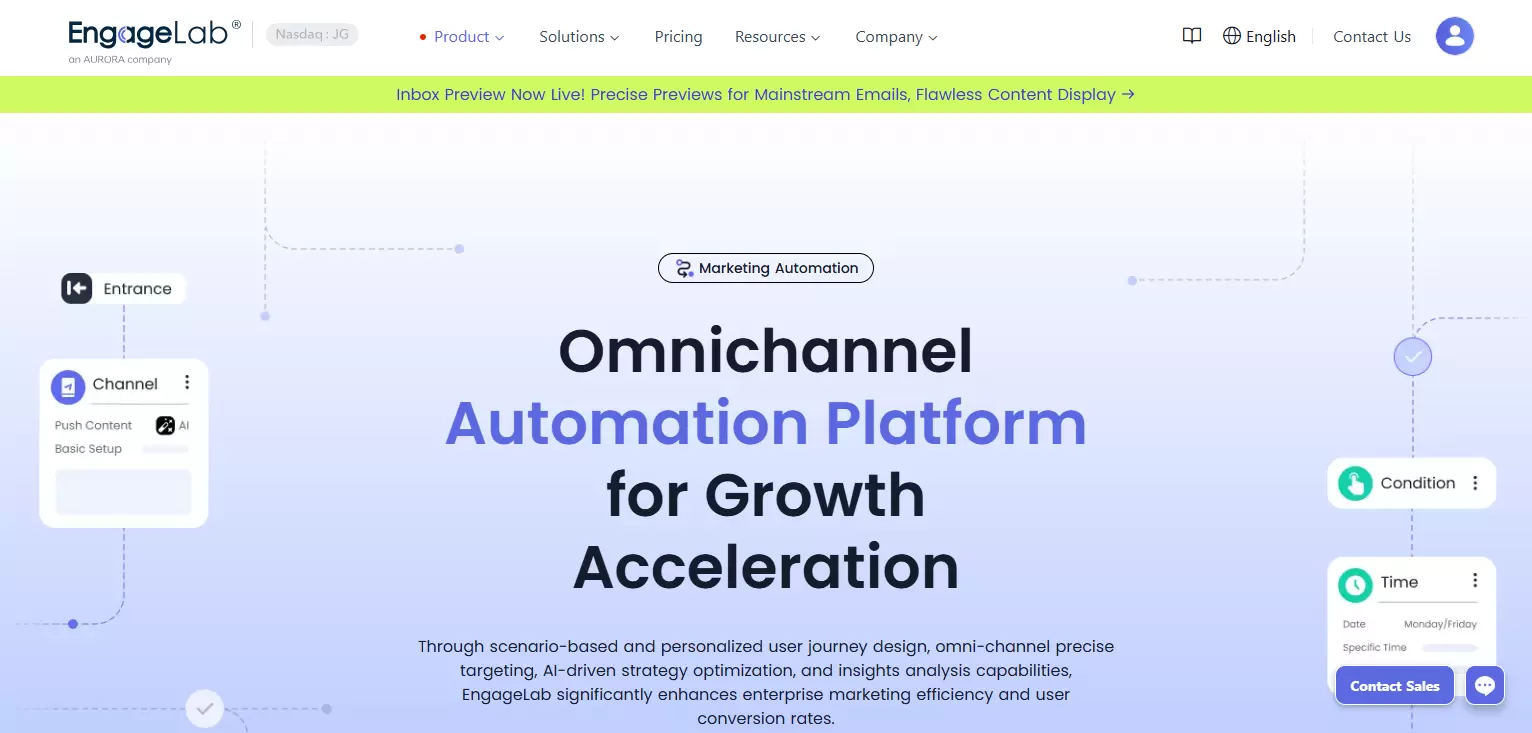
EngageLab is designed for businesses that need more than basic notification delivery. It extends beyond the limitations of native push systems by offering:
- Cross-platform message delivery across mobile ecosystems
- Advanced segmentation and behavioral targeting
- Automation workflows for lifecycle messaging
- High-throughput delivery with global coverage
- Actionable analytics to measure and optimize engagement
Rather than replacing native push technologies, EngageLab builds on top of them, providing a unified layer for scalable, data-driven communication.
This makes it suitable for businesses that require reliability, flexibility, and control as they grow.
Conclusion
Windows Push Notification User Service plays an important role in enabling basic notifications for Windows applications. However, as user bases expand and engagement strategies become more sophisticated, its limitations become increasingly apparent.
For teams seeking greater control, scalability, and insight into user behavior, adopting a dedicated push notification service offers a more sustainable path forward. Platforms like EngageLab allow businesses to move beyond basic delivery and build meaningful, data-driven communication strategies that scale with their growth.
![[Full Guide] iOS Web Push Notifications: Overview, Set Up, and Optimization Practices in 2026](https://img.engagelab.net/en/article/ios-web-push-notifications-cover.webp)