


Push Plan
Efficiently manage multiple push tasks, view overall performance in a combined manner, and accurately evaluate goal achievement.
Use Cases
When running various marketing campaigns (such as major promotions like 618, Double 11, Black Friday, etc.), you need to assess the effectiveness of different campaigns. The "Push Plan" feature allows you to track message delivery rates, user click-through rates, and conversion performance at a glance!
Creating a Plan
Via WebPortal
- Page Path: Console > Push > Push Plans.
When entering the page for the first time, select Create Plan and fill in the required details.
Via API
To add, modify, or query push plans, refer to the Push Plan API documentation.
Sending Push Under a Plan
Via WebPortal
On the create push page, you can select a push plan in the Advanced Settings section.
Via API
When sending pushes via API, specify the "Plan ID" by passing the value to the options.plan_id field in the Push API protocol. For detailed field descriptions, refer to: Create Push API
Tracking Message Delivery & Conversion by Push Plan ID
Via WebPortal
- Push Statistics
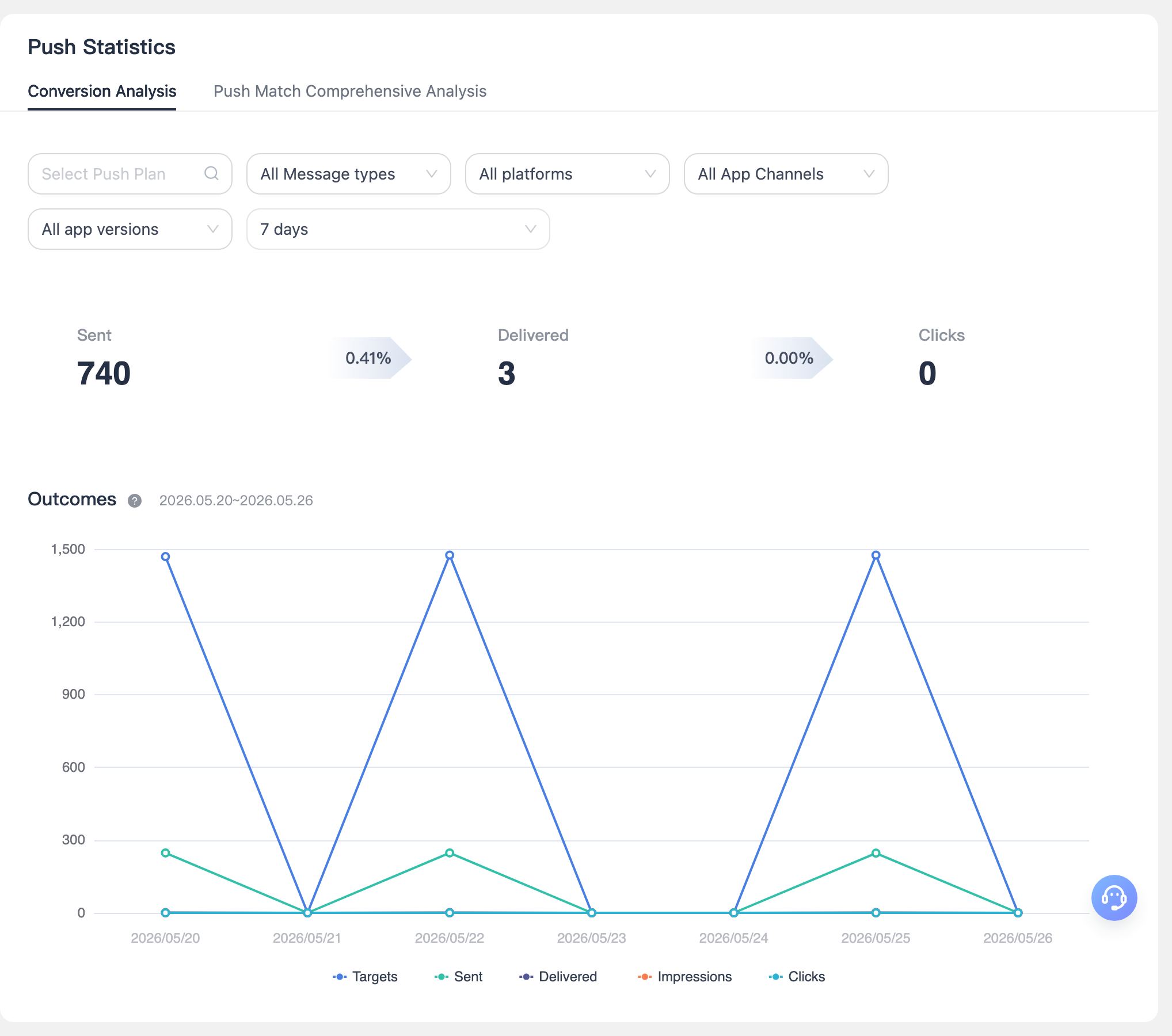
- Overview Statistics
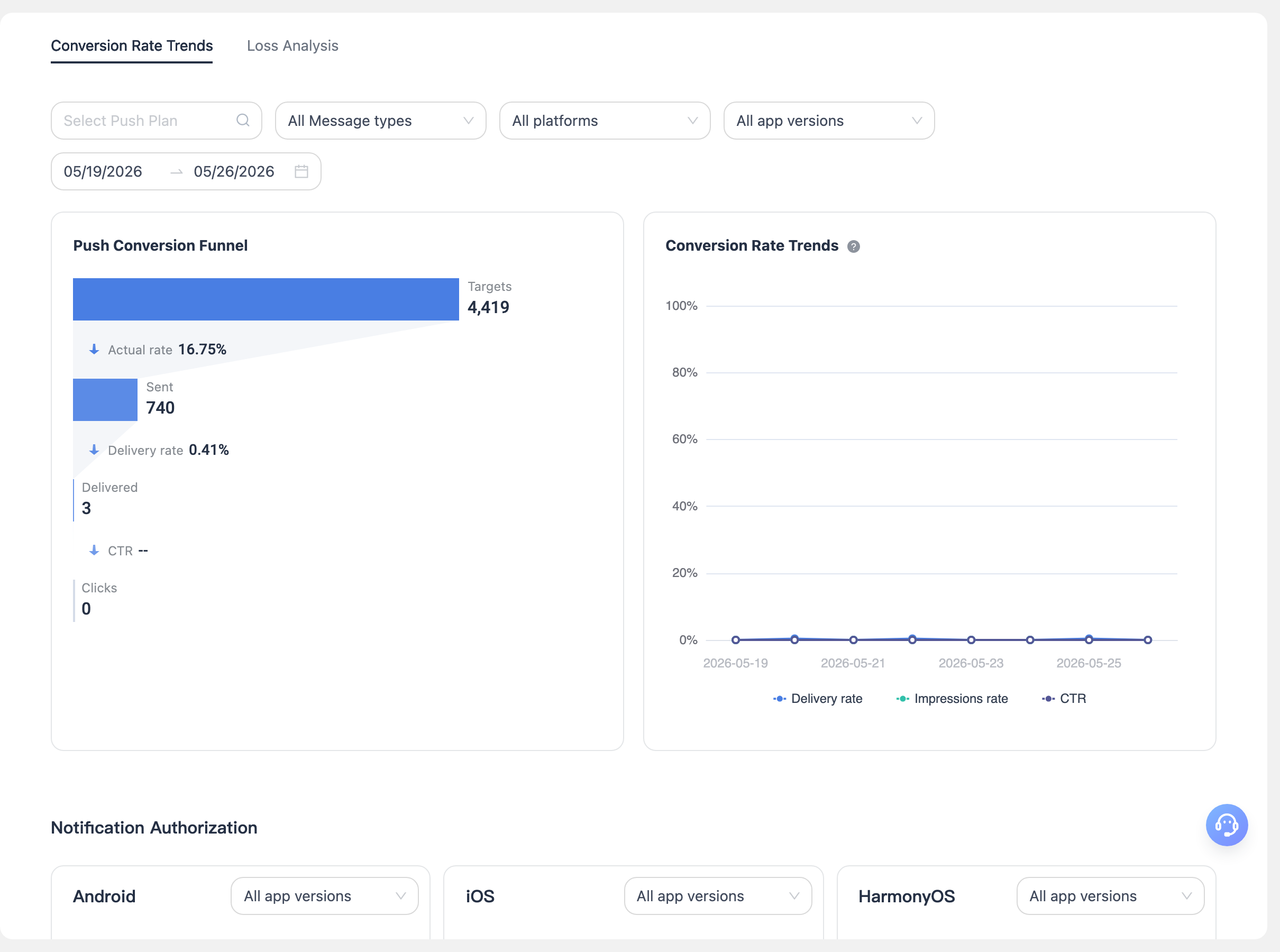
Note: Supports quick "Create Push", "Push History" queries, "Push Statistics" data queries, and "Edit" plan descriptions for selected plans in the list.
Via API
For API details, refer to: Statistics API
