Jacob Morrow
Updated: 2026-05-29
Choosing customer engagement software platforms gets messy fast. One team needs fewer abandoned carts, another needs faster support replies, and another needs email, SMS, WhatsApp, and push journeys across several regions. A useful shortlist should not crown a universal winner. It should match each platform to the channels, data maturity, team workflow, and budget you actually have.
Recent CX data gives this buying decision a fresher benchmark. According to Zendesk (2026) , 81% of consumers want representatives to pick up where they left off, and 74% get frustrated when they have to repeat information. Meanwhile, Emplifi (2025) reports that 70% of consumers will abandon a brand after two negative experiences. That makes this a practical buying decision: which tool will help your team keep context, respond faster, and reduce operational drag?
- Use this guide if you need a practical shortlist, not a generic software directory.
- Prices and plan notes were checked against official vendor pages in May 2026; always confirm final quotes before purchase.
- The best fit depends on whether your team is optimizing marketing journeys, service workflows, in-app conversations, or community-led engagement.
Best Customer Engagement Software Platforms: Quick Picks for 2026
If you need the short version, start with this fit map. It separates broad customer engagement suites from support-first and community-first tools.
| Best fit | Recommended option | Why it fits |
|---|---|---|
| Omnichannel lifecycle marketing | EngageLab | Email, AppPush, WebPush, SMS, WhatsApp, journey orchestration, and usage-based pricing. |
| Large CRM-centered enterprises | Salesforce Service Cloud | Deep CRM ecosystem, advanced reporting, AI add-ons, and broad enterprise integrations. |
| Mid-market support teams | Freshdesk by Freshworks | Ticketing, customer portal, reports, Freddy AI, and faster onboarding than heavy enterprise suites. |
| SaaS in-app conversations | Intercom | Messenger, shared inbox, Fin AI Agent, help center, and support workflows for product-led teams. |
| Service desk and ticketing scale | Zendesk | Reliable ticketing, omnichannel routing, knowledge base, AI agents, and mature support operations. |
| Customer community building | Bettermode | Branded communities, member spaces, moderation, integrations, and community-led support. |
Decision shortcut
| If marketing owns retention | Prioritize journey orchestration, segmentation, channel coverage, and delivery analytics. |
| If support owns engagement | Start with ticketing, routing, knowledge base, AI agent handoff, and service reporting. |
| If community drives retention | Choose community spaces first, then connect messaging and support tools around that hub. |
What Customer Engagement Software Does
Customer engagement software is a system for managing ongoing interactions with prospects and customers across their lifecycle. It connects customer data, communication channels, segmentation, automation, support workflows, and analytics so teams can deliver timely, relevant experiences.
Quick answer
Customer engagement software helps teams coordinate conversations, campaigns, support, and lifecycle journeys from a shared view of the customer. A customer engagement platform is usually broader than one tool: it connects channels, customer data, automation, analytics, and team workflows.
The diagram below is useful as a component checklist. A buyer should not only ask whether a vendor has messaging, data, and analytics modules, but whether those modules share the same customer context.

Source: Revechat
Traditional tools usually handle one function, such as email campaigns, ticketing, chat, or CRM notes. Modern platforms combine those functions with a unified customer profile and automated journey logic.
| Aspect | Traditional customer tools | Modern engagement platform |
|---|---|---|
| Data | Stored in channel or team silos. | Unified profile built from behavior, transactions, support, and campaign data. |
| Channels | Usually centered on one channel. | Email, SMS, push, WhatsApp, in-app, chat, and support touchpoints. |
| Engagement | Reactive responses after customers contact the company. | Proactive triggers based on lifecycle events, risk signals, and behavior. |
| Personalization | Basic fields and static lists. | Segments, journeys, recommendations, frequency control, and AI-assisted content. |
| Measurement | Channel-level reports. | Lifecycle analytics, attribution, retention, churn, and campaign performance. |
Core Features to Compare Before You Buy
The following modules are the baseline for evaluating any customer engagement platform. You may not need all of them on day one, but you should know which are native, which require add-ons, and which require integration work.
1. Omnichannel Communication
A strong platform should reach customers through the channels they already use: email, SMS, WhatsApp, app push, web push, in-app messages, and live chat. More importantly, those channels should share segmentation, templates, frequency rules, and performance reporting.
Use the multichannel vs. omnichannel distinction below as a quick filter: separate channels are not enough if the team still has to reconcile context manually after every campaign or support interaction.

Source: Webkul
2. Customer Data Platform and Unified Profile
A customer data layer combines behavioral events, purchase history, support records, device data, and consent status. It helps teams segment audiences and build lifecycle journeys without exporting data between tools.
The customer data platform layer matters because it decides whether personalization is based on real behavior or only on static contact fields.

Source: Vecteezy
3. Marketing Automation and Journey Orchestration
Journey builders let marketers create welcome flows, onboarding nudges, win-back campaigns, cart recovery, reactivation, and upgrade prompts. For a deeper implementation view, compare marketing automation services and customer journey orchestration before selecting a vendor.
In the interface screenshot below, focus less on visual polish and more on whether non-technical users can understand triggers, branches, timing, and channel handoff without engineering help.
4. Service, Support, and Self-Service
Support-first engagement tools combine inboxes, ticketing, routing, knowledge bases, chatbots, and AI agent handoff. This matters when retention depends on service quality as much as campaign timing.
5. Analytics, Reporting, and Attribution
Reporting should cover message delivery, open and click behavior, conversions, churn signals, lifecycle stages, and revenue attribution. For measurement planning, use a consistent set of customer engagement metrics before judging tool performance.
The metrics view below should prompt one practical question: can your team connect engagement activity to retention, conversion, and support outcomes, or does the platform only report channel-level activity?

6. AI, Automation, and Personalization
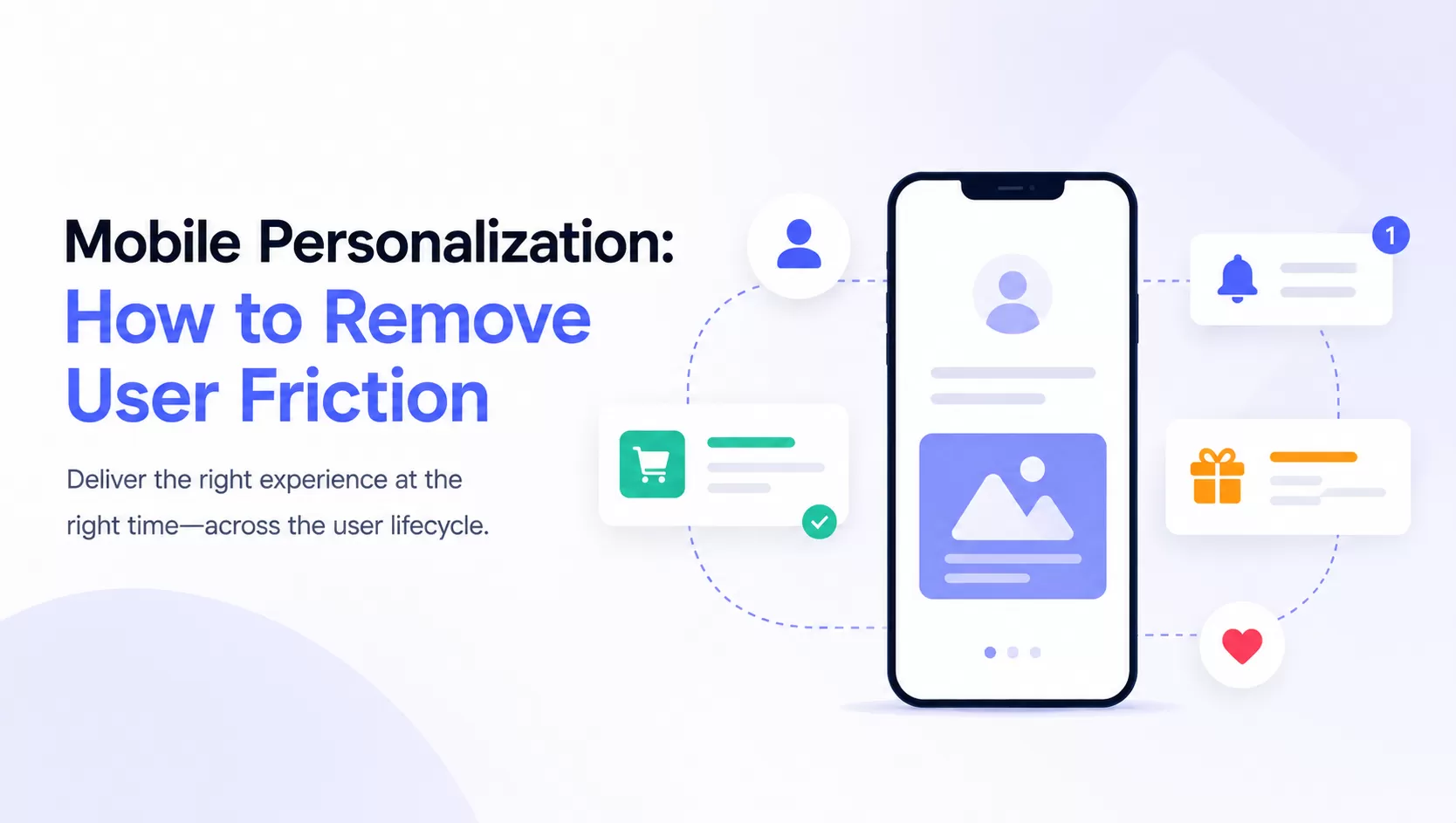
AI is useful when it improves real decisions: who should receive a campaign, which channel should be used, when to send, which content to generate, and which customers are at risk. Tie these capabilities to behavioral segmentation so personalization stays grounded in real user actions.
Customer Engagement Software Comparison Table
The customer engagement software market is broad, so a clean comparison helps separate lifecycle marketing platforms from service desks, support messengers, and community products.
The market chart below is included for category context. It is not a vendor ranking; use it to understand why tools with the same label can solve very different engagement problems.

Source: Mordor Intelligence
| Platform | Primary strength | Channels / modules | Pricing snapshot | Watch-outs |
|---|---|---|---|---|
| Engagement suite | Lifecycle campaigns and omnichannel messaging | Email, push, SMS, WhatsApp, journeys, customer profiles | Usage-based; Marketing Automation uses MEP scale | Confirm channel mix and regional pricing before rollout |
| Salesforce Service Cloud | CRM-centered enterprise service operations | Case management, AI, CRM, telephony, reporting | $25 to $550/user/month on official service pricing tiers | Implementation and admin effort can be heavy |
| Freshdesk by Freshworks | Support desk for small and mid-market teams | Ticketing, portal, reports, routing, Freddy AI | $19, $55, or $89/agent/month when billed annually | Advanced AI and automation may add usage cost |
| Intercom | In-app messaging and AI-assisted support | Messenger, shared inbox, help center, Fin AI Agent | $29, $85, or $132/seat/month, plus usage-based Fin outcomes | Cost can scale with seats and AI usage |
| Zendesk | Ticketing and omnichannel support operations | Support inbox, routing, knowledge base, AI agents, voice | Support Team $19; Suite Team $55; Suite Professional $115/agent/month billed yearly | Enterprise and AI add-ons may require sales consultation |
| Bettermode | Customer community engagement | Community spaces, chat, social login, integrations, moderation | Growth listed at $1,500/month billed annually; Premium custom | Not a full omnichannel marketing suite |
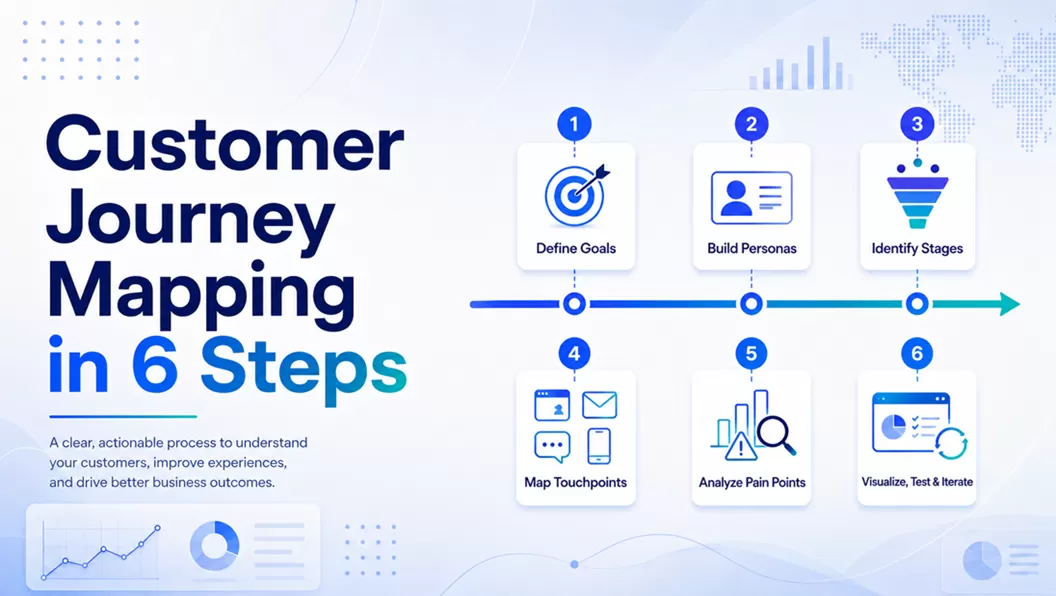
Build the journey map before you compare demos
List your lifecycle triggers, channels, regions, and conversion goals first. The right platform should fit that workflow, not just the longest feature list.
Top Customer Engagement Software Options Reviewed
1. Salesforce Service Cloud
Salesforce Service Cloud is the enterprise choice when service, CRM, sales, and data workflows already sit inside the Salesforce ecosystem. It fits large teams that need governance, advanced reporting, role controls, and many integration paths.
The product view below reflects that enterprise strength: Salesforce is powerful when the engagement workflow is tied to CRM objects, service cases, and reporting governance.

| Pros | Cons |
|---|---|
| Strong CRM ecosystem, reporting, automation, and enterprise controls. | Higher implementation effort than lighter tools. |
| Official pricing tiers range from Starter Suite to Agentforce 1 Service. | Total cost can rise with add-ons, admin work, and specialist setup. |
2. Freshdesk by Freshworks
Freshdesk is a strong fit for teams that need structured support workflows without the complexity of a full enterprise CRM suite. It covers ticketing, customer portals, reports, routing, Freddy AI options, and self-service.
In the Freshworks screenshot, look for the service-desk pattern: inbox, tickets, routing, and reporting are the core workflow, while marketing orchestration is not the main job.

- Pricing snapshot: Growth $19, Pro $55, Enterprise $89 per agent/month, billed annually.
- Best for: service teams that want a support desk with fast setup and room to grow.
- Watch-out: AI agent sessions and advanced automation can affect total cost.
3. Intercom
Intercom is built around customer conversations, product messaging, shared inboxes, help center content, and Fin AI Agent. It is especially useful for SaaS and product-led businesses that need in-app support and proactive messaging.
The interface context matters here: Intercom is strongest when engagement happens inside the product experience, not only through outbound campaigns.

- Pricing snapshot: Essential $29, Advanced $85, Expert $132 per seat/month, plus Fin AI Agent outcomes from $0.99.
- Best for: SaaS companies that want chat, help center, inbox, and product messaging in one workflow.
- Watch-out: Fin AI Agent and some messaging channels use usage-based charges.
4. Zendesk
Zendesk is a mature support platform for ticketing, knowledge base management, messaging, routing, AI agents, and service operations. It is strongest when a team needs reliable customer support scale more than marketing journey orchestration.
The Zendesk screenshot should be read as a support-operations example: routing, ticket context, help content, and agent workflows are the buying criteria to test in a demo.

- Pricing snapshot: Support Team $19, Suite Team $55, Suite Professional $115 per agent/month when paid yearly.
- Best for: support departments that need dependable ticketing, routing, and service analytics.
- Watch-out: Enterprise, Copilot, workforce engagement, and contact center options can add cost.
5. Bettermode
Bettermode is a community-led engagement tool. It helps teams build branded customer communities, member spaces, knowledge-sharing areas, and peer-to-peer support programs.
The product image below shows why Bettermode belongs in a different bucket: it is about owned community spaces, not message delivery or ticket queues.

- Pricing snapshot: Starter, Growth, and Premium tiers; Growth is listed at $1,500/month when billed annually.
- Best for: brands that treat community as a retention and education channel.
- Watch-out: it does not replace a full messaging, campaign, or support automation stack.
6. EngageLab
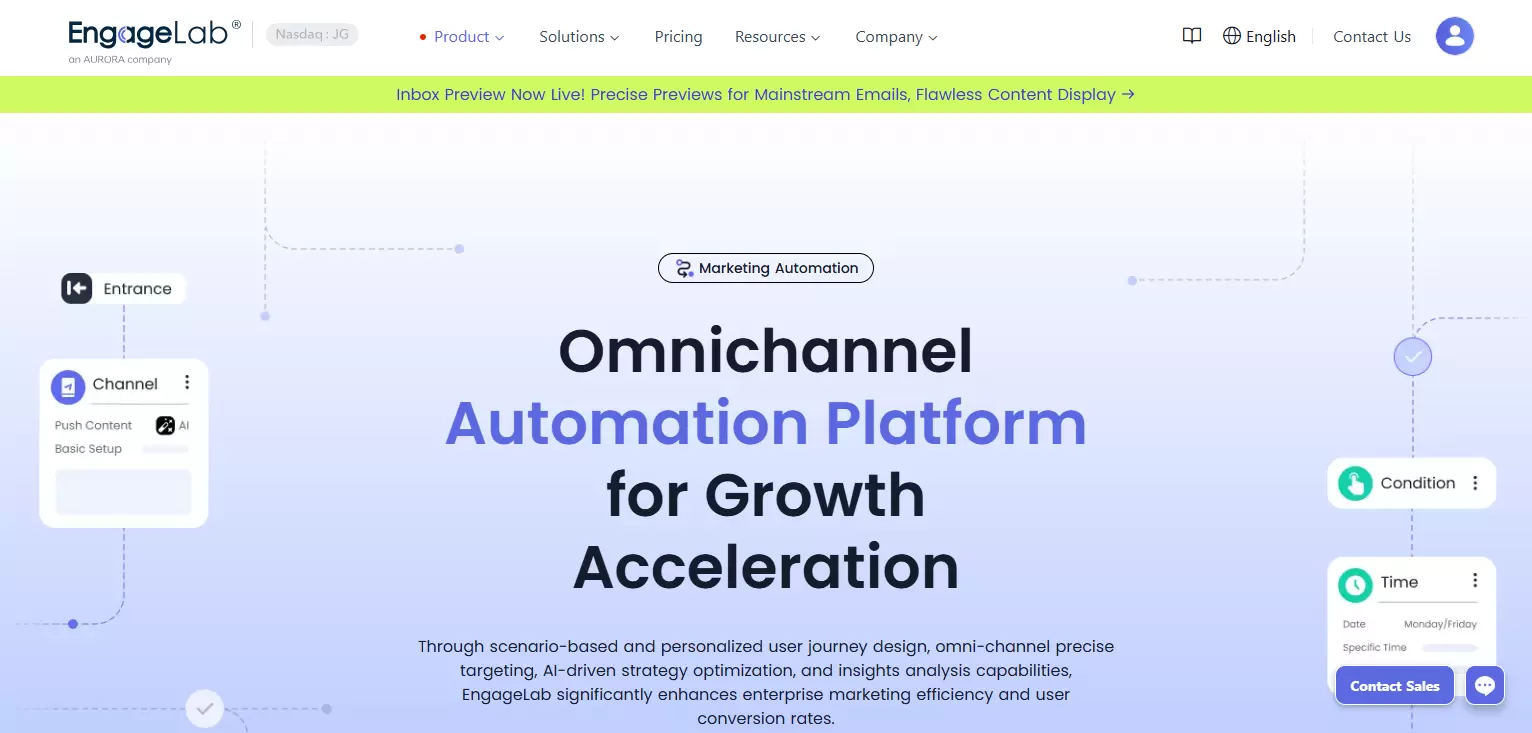
EngageLab is a practical fit when your team needs omnichannel engagement rather than only ticketing or chat. It supports email, AppPush, WebPush, SMS, WhatsApp, visual journey design, customer profiles, AI-assisted campaign creation, and global delivery infrastructure.
The product overview below is included to show the different operating model: campaigns, channels, customer profiles, and journeys are managed together instead of being split across several point tools.

The EngageLab pricing page lists usage-based models across AppPush, WebPush, Email, SMS, WhatsApp, and Marketing Automation. Marketing Automation uses MEP scale, meaning Monthly Engaged Persons who enter customer journeys during the month.
| Strength | Why it matters |
|---|---|
| Omnichannel coverage | Teams can coordinate campaigns across email, push, SMS, and WhatsApp instead of stitching separate tools together. |
| Visual journey builder | Marketers can design lifecycle flows for onboarding, retention, reactivation, and conversion. |
| Global infrastructure | Useful for businesses operating across regions, time zones, languages, and compliance needs. |
| Usage-based pricing | Budget can align more closely with actual messaging scale and journey participation. |
When lifecycle marketing is the main requirement
Map your expected MEP, monthly message volume, priority channels, and regional delivery needs before comparing quotes. That keeps the pricing conversation tied to real journey usage.
Compare pricing inputsHow to Choose the Right Platform
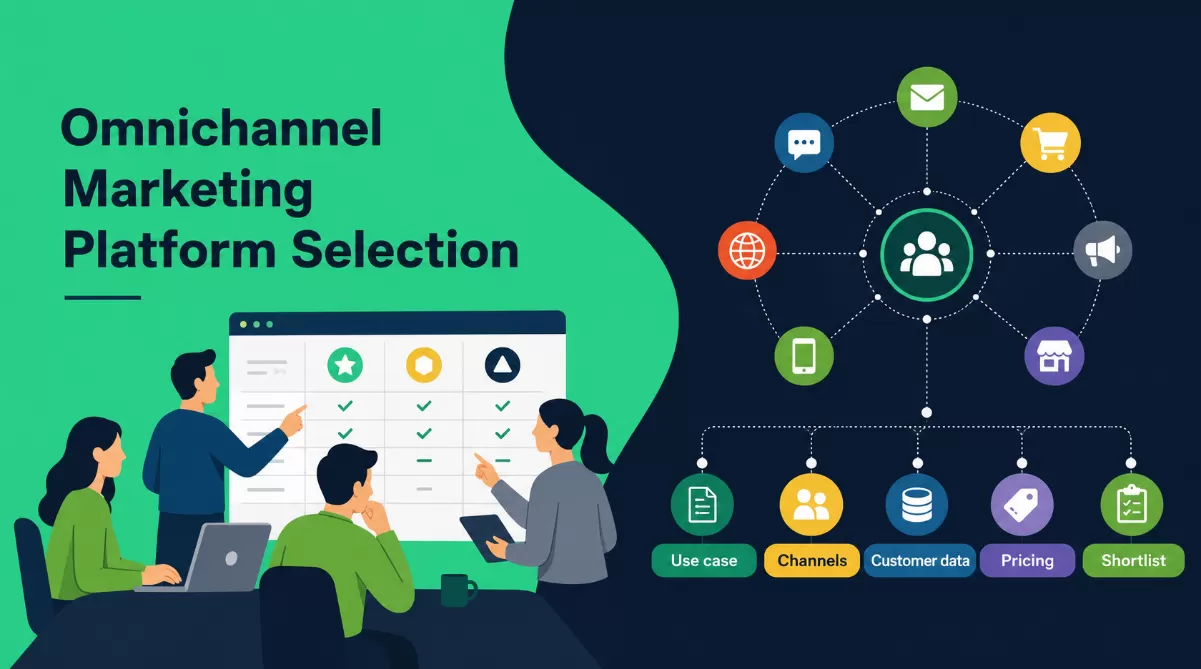
A tool comparison only helps if it maps to your operating model. Use the following checklist before you request demos or free trials. If you are still defining the larger playbook, start with a customer engagement strategy and then narrow the software shortlist.
- Define the business outcome: reduce churn, increase repeat purchase, improve onboarding, deflect tickets, or raise campaign conversion.
- Map must-have channels: list which channels matter now and which may matter in the next 12 months.
- Audit your data readiness: confirm whether events, customer IDs, consent, purchases, and support records can be unified.
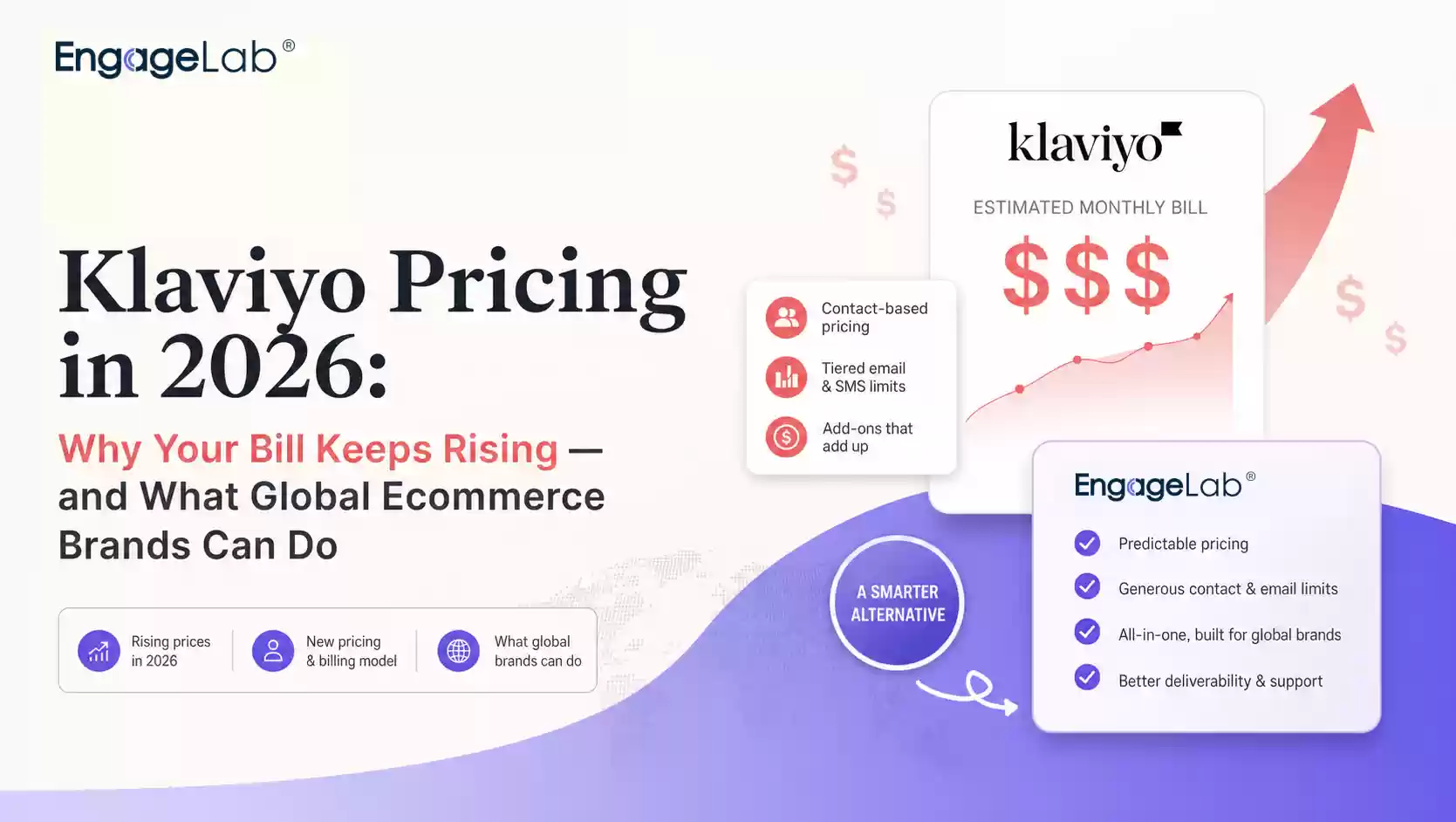
- Compare total cost: include seats, usage, AI outcomes, message volume, implementation, training, migration, and add-ons.
- Test workflow ownership: marketers, support leaders, product managers, and developers should all know where they fit.
- Check compliance and geography: verify regional hosting, data controls, permission management, and opt-in rules.
Before the demo, map the data paths shown below. If a vendor cannot explain how customer events, consent, support history, and campaign activity connect, personalization will stay fragile.

Source: Marketing Cloud
After data fit, evaluate whether daily users can actually operate the interface. A powerful platform still fails if journey changes, segment edits, and reporting all require specialist support.

| Use case | Better shortlist |
|---|---|
| SaaS onboarding and in-app support | Intercom, Freshdesk, engagement suite |
| Retail and e-commerce lifecycle campaigns | Engagement suite, Salesforce Service Cloud |
| Financial services with heavy governance | Salesforce Service Cloud, Zendesk, engagement suite |
| Support desk modernization | Zendesk, Freshdesk, Intercom |
| Customer education and community retention | Bettermode plus a messaging or support platform |
Customer Engagement Software Trends to Watch
Customer engagement tools are converging around AI, unified profiles, privacy, and real-time orchestration. In 2026, buyers should look beyond feature lists and ask how each platform improves daily decisions.
- AI with workflow accountability: teams need AI suggestions, but also approval flows, analytics, and human handoff.
- Hyper-personalization: messages are increasingly shaped by behavior, lifecycle stage, preferred channel, and timing.
- Privacy-aware data use: personalization must respect consent, regional rules, and data retention requirements.
- Omnichannel consistency: customers expect the same context whether they reply by email, chat, push, or WhatsApp.
- Revenue attribution: platforms must show which journeys affect retention, conversion, expansion, and support cost.
The hyper-personalization diagram below is a useful warning: personalization should come from consented behavior and context, not from simply adding more fields to a campaign template.

Source: Dexatel
Use the pillars framework as a final sanity check. If a platform only solves one pillar, it may still be useful, but it should not be treated as the whole engagement stack.

Source: WiserNotify
For teams choosing an omnichannel platform, the key demo question is whether every channel can participate in the same journey logic and reporting view.

The journey editor view below shows the operational layer behind that promise: triggers, audience rules, channel steps, and timing need to be visible enough for marketers and operators to improve journeys over time.

Customer Engagement Software FAQs
What is customer engagement software?
Short answer: Customer engagement software helps teams manage customer interactions across channels, automate lifecycle journeys, personalize messages, support customers, and measure outcomes from a shared customer view.
Is customer engagement software the same as CRM?
Short answer: No. CRM stores account, contact, sales, and relationship data. Customer engagement software uses that data to trigger communication, support, campaigns, and retention workflows across the lifecycle.
Which features matter most for B2B teams?
Short answer: B2B teams usually need unified customer profiles, segmentation, email and SMS workflows, in-app or product messaging, support integration, sales handoff, attribution, and role-based permissions.
How should I compare pricing?
Short answer: Compare the final monthly cost, not only the entry price. Include seats, message volume, AI usage, contacts, journey participants, data storage, implementation, support level, and required add-ons.
Bottom Line
The right customer engagement platform should match your customer journey, channel mix, support model, data readiness, and budget. If your main need is customer service, start with Zendesk, Freshdesk, or Intercom. If your main need is community, evaluate Bettermode. If your priority is omnichannel lifecycle marketing, evaluate a platform that combines journeys, profiles, channels, and delivery analytics in one workflow.
Ready to turn customer engagement into working journeys?
Coordinate email, push, SMS, and WhatsApp from one lifecycle workflow, then measure which journeys move retention and conversion.