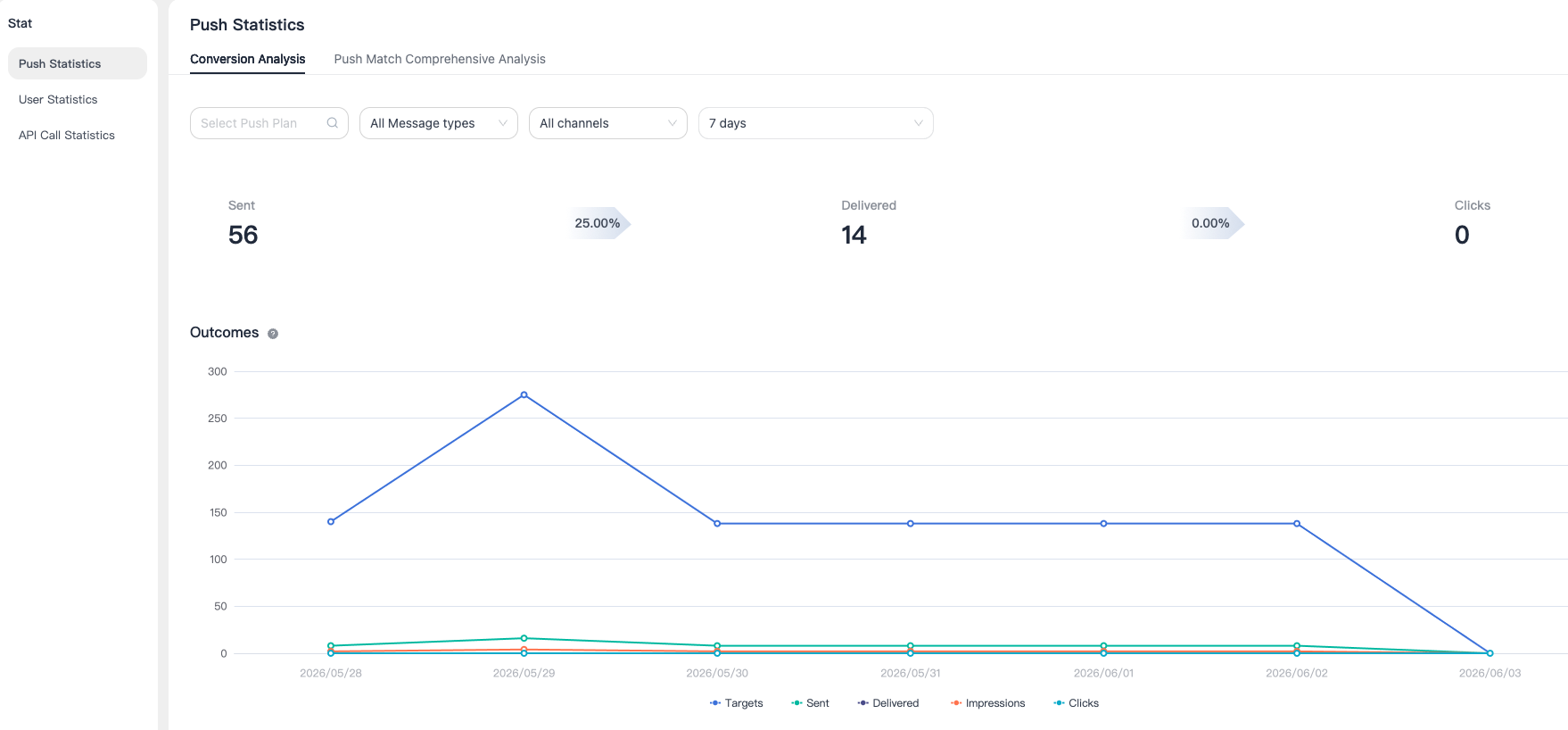
Push Statistics
Conversion Analysis
Parameter Description
Go to the [Statistics] - [Push Statistics] page to view charts and detailed data for push targets, push volume, user clicks, and custom clicks. Date filtering is supported.
- Push Target: The number of users matching the push conditions.
- Push Volume: Both Portal and API operations are included in the total, including notifications and custom messages. For the web platform, push volume refers to the total number of users successfully reached.
- User Clicks: The number of times users enter the application by clicking notification bar messages.
- Custom Clicks: On the web, when using MTPush to send custom messages, you need to call the Web statistics API
customClickReport.
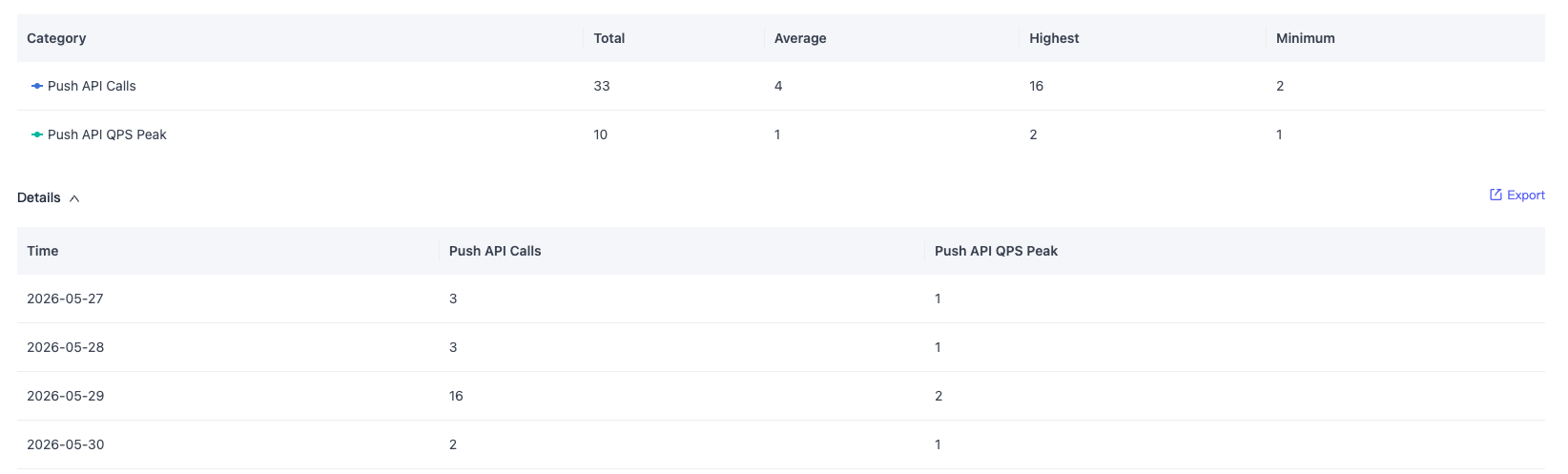
Export Data
Click Export on the right to export detailed data.
Push Match Comprehensive Analysis
Parameter Description
- Push Language/Region Match:Compare user active time with your push send time to identify time period deviations and optimize push timing.
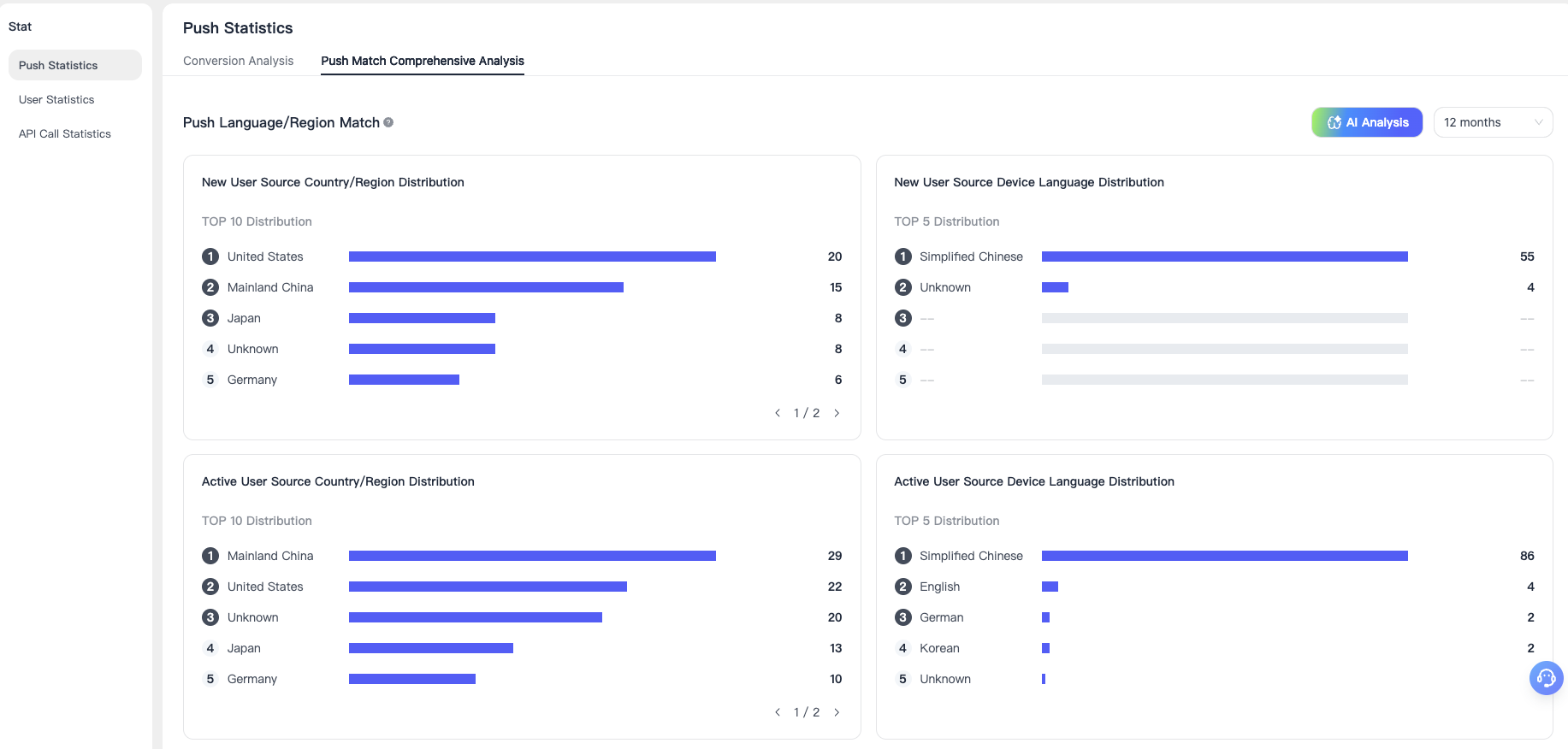
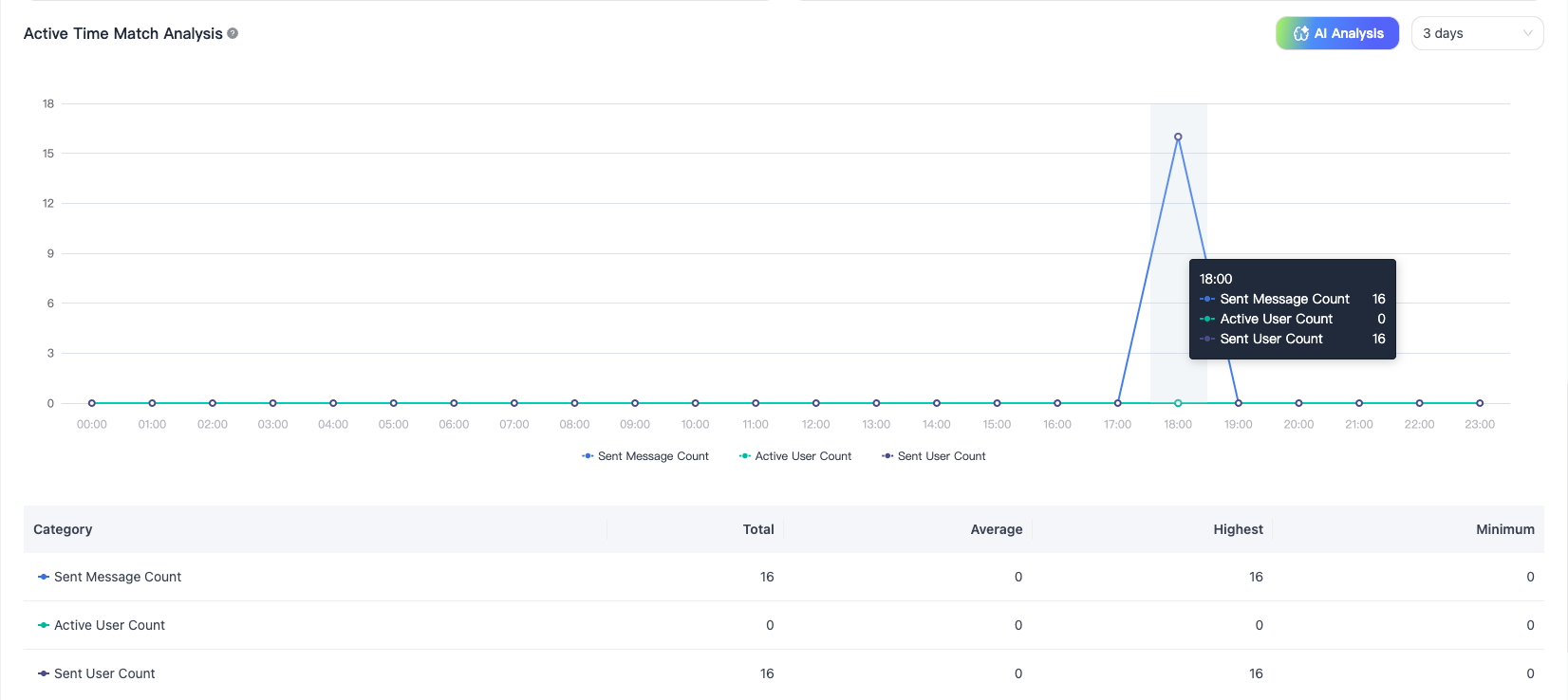
- Active Time Match Analysis:Based on the language/region distribution of new and active users, help you adjust push strategies for better results. Since some devices cannot report relevant information, the data is for reference only.
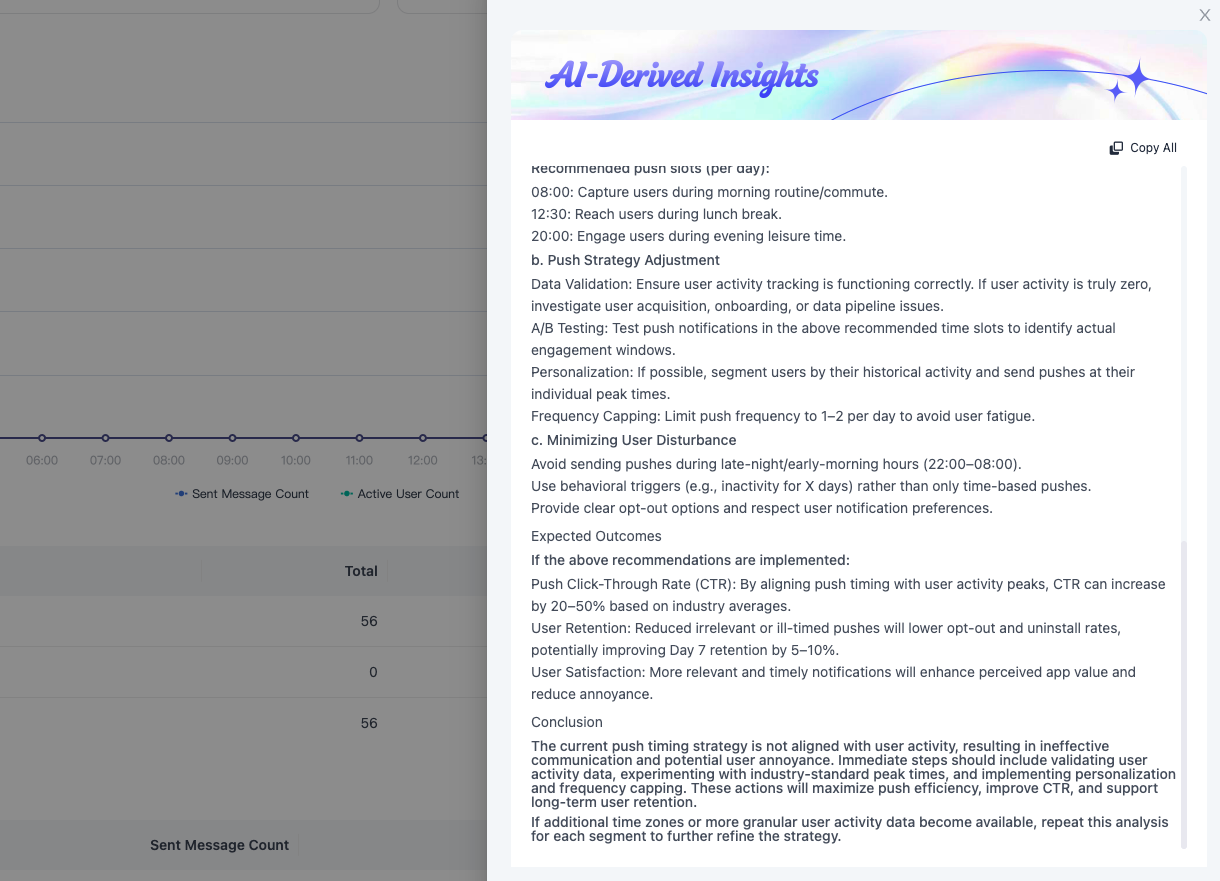
AI Insights