The significance of streamlining customer service email templates cannot be ignored due to the fact that customers expect businesses to resolve their issues as soon as possible. If you want to know the magic of modernizing your customer service workflow with the help of templates, you are in the perfect place!
The Art of Customer Service Email Templates
Maintaining quality and tone consistency in customer service emails can be quite challenging because modern businesses typically handle hundreds of such messages daily. Without a proper structure, customer support agents often struggle with quick responses, leading to a drop in customer satisfaction.

But it becomes simpler and efficient with the help of customer service email templates that ensure quick, consistent, and empathetic responses.
In the following sections, we'll explore how you can use email templates for customer service effectively and the role of EngageLab in helping businesses turn the templates into a personalized customer communication channel.
The Strategic Imperative of Customer Service Email Response Templates
Let's explore the importance of email templates in customer service.
1. Why Your Business Needs Customer Service Email Templates
Customer service email templates are much more than just shortcuts. They are strategic assets that can have a positive impact on your bottom line. Many statistics have proven that the majority of customers expect responses within one hour for email inquiries. So, customer service email response templates are a golden opportunity for businesses to meet this benchmark without compromising on the quality.
Your business should use customer service email templates because they help:
- Save time through pre-written, but customizable messages
- Bring consistency in tone, language, and customer service policy compliance
- Improve professionalism by reducing errors
- Deliver faster responses , which increases customer satisfaction and retention
Remember that even if you are using empathetic customer service email templates, it is not meant to replace the role of humans completely. Instead, they are a powerful tool to empower the customer support agents in effective communication.
2. Best Practices for Professional Customer Service Email Templates
An optimum balance of structure and flexibility is essential to create professional customer service email templates. Include the following key elements in your templates:
- Clear subject lines that set clear expectations about the email's content
- Personalized greetings to address the customer directly
- Transparent explanations in clear and easy-to-understand language
- Clear next steps with realistic timelines
- Warm closings
Other than adding these elements, you should also pay attention to the overall tone of customer service email templates:
- Be conversational yet professional
- Show empathy by providing context-specific details
- Acknowledge the issue faced by the customer
- Use a simple and scannable format
EngageLab has an advanced, but user-friendly email editor to support your customer service email template creation process. The editor is designed in a way that it automatically complies with best practices to help agents write professional and friendly emails.

- Built-in style checks to ensure tone and voice consistency.
- Readability analysis to ensure your customer service email is written as per your target audience.
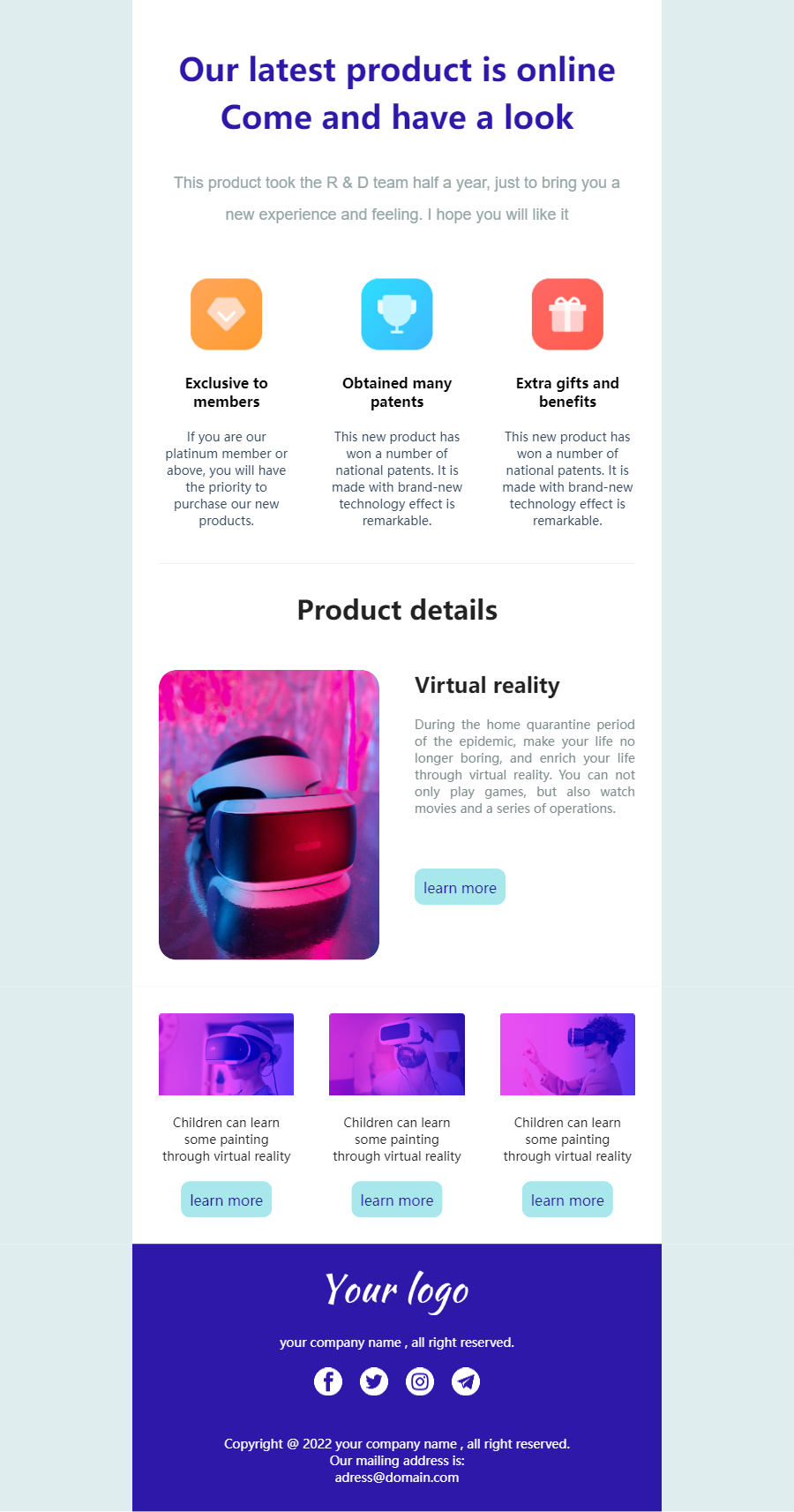
- 100+ templates to support all types and sizes of businesses.
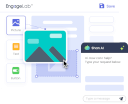
- AI-powered email creation features for content as well as visuals.
Overall, EngageLab is the perfect platform for you to not only create customer service email templates but also send them from the same dashboard.
Essential Customer Service Email Templates
If you are looking for quick and concise customer service email templates that you can copy-paste, this is the perfect place!
1. Daily Operations
Here are two professional customer service email response templates you can use for different aspects of daily operations:
 Order Confirmation
Subject: Order #[ORDER_NUMBER] Confirmed
Hi [CUSTOMER_NAME],
Your order is confirmed and being prepared for shipment!
- Order #: [ORDER_NUMBER]
- Delivery: [DELIVERY_DATE]
- Tracking: [TRACKING_LINK] (available in 24 hours)
Reply to this email to make any changes within the specific time.
Best,
[AGENT_NAME]
Inquiry Acknowledgment
Subject: Request Received
Hi [customer_name],
Thanks for reaching out!
We've received your message about [short_issue_summary] and our support team is reviewing it. You'll hear back from us within [response_time].
I appreciate your patience,
Support Team | The [company_name]
2. Relationship Building: Customer Service Email Templates Follow Up
Here's a friendly customer service follow-up email template you can use for relationship building:
Subject: Just checking in - how did everything go?
Hi [customer_name]
We wanted to make sure your issue with [product_or_service] was fully resolved. If you are still facing any problems, please let us know.
Thanks again for choosing [company_name]
Warm regards,
[agent_name]
Follow-up email templates are great to nurture long-term relationships with customers and show that your support does not end with ticket closure.
3. Difficult Scenarios: Customer Service Email Templates for Tough Situations
If you are dealing with a challenging situation, you can use the following customer service email templates for tough situations:
Empathetic Customer Service Email Template for Complaints
Subject: Re: Your Experience - I'm Here to Help
Hi [CUSTOMER_NAME],
I'm genuinely sorry about [SPECIFIC_ISSUE]. You're right that [ACKNOWLEDGE_VALID_POINT].
What happened: [CLEAR_EXPLANATION]
How I'll fix this:
- [IMMEDIATE_ACTION]
- [COMPENSATION/REMEDY]
- [PREVENTION_STEP]
This will be resolved by [SPECIFIC_DATE]. You can reach me directly at [DIRECT_CONTACT] anytime.
Thank you for letting us make this right.
[AGENT_NAME] | [COMPANY_NAME]
Refund/Cancellation Request
Subject: Refund Processed - Order #[ORDER_NUMBER]
Hi [CUSTOMER_NAME],
Your refund is processed. Sorry, [PRODUCT/SERVICE] didn't work out.
Refund Details:
- Amount: [REFUND_AMOUNT]
- Timeline: [TIMEFRAME]
- Method: [PAYMENT_METHOD] ending [LAST_4_DIGITS]
I'd value knowing what didn't work—your feedback helps us improve.
If you'd like to try [ALTERNATIVE_SOLUTION], just let me know.
Best,
[AGENT_NAME]
4. Internal Collaboration Templates
Emphasize that within the EngageLab platform, you can not only manage customer-facing templates but also create internal workflow templates. When an email converts into a ticket, it can automatically trigger assignment notifications with pre-set customer service email response templates, enabling seamless internal and external coordination.

Considering the fact that the role of customer support does not end at customer-facing communication, EngageLab also offers a variety of internal workflow templates. These templates are essential to streamline collaboration between teams.
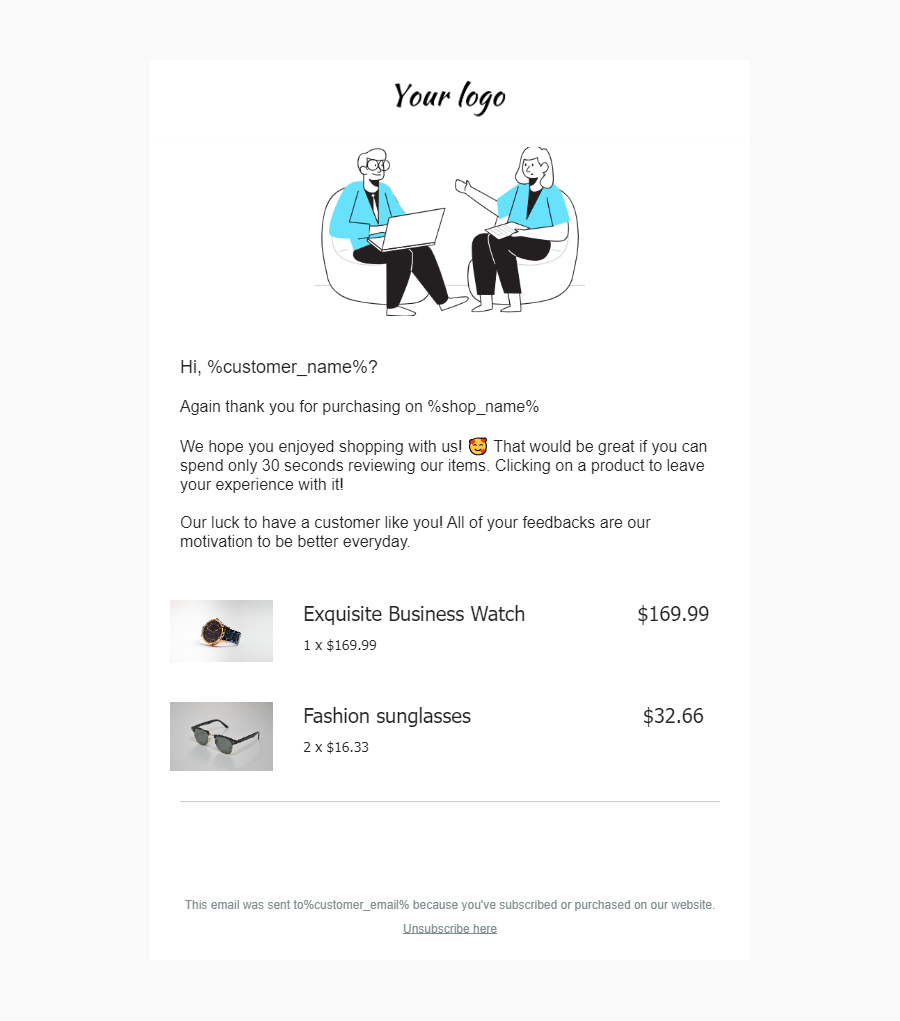
100+ Pre-Built Templates—— All templates in this guide were created and are editable within EngageLab. Discover your countless options for your email reminder templates. Click "Start Editing for Free" at the top right or "Return to Top" followed by the editor button. After secure authentication, proceed directly to our comprehensive template marketplace, then continue with the following steps.
Return to TopFor instance, when a customer's email converts into a ticket, the system can automatically trigger assignment notifications as per the pre-set internal email template. Hence, both internal and external communication is streamlined and handled without any delays.
This makes EngageLab the perfect solution to manage both external customer service response email templates and internal communication through a unified platform.
How to Make Your Emails Feel More Personal to Your Customers?
The best sample email templates for customer service are the ones that you can use without letting the customers know that you are using them. This is where personalization and adaptation become vital to speed up your customer service email campaigns, while keeping the customers satisfied.
Use Dynamic Placeholders Strategically
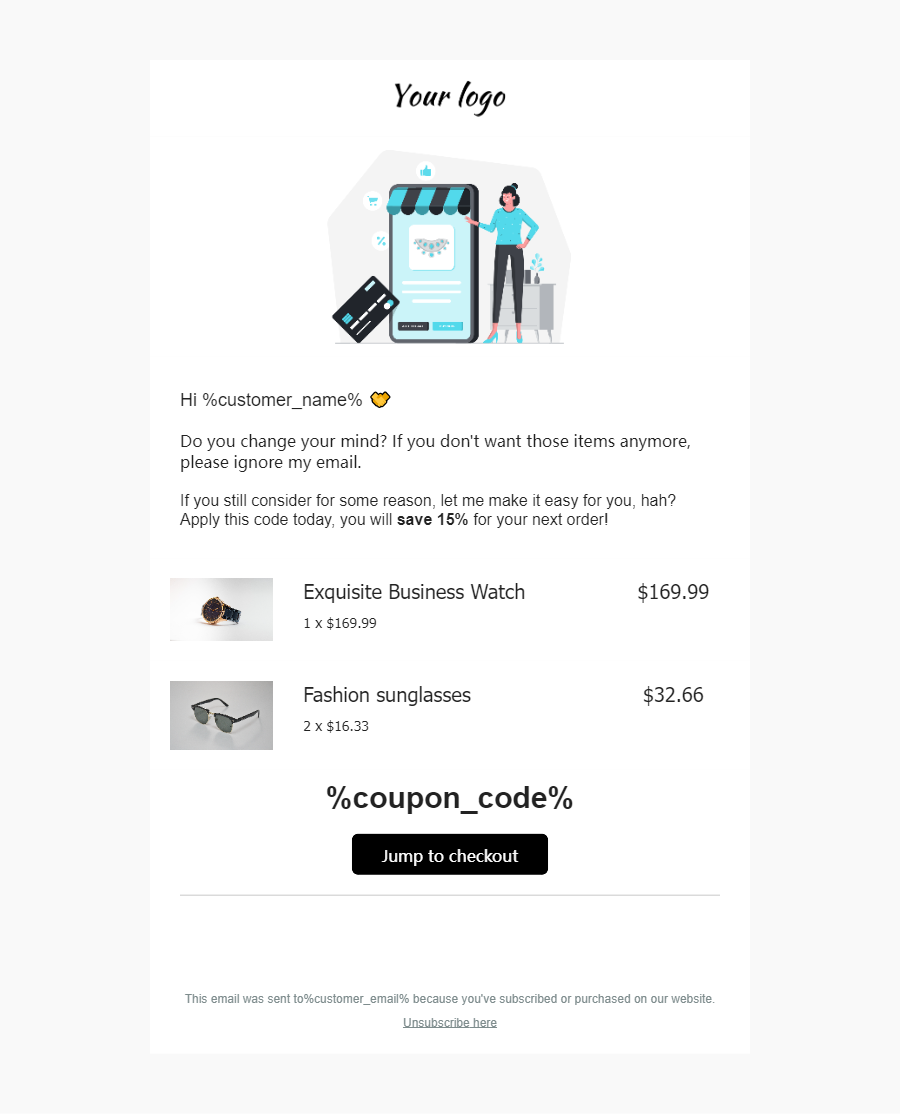
Customer service email templates, including the ones we've given above, use dynamic placeholders for personalization. You should not add generic references. Instead, always popular your emails with customer-specific details, such as name, purchase history, reference of previous interaction, and other behavioral data.
EngageLab's email module stands out by automatically adding customer-specific details for genuine personalization. It supports complex conditional logic to ensure you are reaching your target audience directly in an efficient manner.

For instance, instead of starting your email as "Thank you for reaching out" , you can write "Thank you for reaching out, [NAME]." Such personalization goes a long way in impressing the recipients.
Contextual Adaptation
It is important to note that personalization is much more than just using the recipient's name. It is also about relevance and understanding the context of a customer service ticket. EngageLab can adapt tone and phrasing based on customer context, such as purchase history, to ensure the emails sound human, helpful, and empathetic.
For example, if a customer has contacted you multiple times about the same issue, your customer service email template should be flexible enough to acknowledge this and say something like "I understand you've been patient while we resolve this."Such a type of contextual intelligence is vital to maintain efficiency without compromising the importance of human touch.
If you want to build these customer communication journeys and need access to top-performing customer service email templates, you should try out EngageLab.