API
LiveDesk allows users to add an API channel to communicate with customers.
Preparation
To add an API channel, go to:
"Add Channel" - "API"
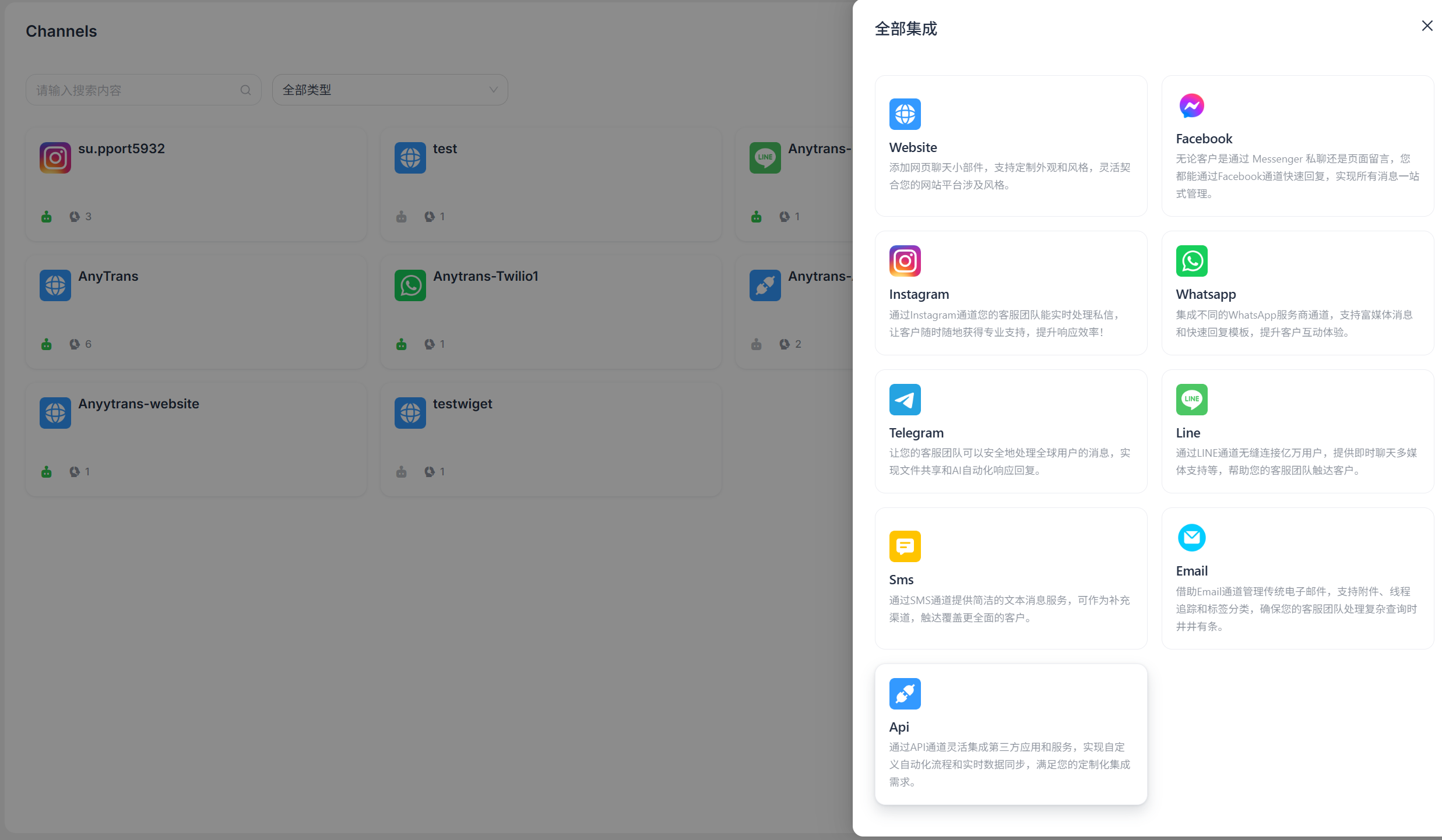
Enter Configuration Information
Complete the configuration information according to the on-screen prompts, then click "Confirm" when finished.
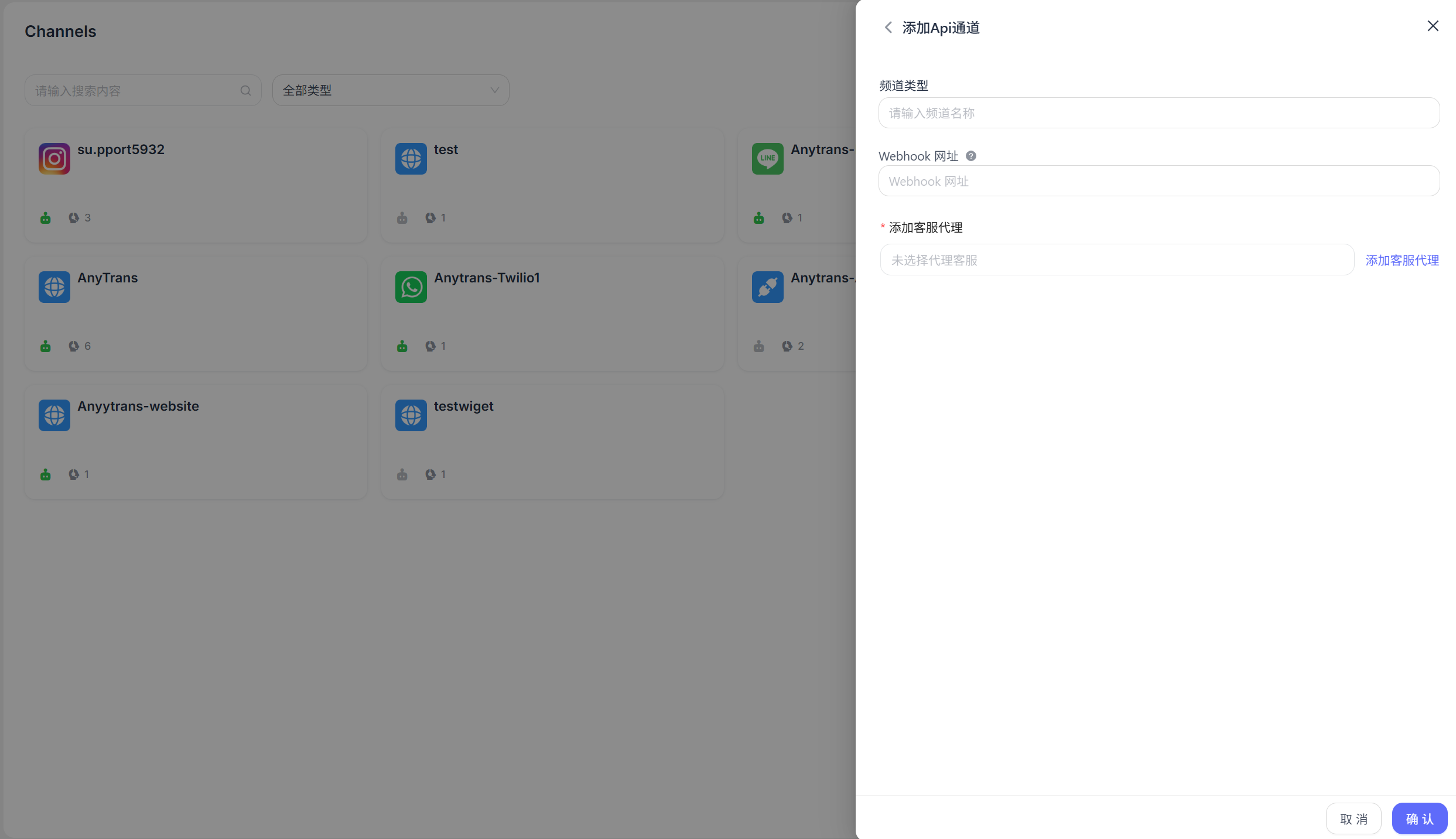
- Channel Name: Enter the channel name.
- Webhook URL: Enter the webhook address used to receive messages.
Detailed Settings
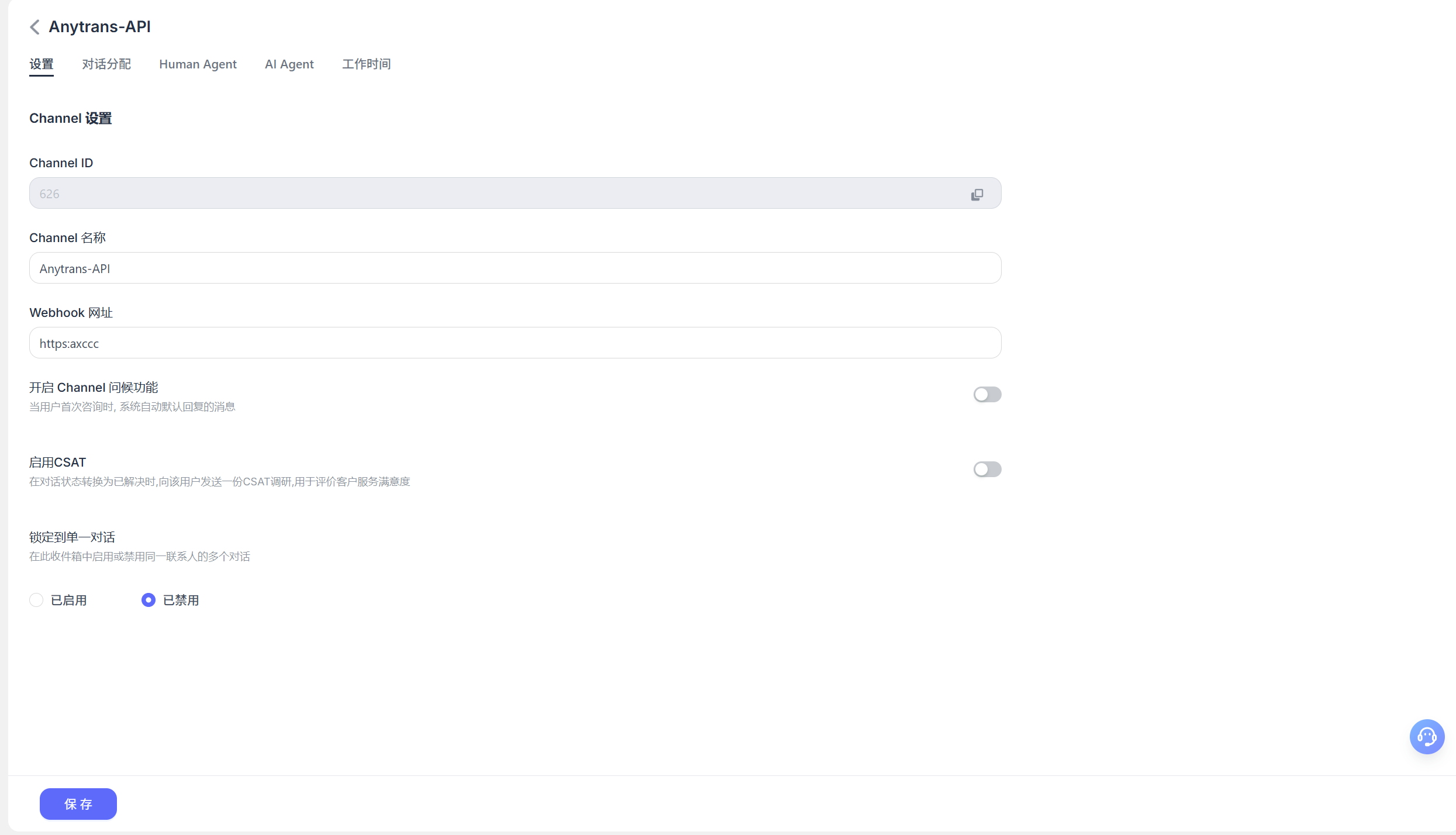
After creating the channel, you can configure detailed settings for the corresponding channel.
Settings
Set channel greeting message
Disabled by default. Enter a custom greeting message, which will be sent automatically to the customer when they start a conversation.Enable CSAT
After this feature is enabled, a customer satisfaction survey will be sent automatically each time an issue is resolved. CSAT scores can later be viewed in the Reports section.
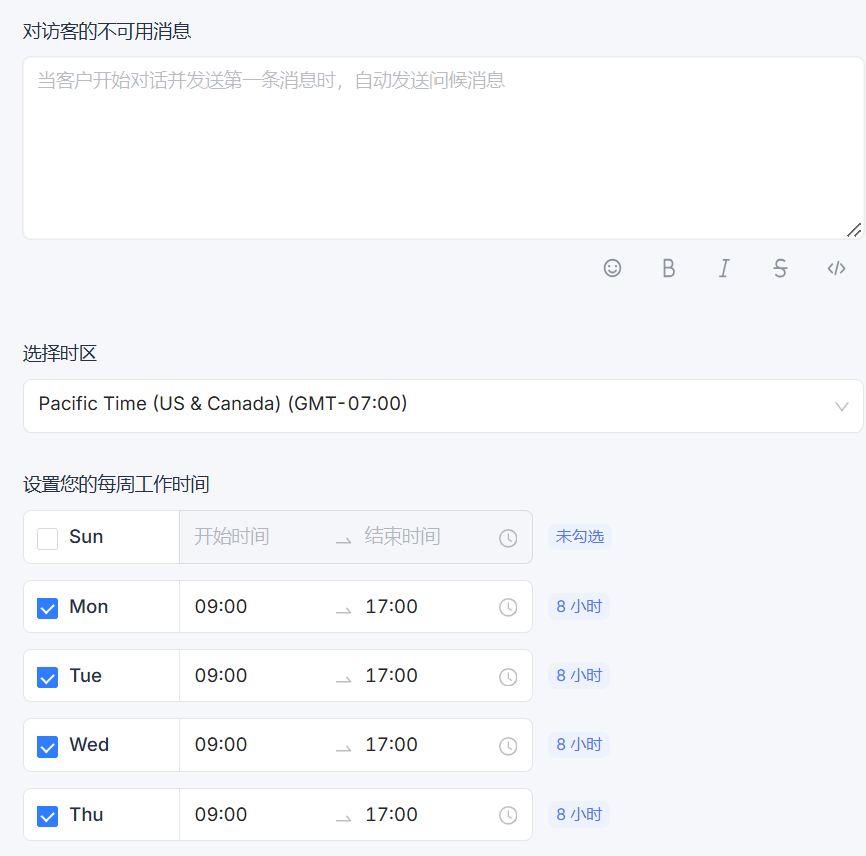
Business Hours
You can set the team's business hours.
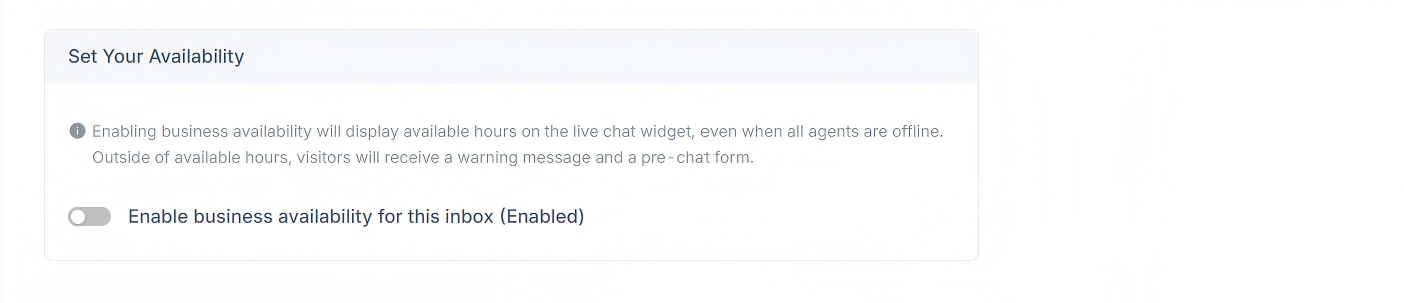
If your team has clearly defined business hours, select the "Enable business availability for this inbox (Enabled)" checkbox. After you select this checkbox, the corresponding parameter settings will appear below. You can set an unavailable message for visitors outside business hours. You can also select a business-hours time range for each day and the corresponding time zone.