


Labels
The Labels page lets you view service data by conversation label. It helps you understand the volume and handling efficiency of different business topics, issue types, and service scenarios.
How to Use
After you select a date range and labels, the page displays conversation, message, and service-efficiency data for those labels. This is useful for comparing service performance across different business topics.
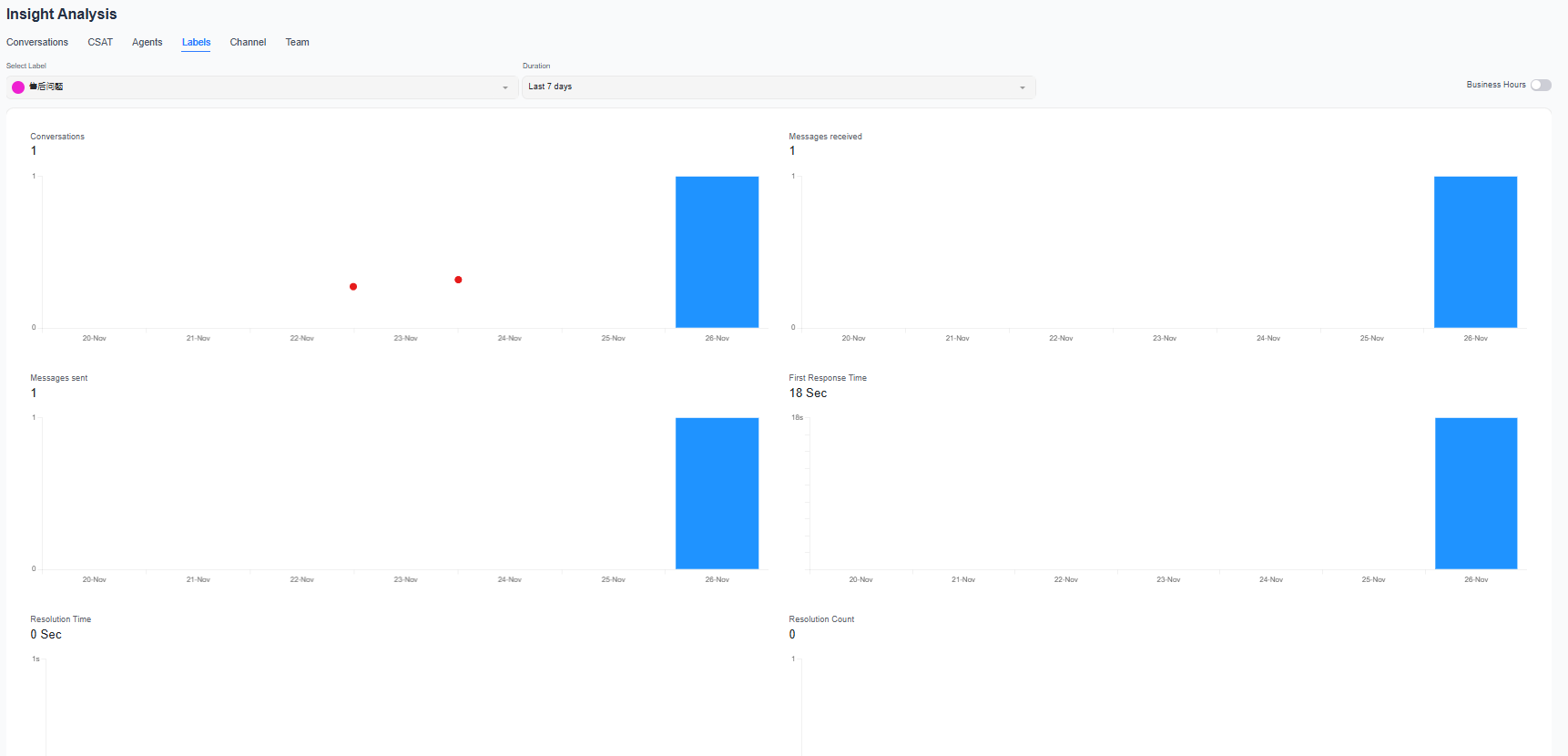
Key Metrics
| Metric | Description |
|---|---|
| Conversations | Number of conversations with this label |
| Messages Received | Number of messages sent by customers in related conversations |
| Messages Sent | Number of messages sent by the team to customers |
| Average First Response Time | Average time customers wait to receive the first reply |
| Average Resolution Time | Average resolution time for related conversations |
| Resolved Count | Number of related conversations that have been resolved |
Recommendations
- Use labels to distinguish service topics such as product inquiries, after-sales issues, and complaints.
- Compare conversation volume and resolution time across different labels to identify topics that require process or knowledge base optimization.
- To view specific conversations, select the conversation details and label fields in the Report Center to filter the results.
A conversation can have multiple labels. Therefore, adding data from different labels together may result in the same conversation being counted more than once.
