


Application Management
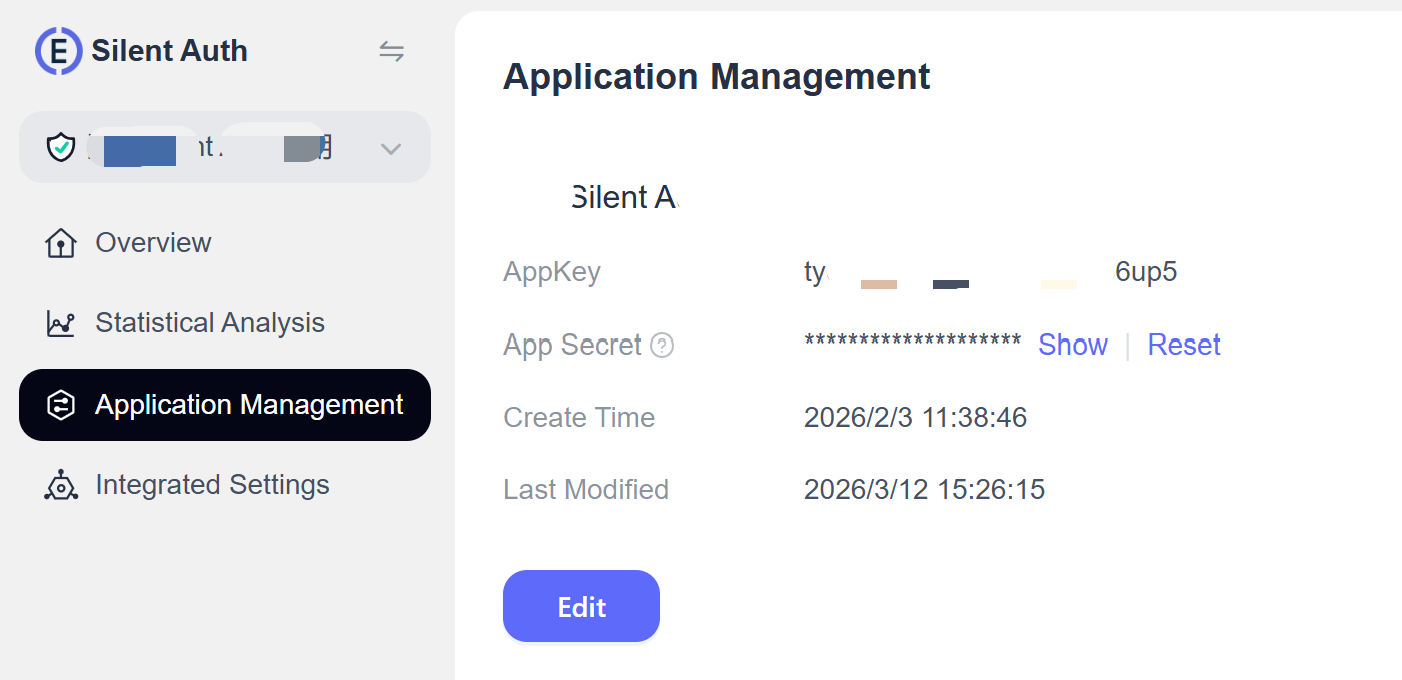
This guide describes the features, fields, and operations on the Application Management page in the EngageLab console, helping you manage and maintain your EngageLab Silent Auth application.
Field descriptions
| Field | Description |
|---|---|
| AppKey | Unique application identifier |
| AppSecret | Application secret, masked by default |
| Creation Time | Time when the product's first application was created |
| Last Modified Time | Most recent time the application information was edited |
Edit
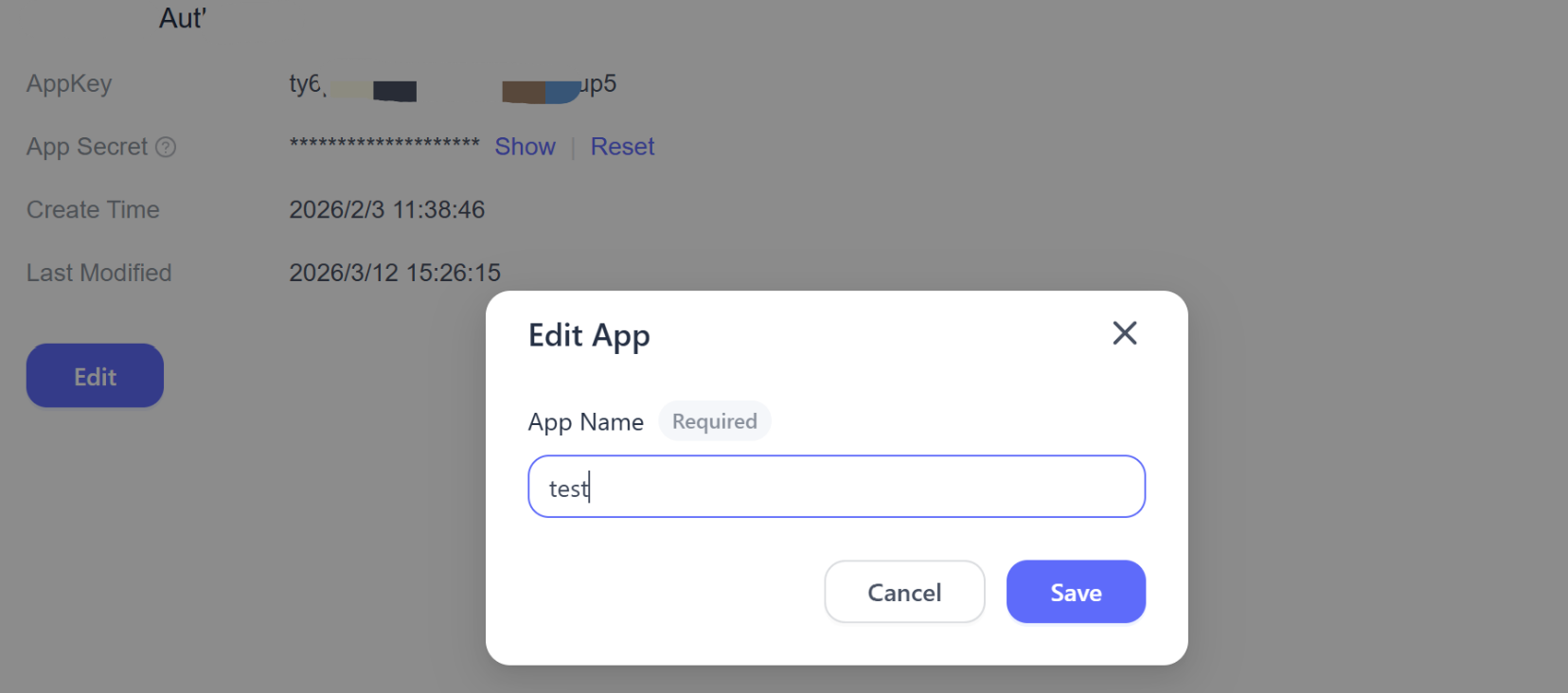
- Click Edit in the upper-right corner to open the edit dialog and change the application name.
- After saving, the changes take effect immediately and the last modified time is updated automatically.
Reset
- Click Reset. A confirmation dialog explains the risk of the operation.
- After confirmation, the system generates a new AppSecret and immediately invalidates the old one.
- Update the new secret in your business system promptly to avoid service interruption.
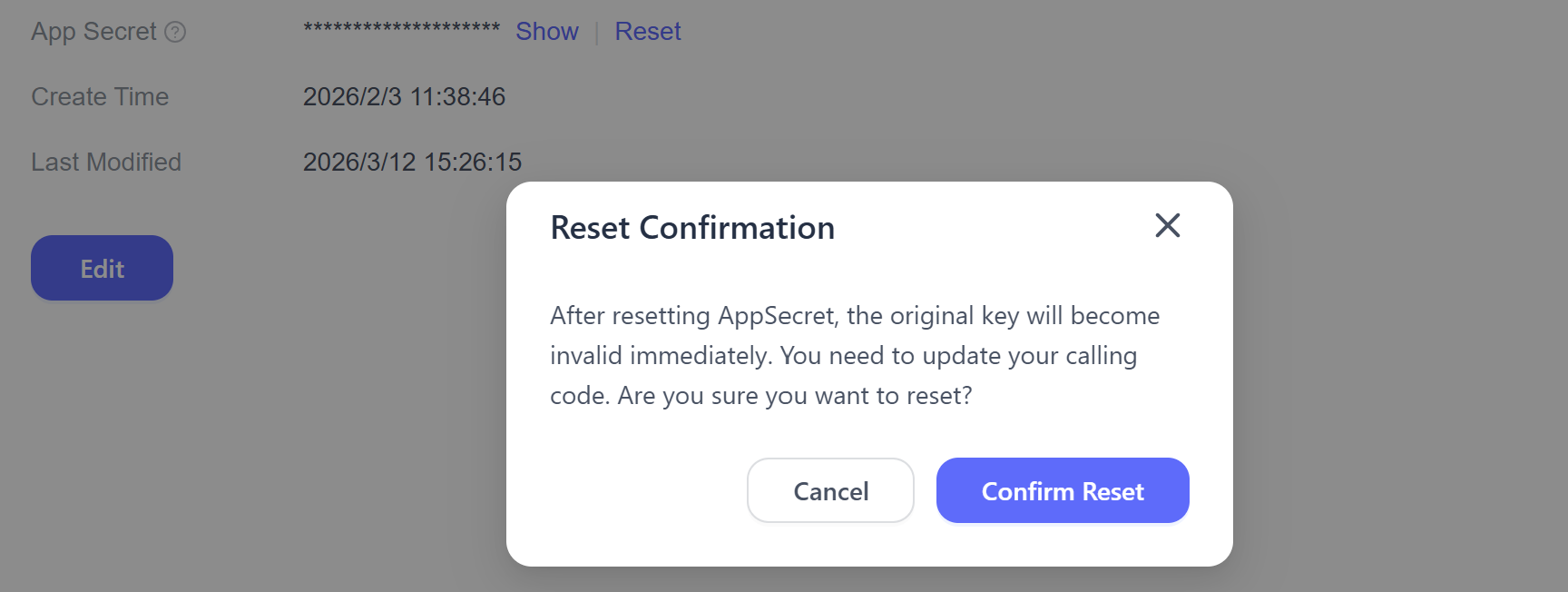
Note: Resetting the AppSecret immediately invalidates all business APIs that depend on the old secret. Update the secret as soon as possible.
If you have questions or encounter an issue, contact EngageLab technical support.
