


Overview
Log in to the EngageLab console and select Overview from the left menu to see new-user guidance or a data summary. If you have not completed the Silent Auth configuration, the system guides you through it automatically. See the overview guide.
Field descriptions
| Field | Description |
|---|---|
| Today's Requests | Total authentication requests initiated by clients |
| Success Rate | Overall authentication success rate |
| Today's Consumption | Total amount consumed by authentication services in all countries |
Note: All charts on the Overview page show today's data.
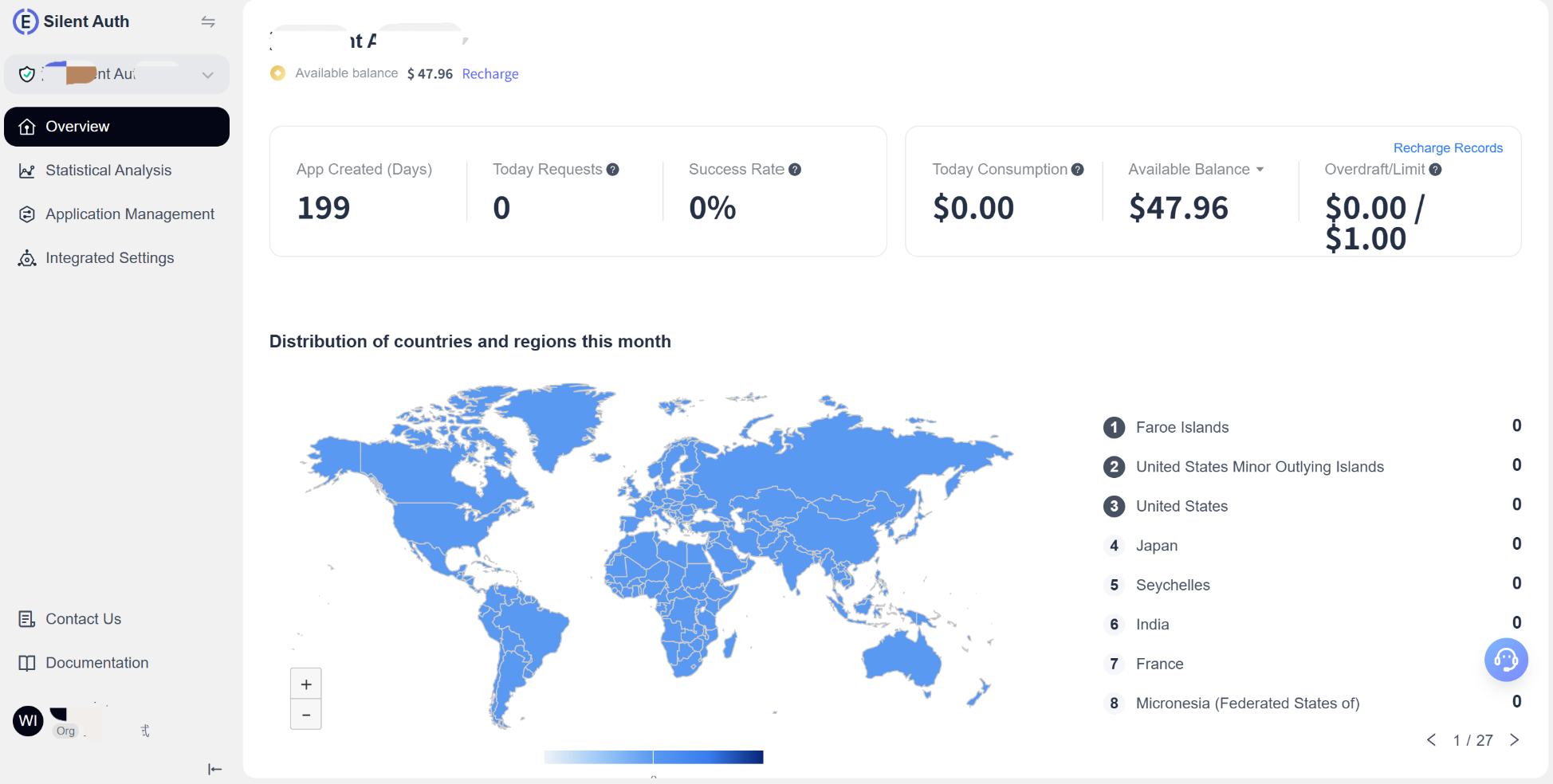
Country/Region distribution
The list ranks the current application's active users based on total requests. Hover over the map to view today's data for a specific country or region.
Platform analysis
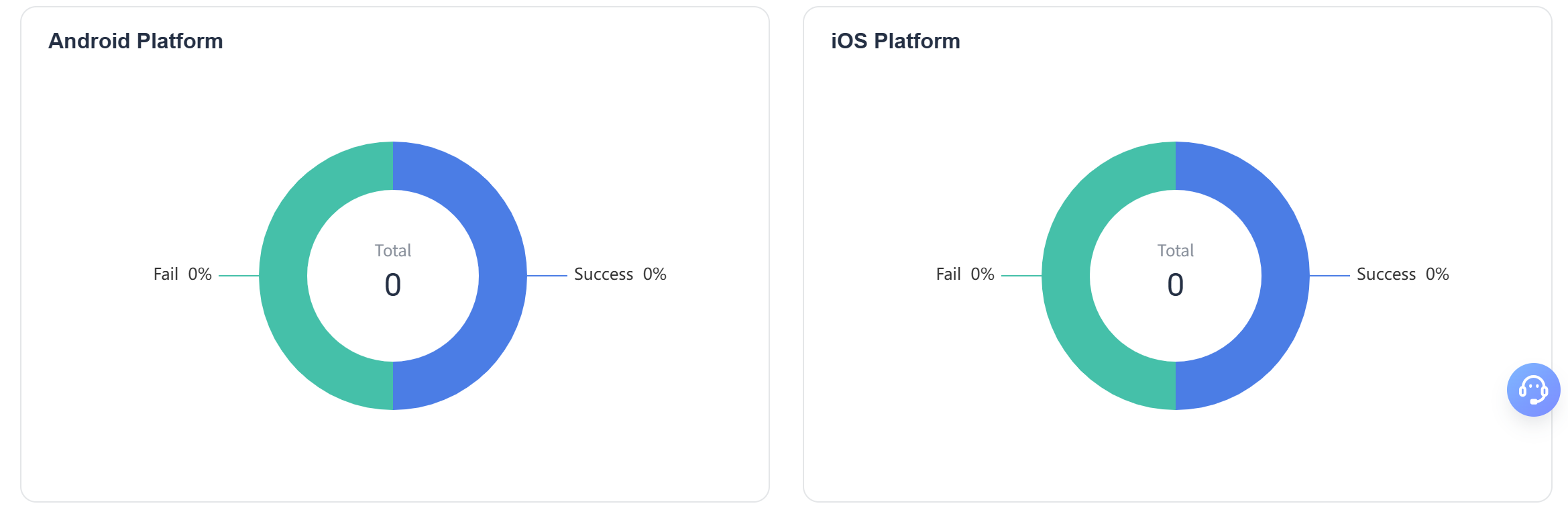
- Shows total, successful, and failed requests separately for Android and iOS.
- Pie charts compare authentication performance across platforms. Hover over a chart to see exact values.
For detailed historical data and trend analysis, go to Statistical Analysis and use its advanced filters and export feature.
