SMS
LiveDesk supports users to add SMS channels to converse with customers. Provides two API supply methods: Twilio and BandWidth.
"Add Channel" - "SMS"
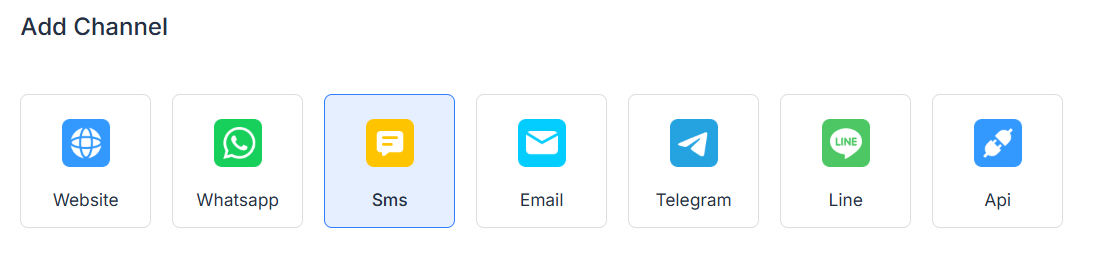
Enter Configuration Information
Fill in the configuration information according to the interface prompts, and click "Confirm" when finished.
| Provider | Parameter | Description |
|---|---|---|
| Twilio | Channel Name | Enter Channel Name |
| Phone Number | Phone Number for sending messages | |
| Use Twilio Message Service | ||
| Account SID | Twilio Account ID | |
| Use API Key Authentication | ||
| API Key | Enter Twilio Token | |
| BandWidth | Inbox Name | Enter Inbox Name |
| Phone Number | Phone Number for sending messages | |
| Account ID | BandWidth Account SID | |
| App ID | cApp ID | |
| API Key | Enter BandWidth API Key | |
| API Secret | Enter BandWidth API Secret |
Detailed Settings
After creating the channel, you can set detailed configuration information in the corresponding channel.
Settings
Set Channel Greeting Message
Defaults to off. Enter a custom greeting message that is automatically sent to the customer when they start a conversation.
Enable CSAT
When this function is run, a customer satisfaction survey will be automatically launched for every problem resolved. CSAT scores can be viewed in the subsequent report section.
Conversation Assignment
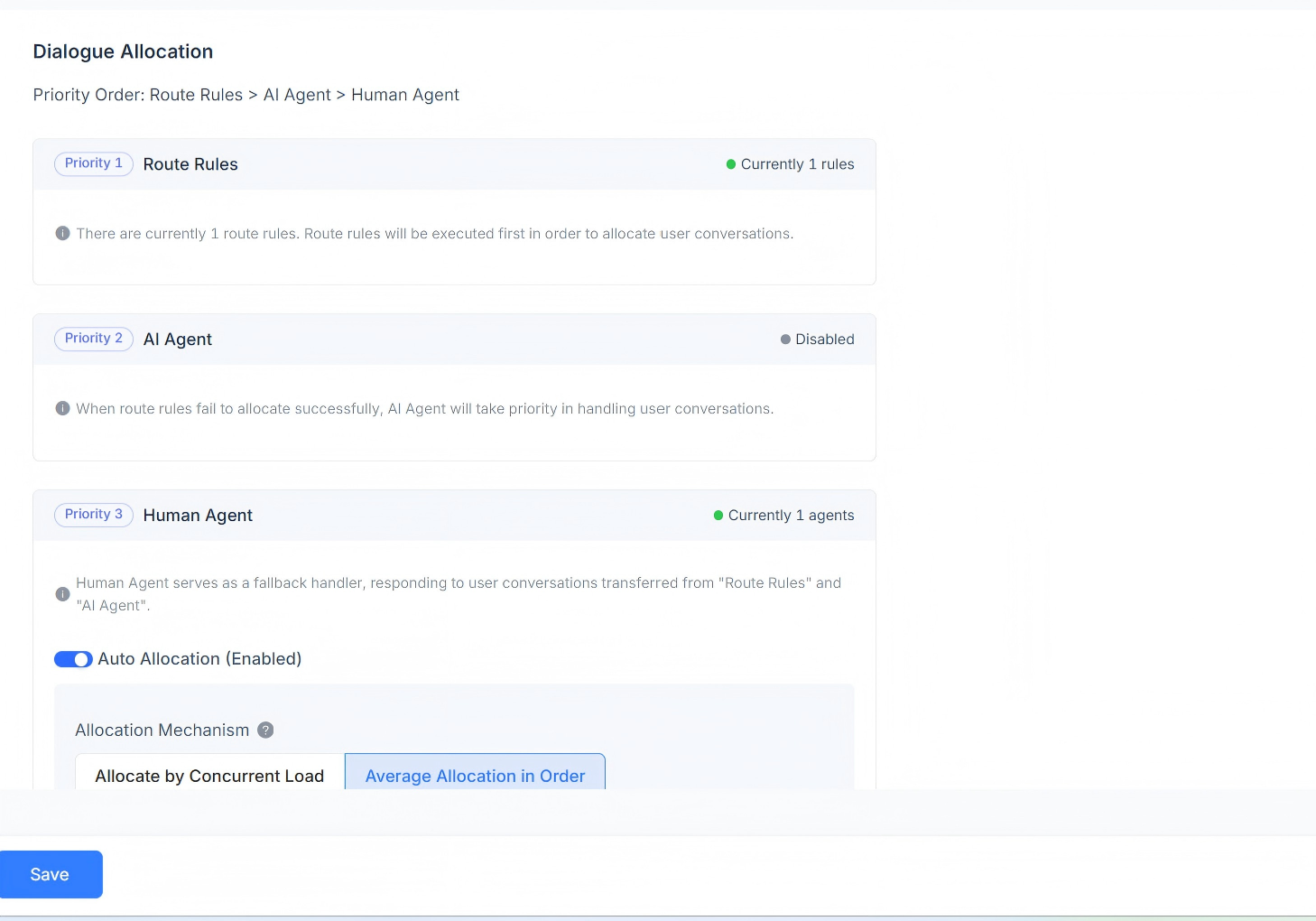
Displays the conversation assignment rules corresponding to the current channel. Supports Routing Rules, AI Agent, and Human Agent responses. Conversation assignment priority order: Routing Rules > AI Agent > Human Agent.
When routing rules exist, it first determines whether the routing rule requirements are met. When multiple routing rules exist simultaneously, they are traversed in order, and if a rule is met, assignment is done according to the rule.
If the current scenario does not satisfy routing rules, it is prioritized for assignment to the AI Agent.
When no AI Agent exists, it will be assigned to the corresponding Human Agent. Supports automatic assignment, providing assignment mechanisms based on concurrent load and sequential average distribution.
Human Agent
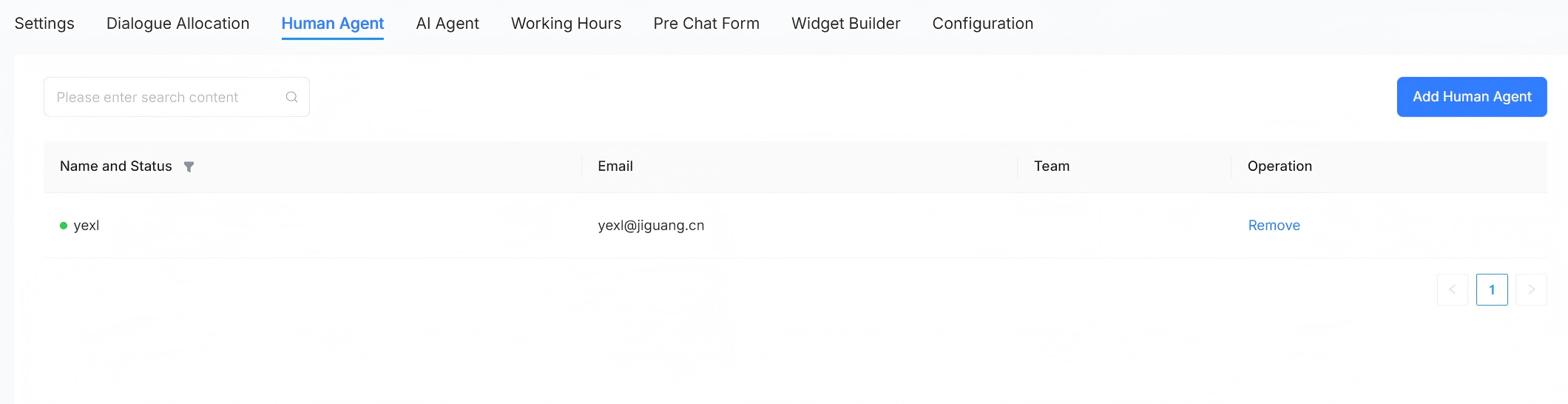
Supports setting human agents to handle conversation messages for this channel, which can be added and removed.
AI Agent
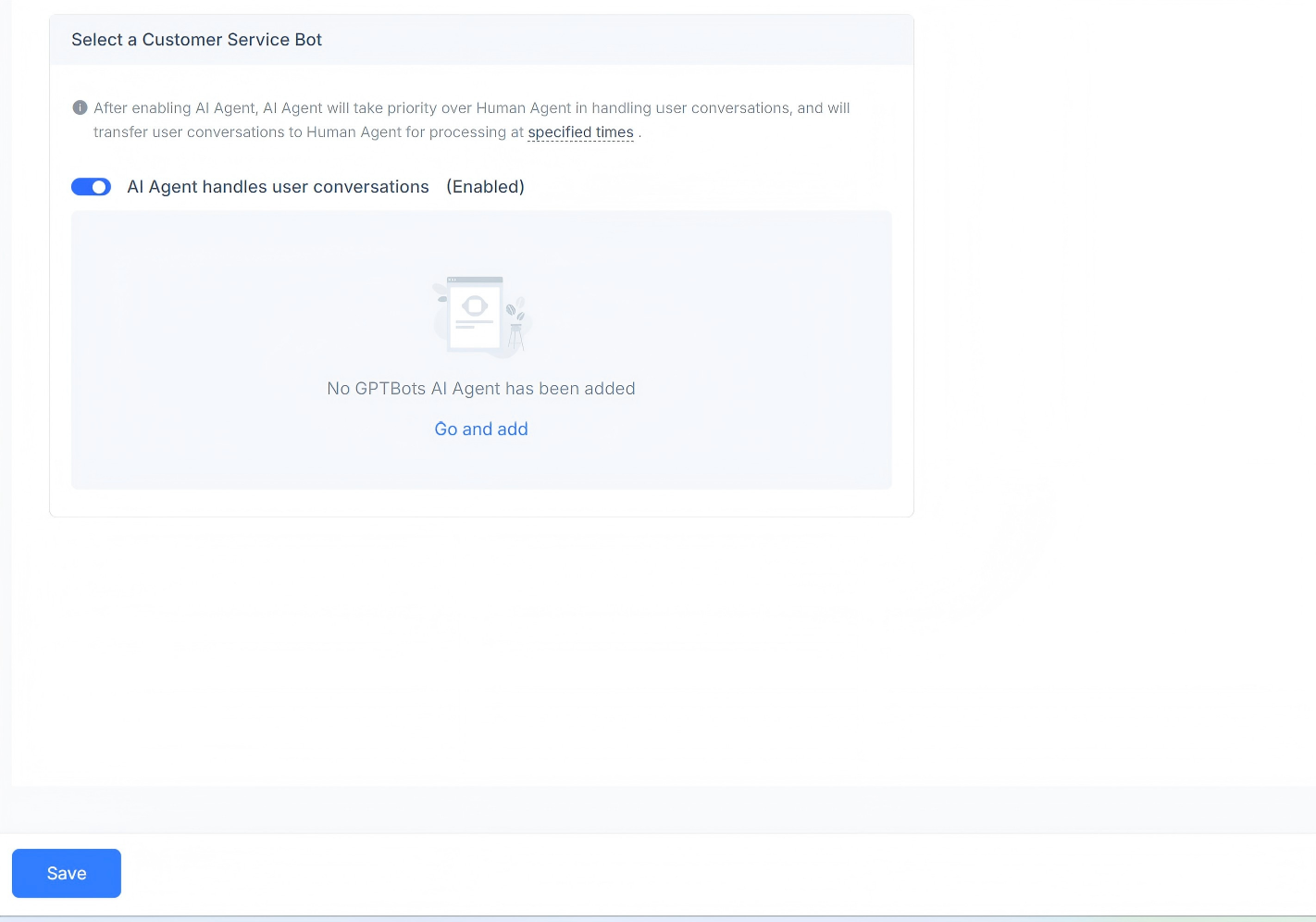
Supports setting AI agents to handle conversation messages for this channel. You can choose to enable or disable usage, and support adding GPT AI Agents.
Business Hours
You can set the working hours for the team.
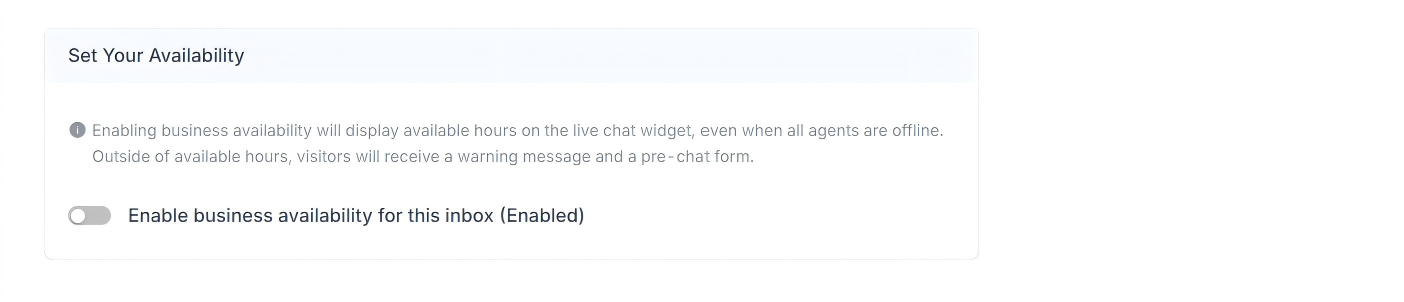
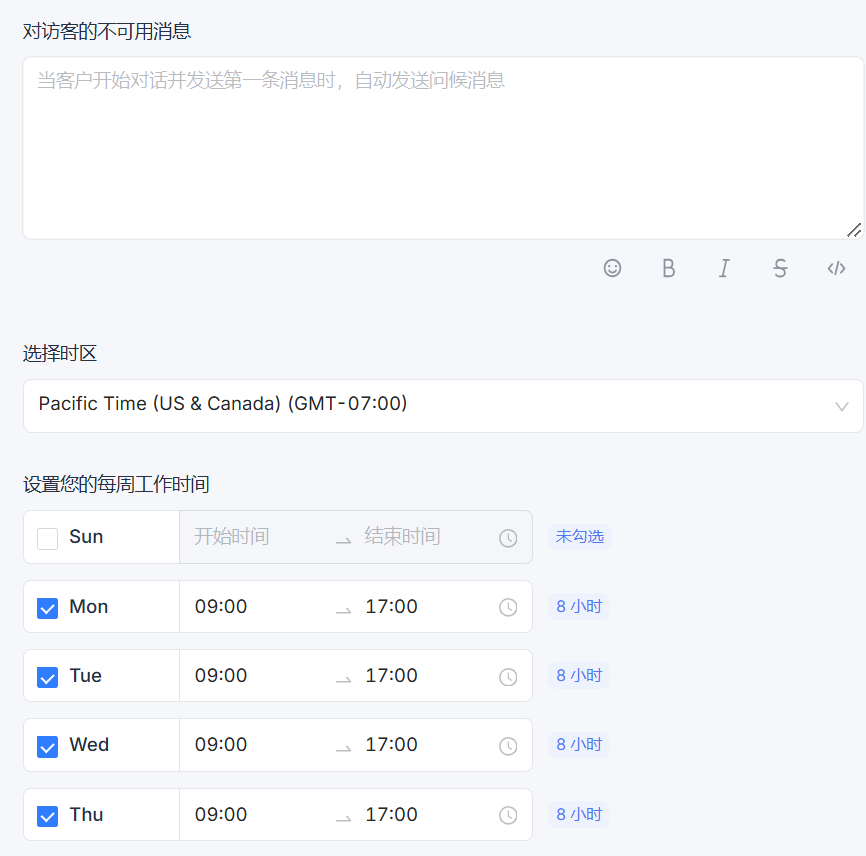
If there are clearly defined business hours, please check the "Enable business availability for this inbox (Enabled)" checkbox. After checking the box, the corresponding parameter settings will be displayed below. You can set unavailable messages for visitors during off-hours. You can select business hour intervals and corresponding time zones for each day.