LiveDesk supports adding a Facebook channel so users can communicate with customers. With this feature, you can:
- Automatically receive messages from Facebook and assign them to the corresponding team or agent.
- View the profile details of users who send messages.
- View, manage, and reply to all messages in the conversation or ticket list.
Below, we will show you how to add a Facebook channel.
Preparation
LiveDesk creates a Facebook channel by obtaining access to your authorized Facebook Page, receiving messages sent to that Page, creating the corresponding conversations in LiveDesk, and assigning them to agents for response. Therefore, before proceeding, you need to create your Facebook account.
"Add Channel" - "Facebook"
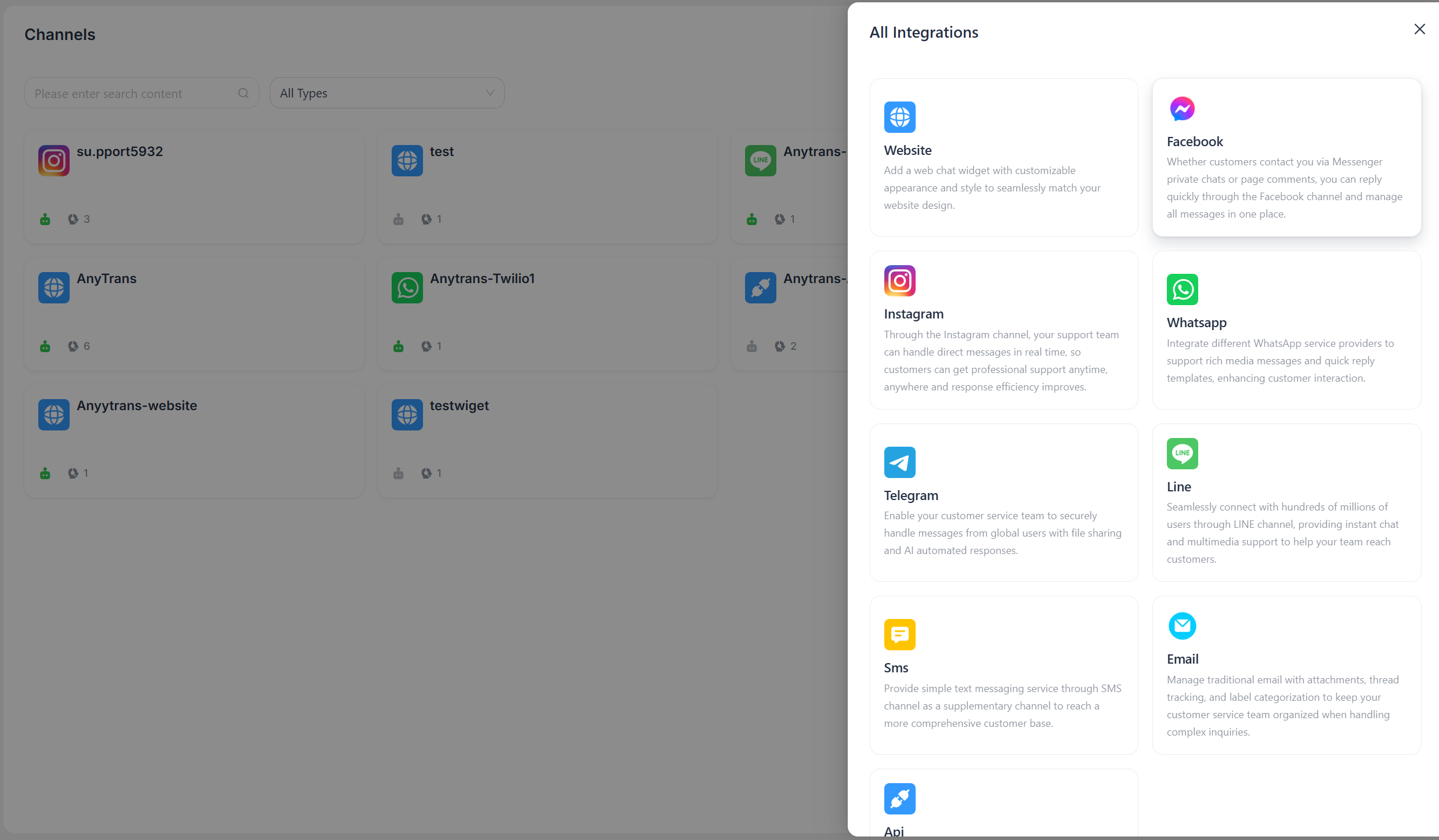
Authorize LiveDesk
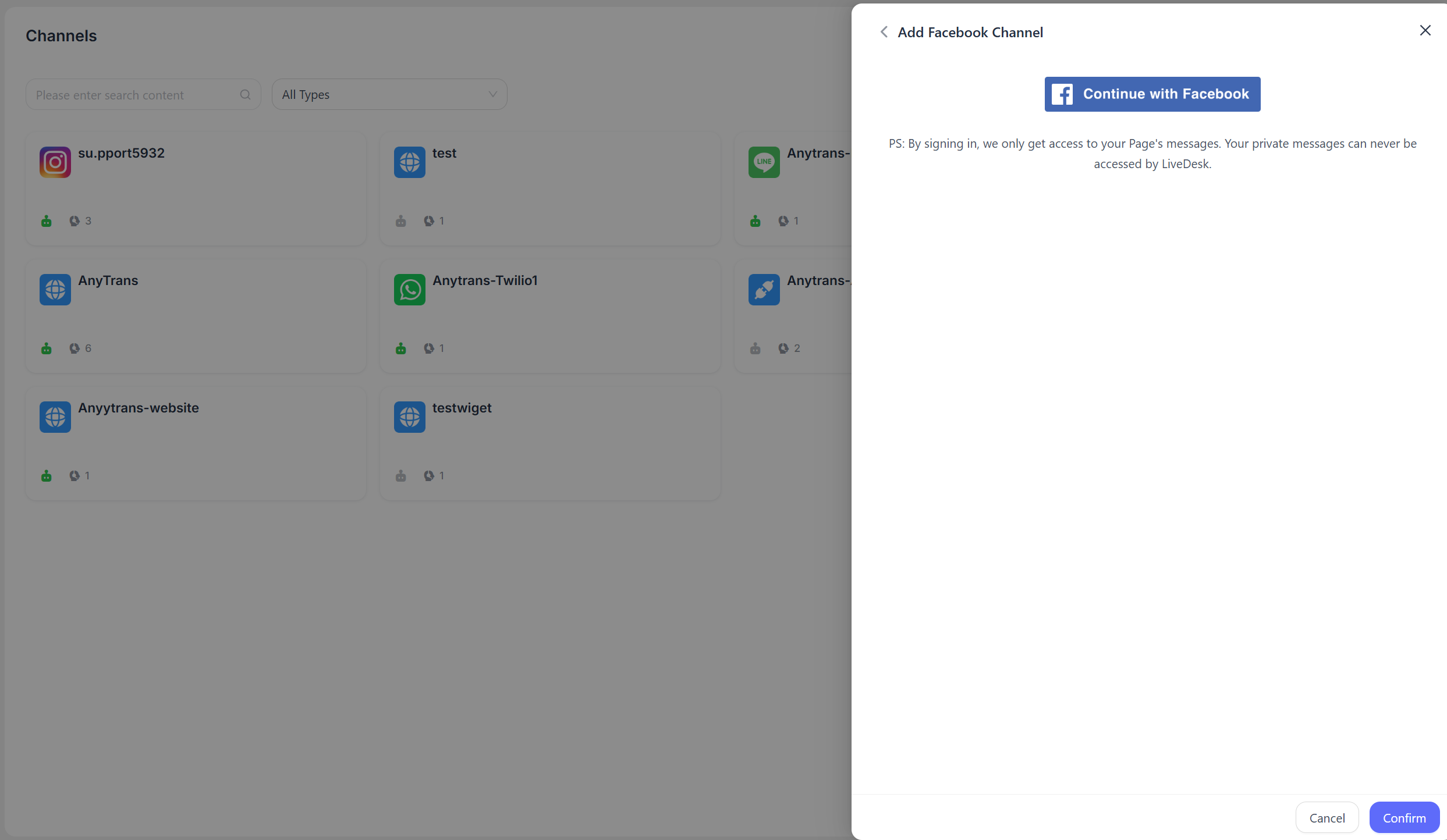
You need to authorize LiveDesk to access your Facebook Page permissions.
- Click "Connect with Facebook," and the page will redirect to the Facebook login screen.
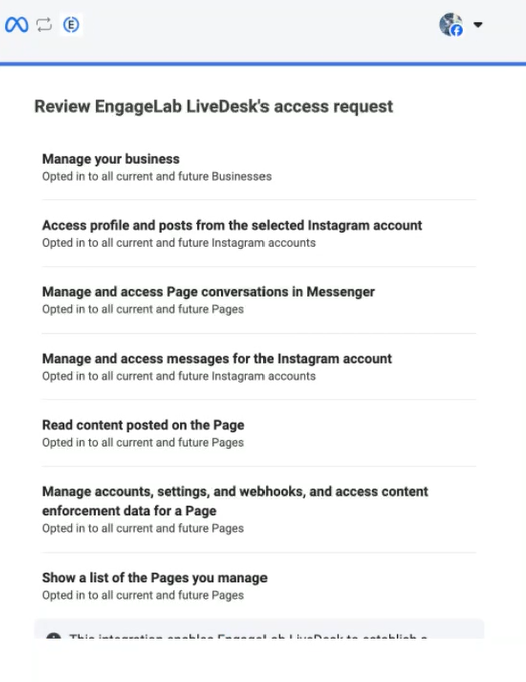
- Log in to your Facebook account on the redirected page for identity verification, agree to the permission requests shown on the screen, and click Save to ensure that LiveDesk can successfully perform all required operations.
Complete Creation
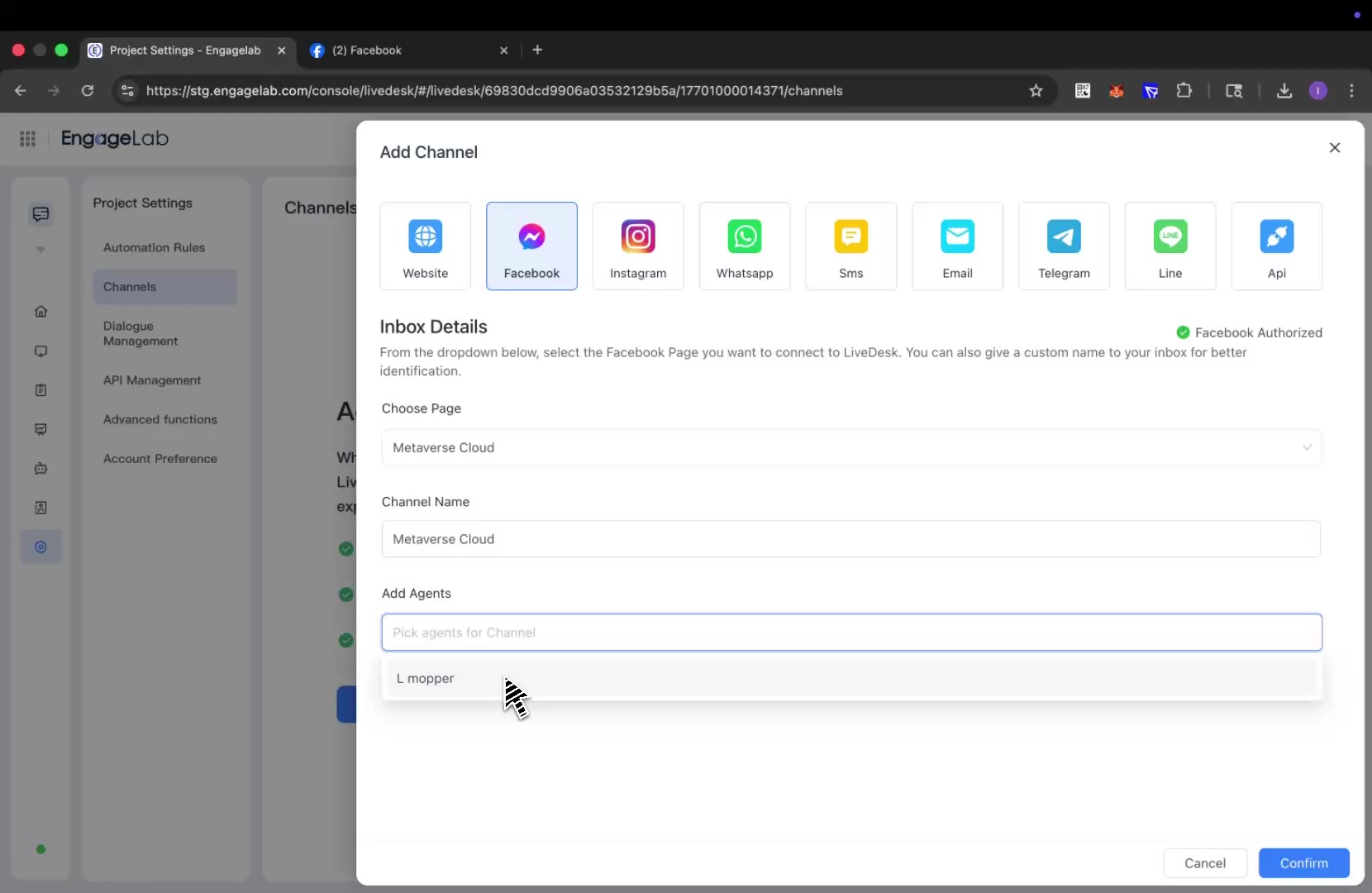
After successful authorization, you will be redirected back to the LiveDesk interface. Select the Facebook Page the channel needs to connect to, set the channel name, assign agents, and then save the configuration to complete the setup.
Detailed Settings
After creating the channel, you can configure detailed settings in the corresponding channel.
Settings
Set the channel greeting message
Disabled by default. Enter a custom greeting message, which will be automatically sent to customers when they start a conversation.
Enable CSAT
After this feature is enabled, a customer satisfaction survey will automatically be launched each time an issue is resolved. CSAT scores can be viewed later in the Reports section.
Conversation Assignment
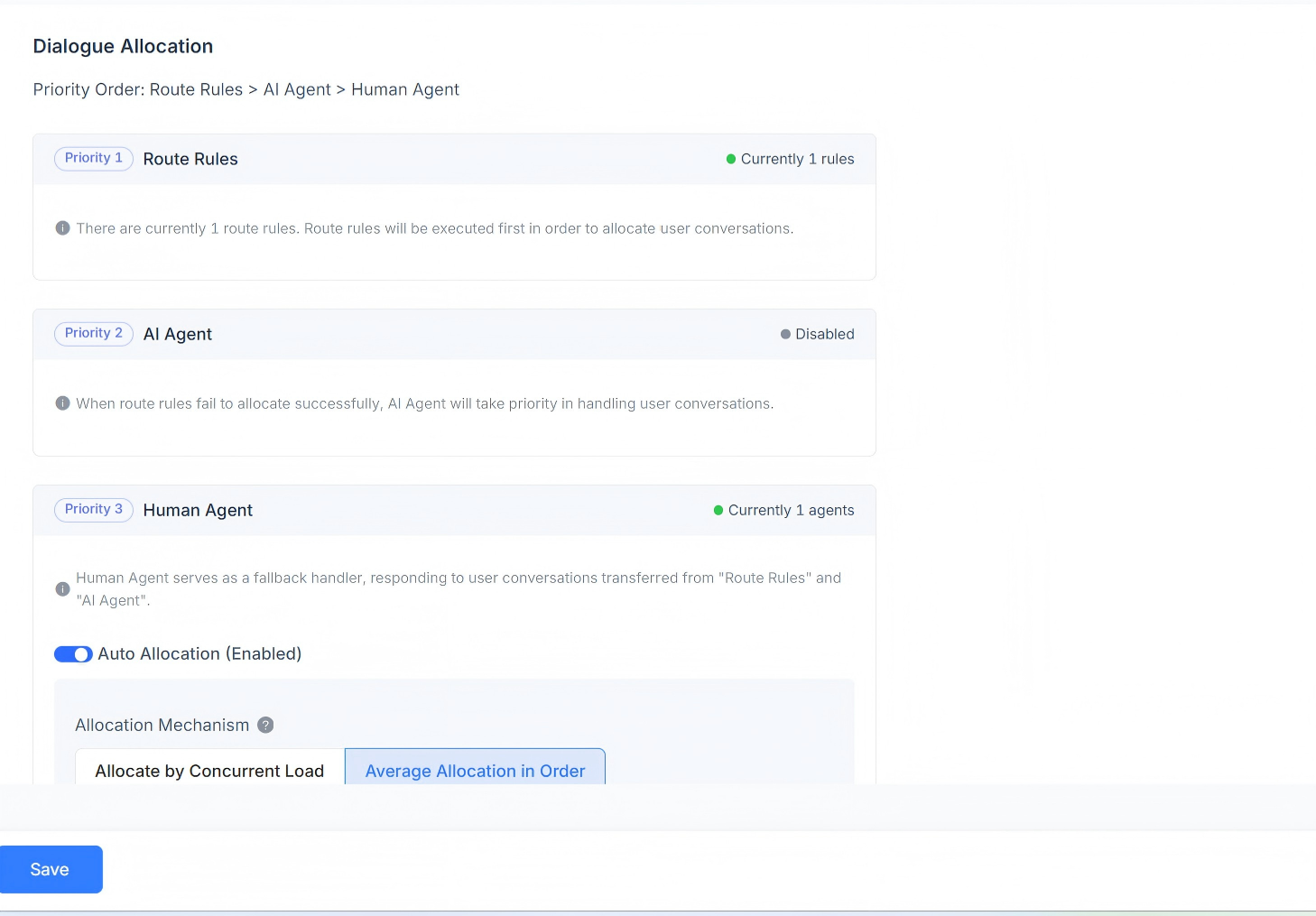
Displays the current conversation assignment rules for the channel. Supports routing rules, AI Agent, and Human Agent responses. Conversation assignment priority order: routing rules > AI Agent > Human Agent.
When routing rules exist, the system first determines whether the routing rule conditions are met. When multiple routing rules exist at the same time, they are evaluated in order, and if a rule is matched, the conversation is assigned according to that rule.
If the current scenario does not meet the routing rule requirements, it is assigned to the AI Agent first.
If no AI Agent exists, it will be assigned to the corresponding Human Agent. Automatic assignment is supported, including assignment by concurrent workload, sequential balanced assignment, and assignment by custom agent workload.
Assignment by workload
Conversations are assigned according to the defined workload quantity, with priority given to agents with lower concurrent workload.
Sequential balanced assignment
Regardless of each agent's workload settings, conversations are assigned evenly to each agent in sequence.
Assignment by custom agent workload
Set a custom workload value for each agent individually, with priority given to agents with lower concurrent workload.
Human Agent
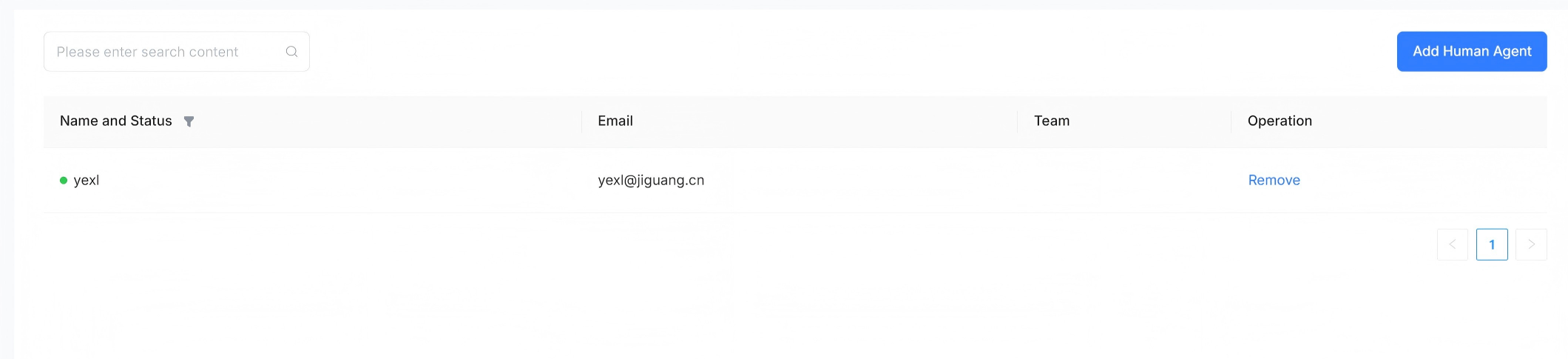
Supports setting human agents to handle conversation messages in this channel. Agents can be added and removed.
AI Agent
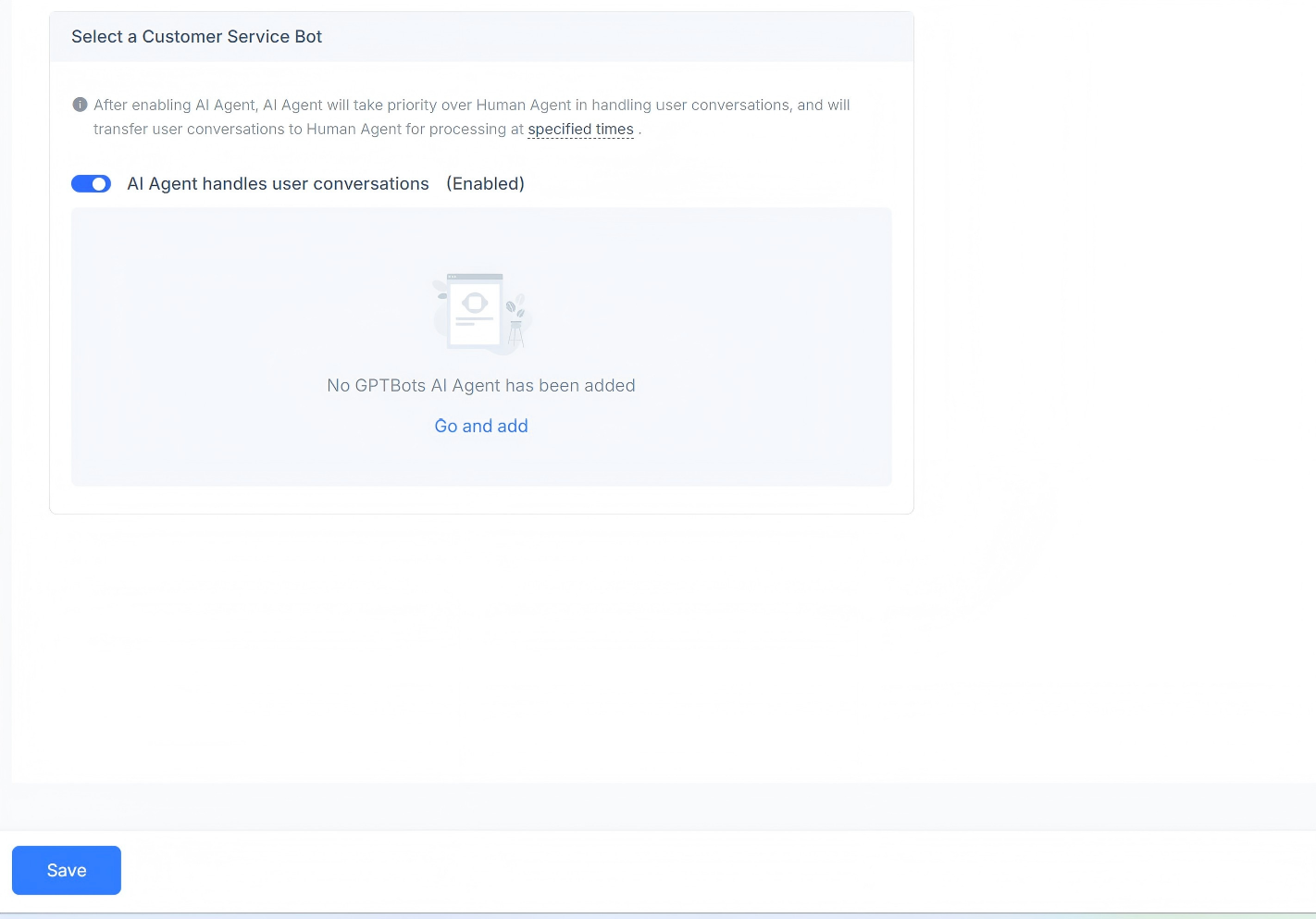
Supports setting AI agents to handle conversation messages in this channel. You can choose to enable or disable them, and GPT AI Agent is supported.
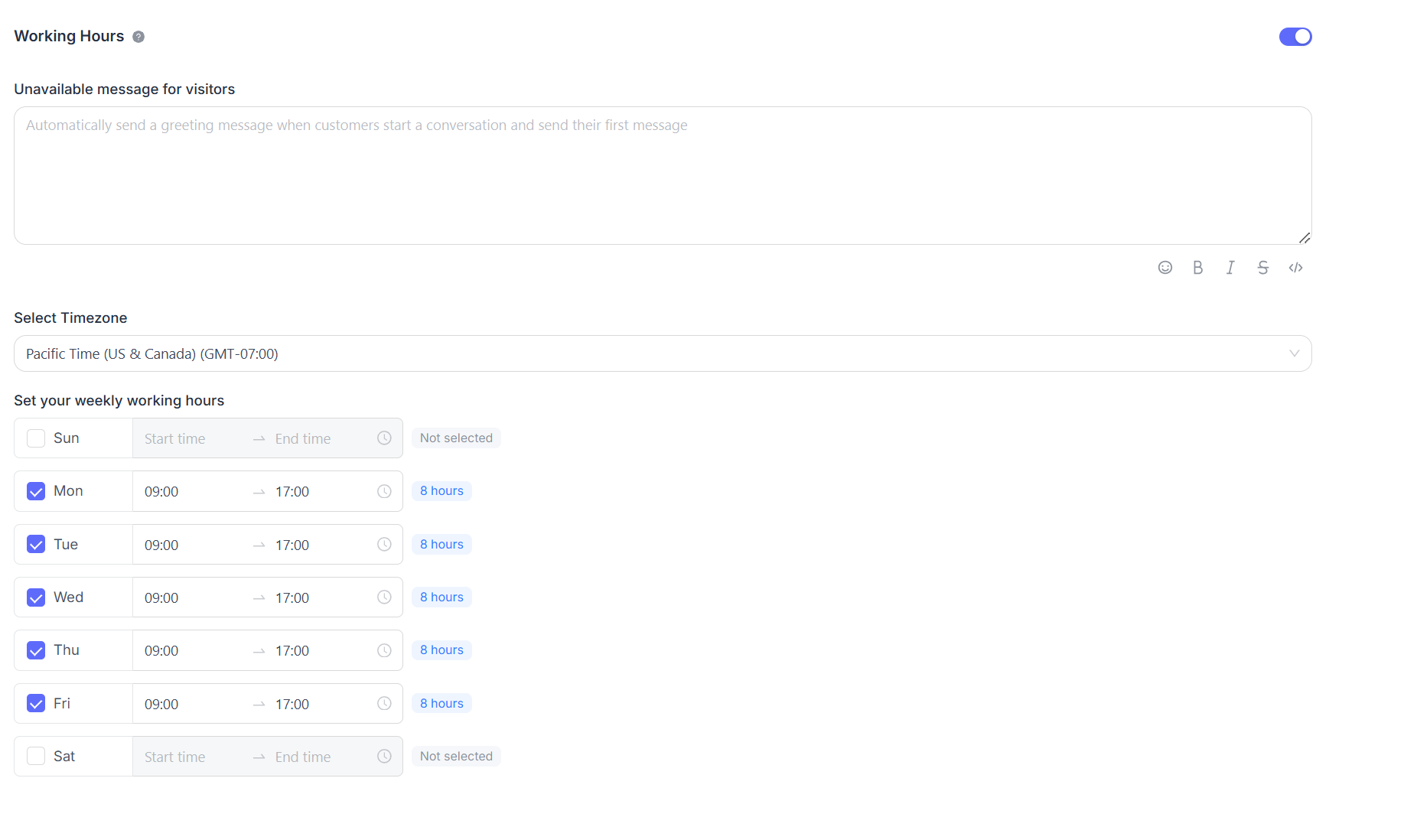
Business Hours
You can set the team's business hours.
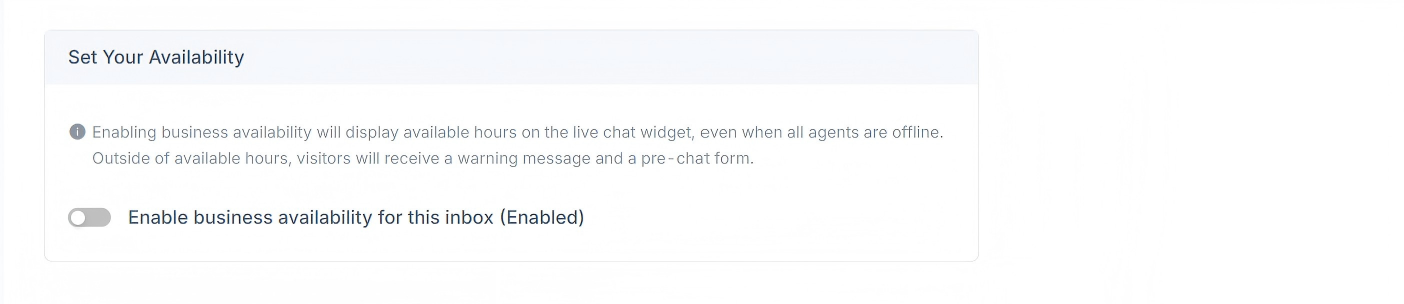
If there are clearly defined business hours, select the "Enable business availability for this inbox (enabled)" checkbox. After selecting this checkbox, the corresponding parameter settings will be displayed below. You can set an unavailable message for visitors during off-hours. You can also set business hour ranges and the corresponding time zone for each day.