Ticket
The Ticket module supports replying to customer messages and performing related editing and modification operations on tickets.
Ticket
Ticket List
Displays a list of received tickets and provides multiple views, including All Views, Team Views, and Ticket Tag Views. Users can customize views as needed.
Tickets: Displayed by category, including All, Unassigned, and Mine.
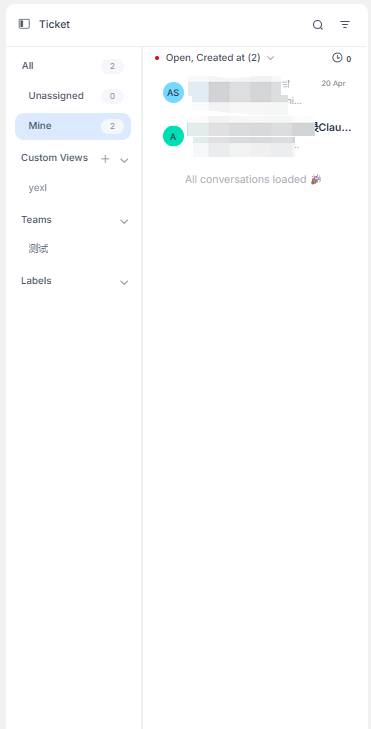
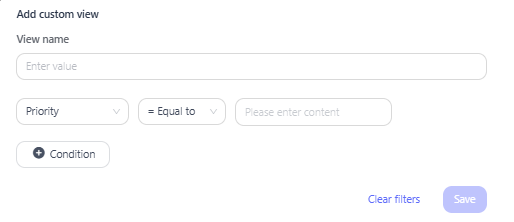
Custom Views: Supports user-defined ticket browsing views. You can set filter conditions to display tickets in the list that match the configured rules. Filtering is supported based on ticket attributes such as identifier, assignee name, and channel name.
Team: Displays tickets across all teams that the current user belongs to.
Inbox: Displays tickets in different inboxes by inbox category.
Tags: Displays tickets under different tags by tag.
Ticket Details
Ticket
Reply: Enter the message content here and click Send. The customer will receive the corresponding message, and the related record will be displayed in the chat interface above. Supports sending emojis, multimedia attachments, recorded audio, and enabling signatures. AI assistance is also provided.
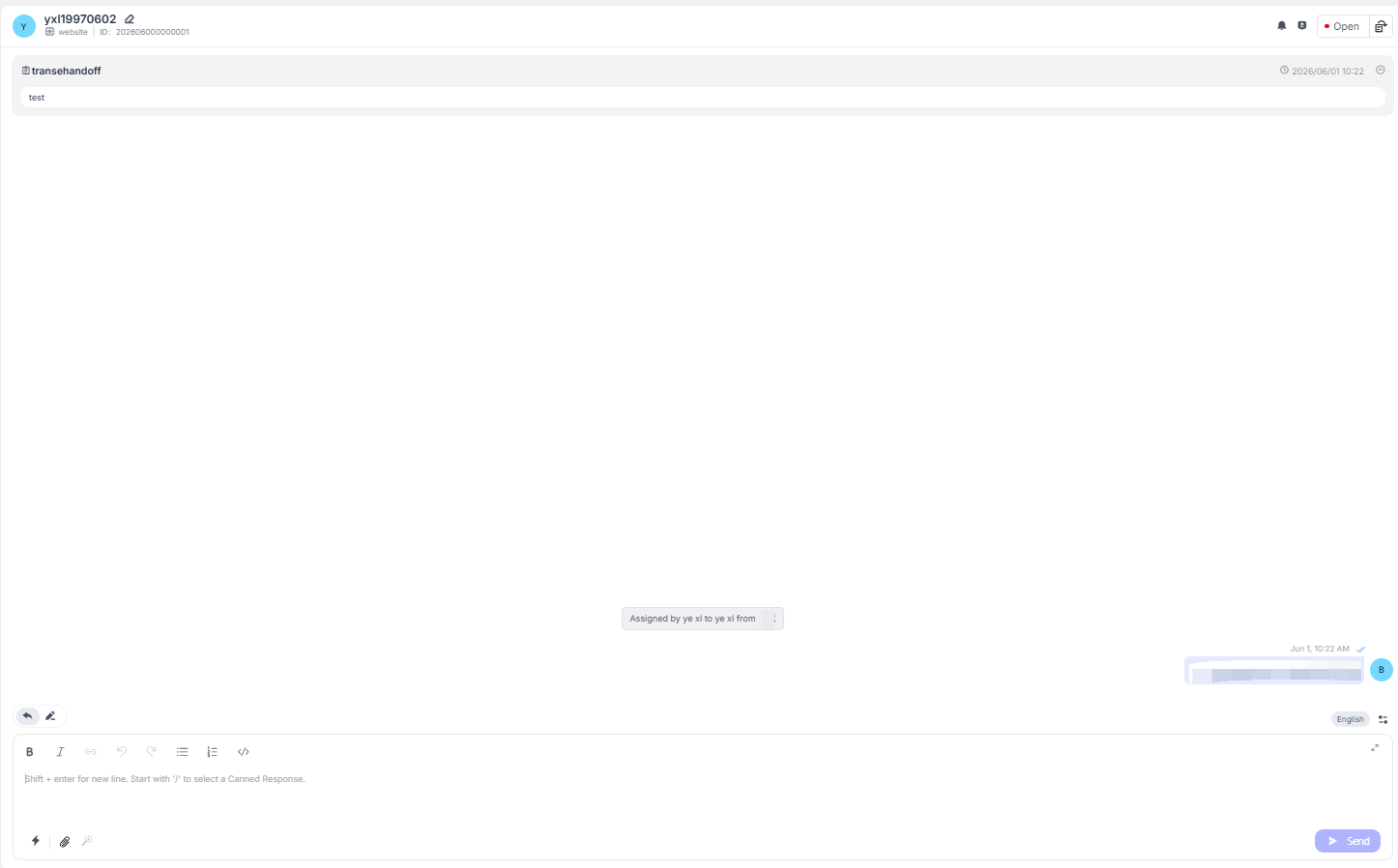
Private Note: Supports adding personal notes to the current conversation, visible only to customer service agents.
Ticket Status: Customer service agents can control the status of the conversation, including "Open," "Closed," and "Snoozed." The snooze time can be set and customized.
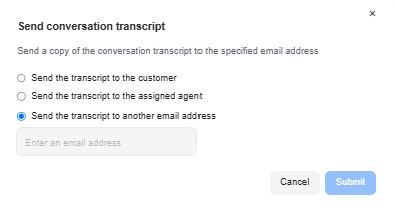
Send Agent Log: You can choose to send the current conversation record to a specified agent or email address.
Related Information
Contact: Displays the customer information associated with the conversation, and related information can be edited and modified.
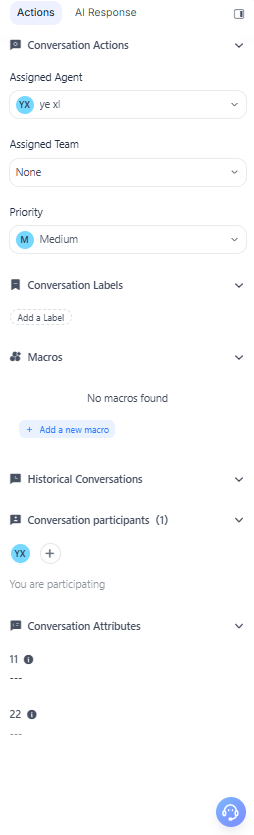
Conversation Actions: Supports viewing and editing the customer service representative, customer service team, and conversation priority assigned to the current conversation. Also provides a tag feature to label the current conversation.
Macros: Supports adding macro files or viewing macros that have already been configured.
Contact Attributes: Displays the contact attributes of the conversation.
Last Conversation: Displays the historical conversations associated with the current contact.
Conversation Participants: Displays the customer service representatives participating in the current ticket and supports editing and adding participants.